Skip to content

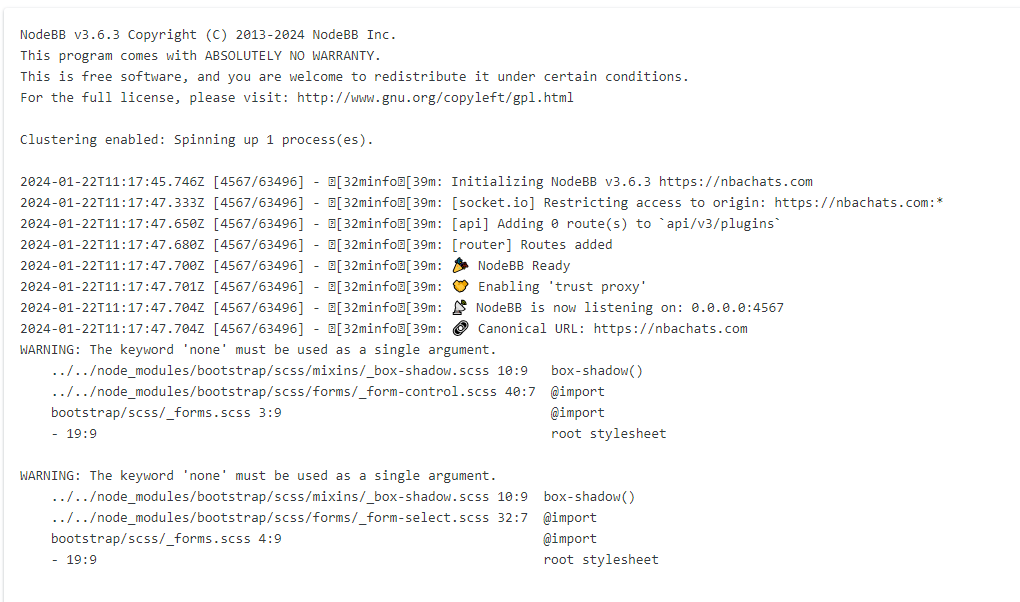
nodebb error logs

Bugs
6 2 1.3k 1

Related Topics
  • NodeBB recent cards customisation

    Solved Customisation nodebb recent cards
    3
    1
    2 Votes
    3 Posts
    766 Views
    @phenomlab thank you very much for the assistance Mark, massively appreciated as always. The great thing about this is it’s all documented for other NodeBB users that come looking for solutions . Looks far better .
  • Nodebb 3.2.0

    Bugs nodebb nodebb 3.2.0
    20
    1
    2 Votes
    20 Posts
    4k Views
    @crazycells yes, I’m aware of that. Need to fix EDIT- fixed. Caused by the same CSS that is used to absolutely position the “verified” group badge in the posts view. Amended this CSS so that is specifically targets the post stream as below li[component="post"] a[href*="/groups/verified"] { position: absolute !important; left: 8px; z-index: 2; margin-top: 1px; border-radius: 999px !important; line-height: 14px; display: block; height: 22px; margin-left: 0px !important; }
  • Header Menu After Upgrading V3.1.1

    Solved Customisation header nodebb
    2
    1
    2 Votes
    2 Posts
    687 Views
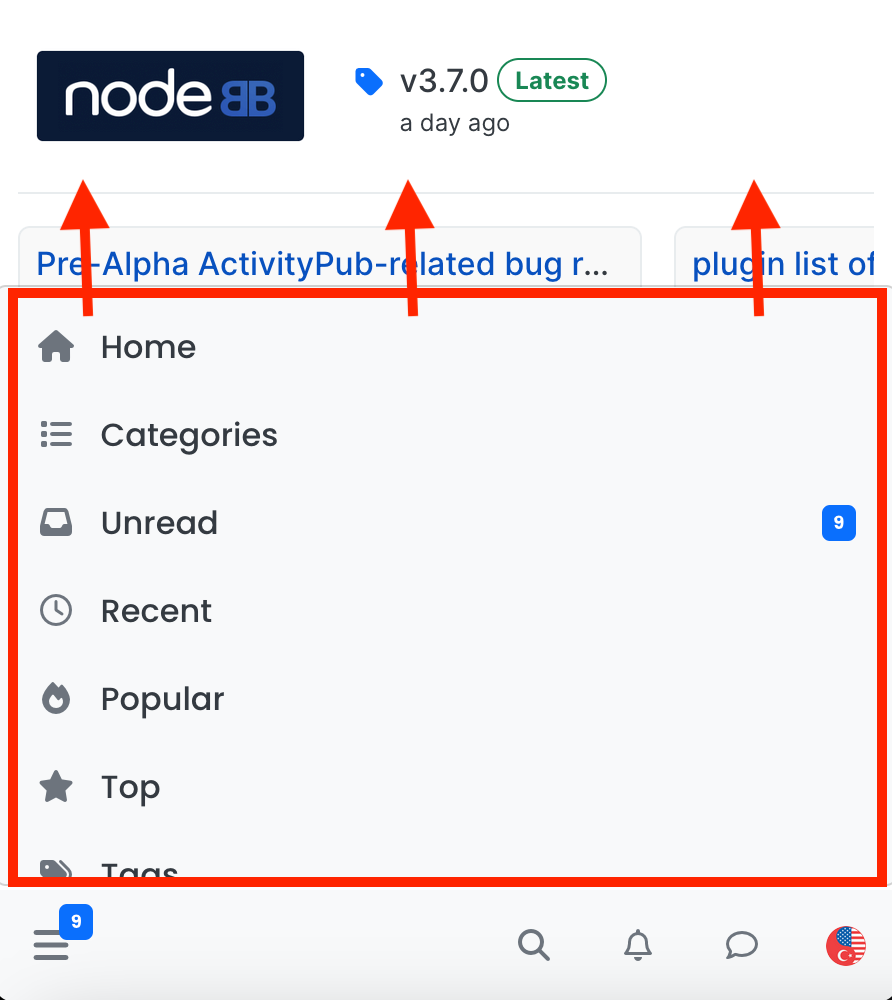
    @cagatay this relates to a change the css classes used for the brand header meaning it will now float to the left instead of right. If you’d like to retain the original behavior, you can add this css class [data-widget-area="brand-header"] { justify-content: end; display: flex; } Further information here https://community.nodebb.org/topic/17090/manual-build-a-custom-header-in-harmony/19?_=1684069325296
  • How to downgrade plugin version on NodeBB

    Solved Customisation downgrade nodebb
    11
    3 Votes
    11 Posts
    2k Views
    @cagatay no problems
  • Fresher in Nodebb install

    General nodebb
    24
    15 Votes
    24 Posts
    6k Views
    @Hari I’ve been reading a lot about APO. Looks impressive.
  • Title on homepage of nodebb forum

    Solved Customisation nodebb
    2
    1 Votes
    2 Posts
    1k Views
    @eveh Welcome board The code you are referring to is custom written as no such functionality exists under NodeBB. However, adding the functionality is relatively trivial. Below are the required steps Navigate to /admin/appearance/customise#custom-header Add the below code to your header, and save once completed <ol id="mainbanner" class="breadcrumb"><li id="addtext">Your Title Goes Here</li></ol> Navigate to /admin/appearance/customise#custom-js and add the below code, then save $(document).ready(function() { $(window).on('action:ajaxify.end', function(data) { // Initialise mainbanner ID, but hide it from view $('#mainbanner').hide(); var pathname = window.location.pathname; if (pathname === "/") { $("#addtext").text("Your Title"); $('#mainbanner').show(); } else {} // If we want to add a title to a sub page, uncomment the below and adjust accordingly //if (pathname === "/yourpath") { //$("#addtext").text("Your Title"); //$('#mainbanner').show(); //} }); }); Navigate to /admin/appearance/customise#custom-css and add the below CSS block .breadcrumb { right: 0; margin-right: auto; text-align: center; background: #0086c4; color: #ffffff; width: 100vw; position: relative; margin-left: -50vw; left: 50%; top: 50px; position: fixed; z-index: 1020; } Note, that you will need to adjust your CSS code to suit your own site / requirements.
  • IRC Server/Client - Chat App with NodeBB

    Linux nodebb irc server client
    6
    1 Votes
    6 Posts
    2k Views
    @Hari not sure from the consumer perspective, but Skype has been all but completely consumed by Microsoft Teams when it comes to business usage.
  • [NodeBB] Import custom Font

    Solved Customisation custom fonts nodebb css
    12
    3 Votes
    12 Posts
    3k Views
    @cagatay you’ll need to define this in the body tag (or another element if you want greater or more granular targets) - for example body { font-family: "Poppins"; font-size: 16px; } Essentially, you use the font-size CSS directive.