Skip to content

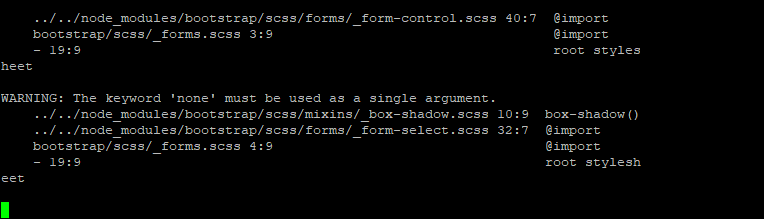
nodebb error logs

Bugs
6 2 1.5k 1

Related Topics
  • 3 Votes
    5 Posts
    1k Views
    @crazycells Agreed. It takes a more sensible approach. Nobody ever upvotes the first post - it’s usually much further down as the conversation progresses.
  • Nodebb 3.2.0

    Bugs nodebb nodebb 3.2.0
    20
    1
    2 Votes
    20 Posts
    5k Views
    @crazycells yes, I’m aware of that. Need to fix EDIT- fixed. Caused by the same CSS that is used to absolutely position the “verified” group badge in the posts view. Amended this CSS so that is specifically targets the post stream as below li[component="post"] a[href*="/groups/verified"] { position: absolute !important; left: 8px; z-index: 2; margin-top: 1px; border-radius: 999px !important; line-height: 14px; display: block; height: 22px; margin-left: 0px !important; }
  • Can you adjust Admin settings on your NodeBB?

    Bugs nodebb
    5
    0 Votes
    5 Posts
    1k Views
    @Panda as, yes, now I understand and that makes 100% sense. It means those who get down voted can still have an opinion and use common services. And yes, you’re right. Rather than down vote, just ignore if you don’t agree.
  • Email validation NodeBB

    Bugs nodebb
    21
    3 Votes
    21 Posts
    6k Views
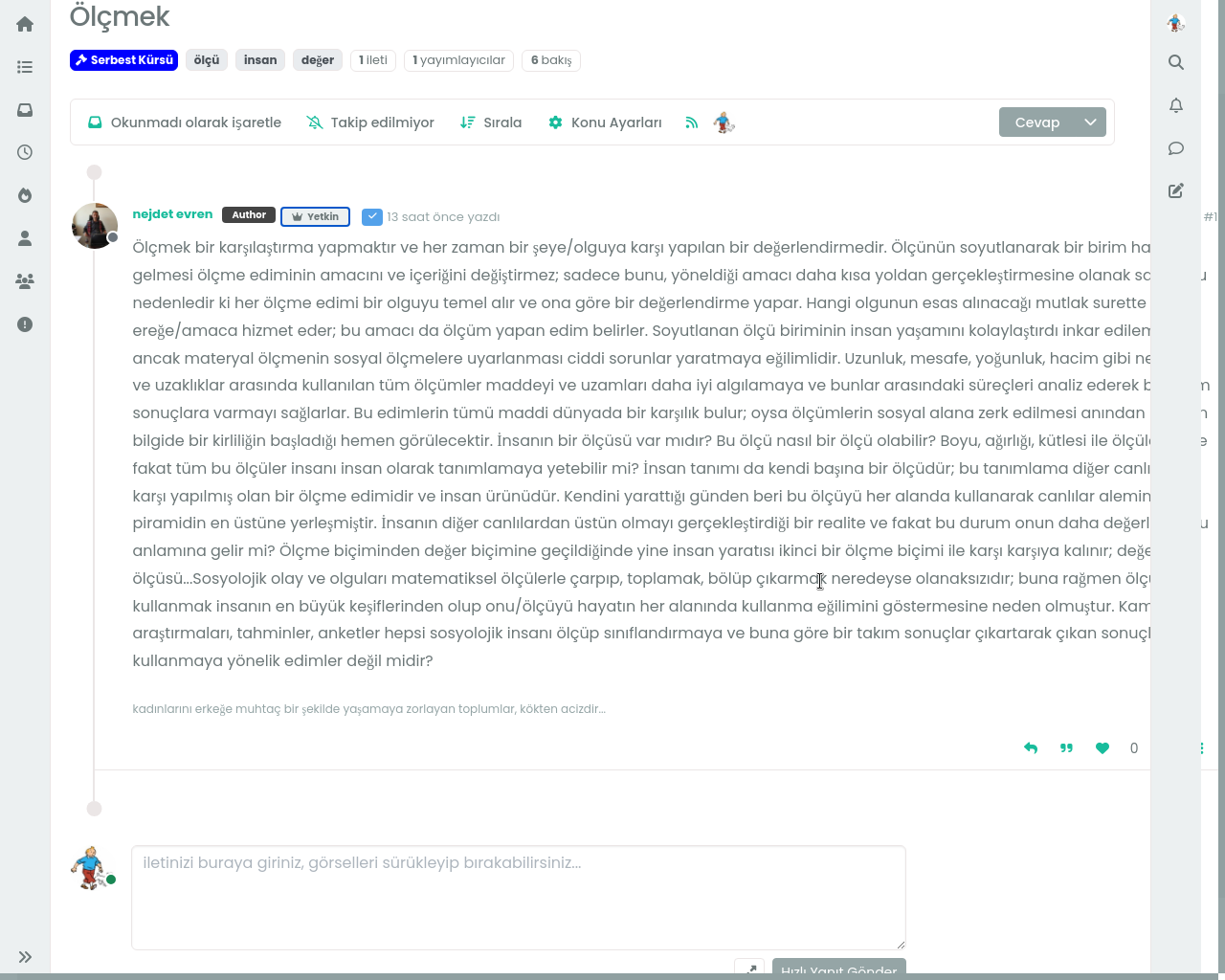
    @Panda said in Email validation NodeBB: Did you configure that as a custom change to the usual quote icon. How do you do that? I notice on NodeBB site its a solid blue quotes Yes, I changed it. NodeBB by default users the free font awesome library whereas I use the pro (paid) version SDK have access to a wider set of icons, and at different thicknesses etc. The change of colour is just simple CSS.
  • NodeBB v3 Android Problem

    Solved Configure nodebb android
    4
    4 Votes
    4 Posts
    1k Views
    thank you fixed.
  • Recent Cards plugin customization

    Solved Customisation nodebb
    21
    1
    13 Votes
    21 Posts
    8k Views
    @pobojmoks that’s easily done by modifying the code provided here so that it targets background rather than border In essence, the below should work $(document).ready(function() { $(window).on('action:ajaxify.end', function(data) { $('.recent-card-container').each(function(i) { var dataId = $(this).attr("data-cid"); var color = $('[role="presentation"]', this).css("background-color"); console.log("data-cid " + dataId + " is " + color); $('[data-cid="' + dataId + '"] .recent-card').attr("style", "background-color: " + color); }); }); });
  • Dark Theme Upper Padding

    Solved Customisation nodebb
    7
    1
    6 Votes
    7 Posts
    2k Views
    @DownPW great! thanks a lot… this code solves my problem.
  • [NODEBB] Welcome Message

    Solved Customisation css html nodebb
    20
    2
    13 Votes
    20 Posts
    6k Views
    @DownPW the ‘js’ code for the banner takes the time from the client, so what it displays really depends on the regional settings for the operating system. I’ve not seen this issue myself but would like to see some examples of screenshots if possible.