Skip to content

Configure

263 Topics 4.6k Posts

Having issues with configuration ?

Subcategories


  • Looking to revamp your site layout?

    131 2k
    131 Topics
    2k Posts
    @DownPW Possibly, but the source files were also missing, and @cagatay has a custom theme developed by me.
  • Problems with performance ?

    21 308
    21 Topics
    308 Posts
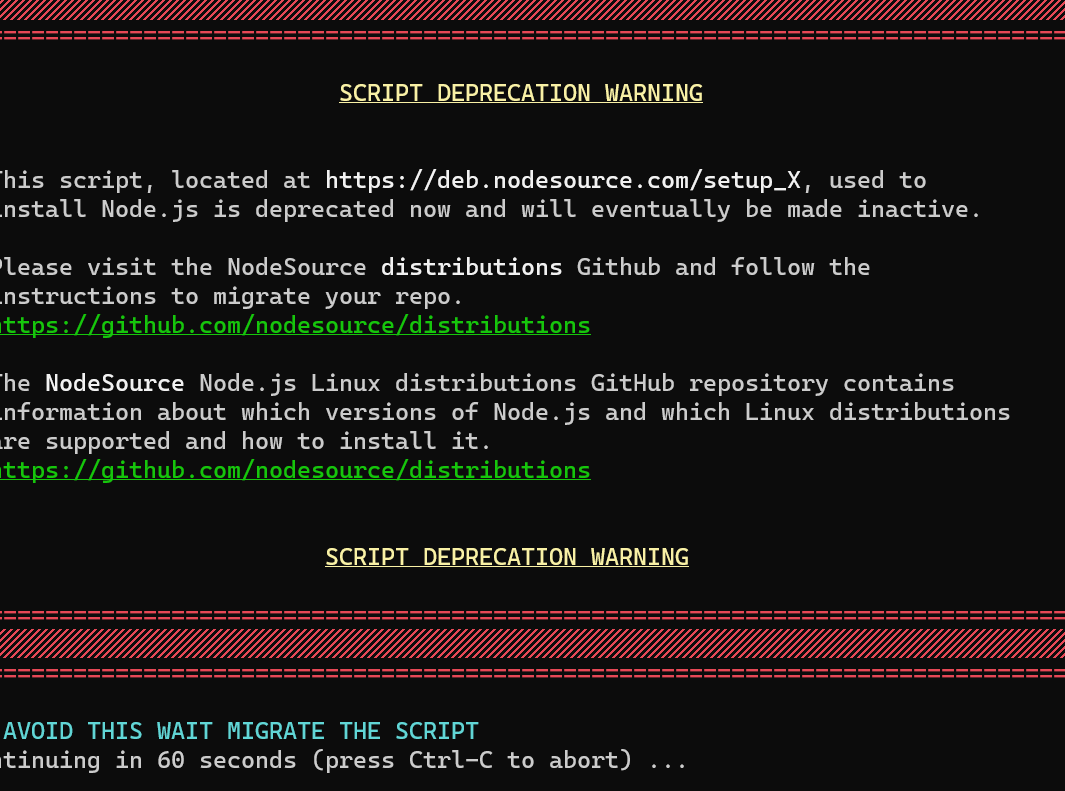
    @cagatay The most reliable way to upgrade Node.js on Ubuntu depends on how you originally installed it. Method 1: Using NVM (Recommended) If you already use Node Version Manager (NVM), upgrading is simple. NVM allows you to keep both versions and switch between them if needed. Install Node 22: nvm install 22 Switch to Node 22: nvm use 22 Set it as your default: nvm alias default 22 Verify the change: node -v Method 2: Using NodeSource (PPA) If you installed Node.js via apt using the NodeSource repository, you need to update the repository script to point to the new version. Remove the old NodeSource list (optional but cleaner): sudo rm /etc/apt/sources.list.d/nodesource.list Download and run the NodeSource setup script for Node 22: curl -fsSL [https://deb.nodesource.com/setup_22.x](https://deb.nodesource.com/setup_22.x) | sudo -E bash - Install/Upgrade Node.js: sudo apt-get install -y nodejs Verify the installation: node -v Method 3: Using the ‘n’ Package If you have npm installed, you can use the n interactive manager. Clear the npm cache: sudo npm cache clean -f Install the ‘n’ helper: sudo npm install -g n Install Node 22: sudo n 22 Update your shell: hash -r Troubleshooting Permission Denied: If you see permission errors using Method 2 or 3, ensure you are using sudo. Path Issues: If node -v still shows version 20 after upgrading via NVM, restart your terminal or run source ~/.bashrc. Conflicts: Avoid mixing these methods. If you switch from apt to nvm, it is best to sudo apt remove nodejs first to avoid path conflicts.
  • Get help with network issues

    6 306
    6 Topics
    306 Posts
    @phenomlab Yes, I updated it right away after I created the password when first setting it up. Then I made my configurations.
  • WP / Woocommerce Mystery

    Solved wordpress
    23
    1
    12 Votes
    23 Posts
    7k Views
    @Panda said in WP / Woocommerce Mystery: Just back to my other question, have you ever used Shopify? It insists on a templating language to use any custom js. Not personally as never had any need, however, I do know that it uses Liquid for JS templating. It’s written in Ruby and is used to generate dynamic content on shop fronts. There’s zero reason as to why it wouldn’t work with data supplied by 3rd party API’s, although WordPress code won’t natively work for obvious reasons, and as such, this code would need to be re-written. The JS part will likely work with minor modification, but not the PHP file in it’s current form.
  • 2 Votes
    11 Posts
    3k Views
    Thanks for your inputs ️
  • Am I deferred from the Google search hub?

    Solved google research
    6
    0 Votes
    6 Posts
    1k Views
    @DownPW Yes, exactly.
  • SSL certificates

    Solved ssl
    4
    2 Votes
    4 Posts
    1k Views
    @Panda Go for shared - don’t look at dedicated
  • Bug in Nodebb route when clicking title

    Moved nodebb
    3
    2 Votes
    3 Posts
    1k Views
    Ah silly me, thanks for finding that!
  • Removing blue 'moved' tag from post

    Solved nodebb
    16
    2
    3 Votes
    16 Posts
    4k Views
    @phenomlab Ah, got it working! I reversed the CSS addition to put z index high, and then I could see another error box saying fork title must be at least 3 characters. So made the new fork title longer and button responded.
  • Composer Zen icon?

    Solved nodebb
    8
    1
    2 Votes
    8 Posts
    2k Views
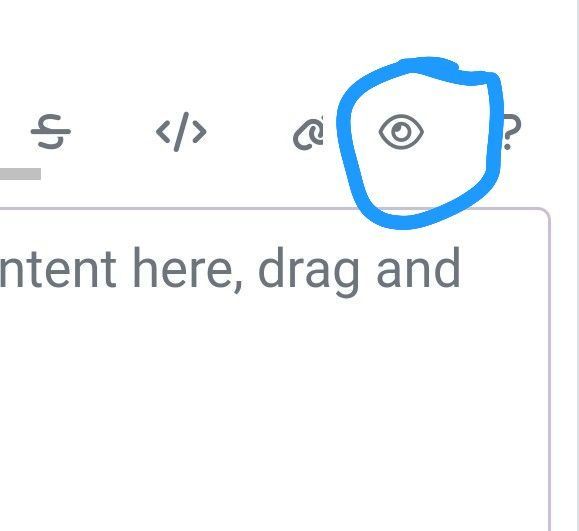
    @DownPW exactly. Not really a new concept, and in all honesty, not something I’ve ever used. If you consider the need to add links and references, or citations, you’d need to be able to see other parts of the screen!
  • Where are widgets stored?

    Solved nodebb
    3
    1 Votes
    3 Posts
    1k Views
    @phenomlab Thanks, have DMed you
  • Composer options on nodebb

    Solved nodebb
    8
    1
    3 Votes
    8 Posts
    2k Views
    @Panda You should be able to expose the CSS for these using F12 to get into console [image: 1686833368846-3591518c-e3a3-4ada-a43c-6b32a5e0359c-image.png] [image: 1686833399483-a2b8ed46-4157-4ff2-85f0-576543380107-image.png] That should then expose the element once selected [image: 1686833431032-89d9c545-a47a-40d1-98f4-80cf3b958e8f-image.png] Here’s the below CSS you need based on the screenshot provided. .composer .formatting-bar .formatting-group li[data-format="picture-o"], .composer .formatting-bar .formatting-group li[data-format="spoiler"] { display: none; }
  • Upgrade to NodeBB v3? 2BB or not 2BB, that is the question!

    Solved nodebb upgrade nodebb
    8
    4 Votes
    8 Posts
    2k Views
    @Panda said in Upgrade to NodeBB v3? 2BB or not 2BB, that is the question!: So although thats a plugin it has Widget like element and stopped working on the Theme change Which is normal based on the widgets being reset when you change themes.
  • Email set up on OVH Cloud

    Solved email
    21
    1 Votes
    21 Posts
    6k Views
    @mventures that’s not an issue provided there is a password to go with the username
  • Smart Widgets

    Solved nodebb
    9
    3 Votes
    9 Posts
    2k Views
    @Panda said in Smart Widgets: So why is that, or conversely why would the function to expose username ever be required, as it seems app.user is already an available global object? It is, yes, but not if you are using it outside of a widget. The function I wrote is also historical and comes from the 2.x train
  • Further Widgets question

    Solved nodebb
    4
    1
    1 Votes
    4 Posts
    1k Views
    @Panda category is for a category in its own, so for example, “fruit” whereas categories is the page that contains all categories as a list.
  • Side Bar

    Solved boxing up side bar
    20
    1
    1 Votes
    20 Posts
    2k Views
    yeap i see now
  • NodeBB v3 Quick reply

    Solved quick reply button
    4
    1
    2 Votes
    4 Posts
    1k Views
    here is the link: https://app.transifex.com/nodebb/nodebb/translate/#tr
  • NodeBB v3 Android Problem

    Solved nodebb android
    4
    4 Votes
    4 Posts
    1k Views
    thank you fixed.
  • NodeBB: hCaptcha

    Solved hcaptcha
    15
    2 Votes
    15 Posts
    3k Views
    @mventures none that I know of. I don’t recall selecting these either for mine.
  • node vs nodejs confusion?

    Solved node nodejs
    2
    1 Votes
    2 Posts
    1k Views
    @eeeee have a look at the below https://docs.nodebb.org/installing/os/ubuntu/ curl -sL https://deb.nodesource.com/setup_lts.x | sudo -E bash - sudo apt-get install -y nodejs You’ll notice that we are in fact “installing” NodeJS but never actually have a need to reference it. Here’s the nodejs --version command on my dev system [image: 1681584648061-6eb1482e-0c9b-454d-aa84-199bcc845702-image.png] More detail here https://askubuntu.com/questions/1030622/why-do-i-see-different-versions-of-node-and-nodejs
  • NodeBB: Consent page

    Solved nodebb consent
    16
    4 Votes
    16 Posts
    5k Views
    @DownPW I still do not see any issues.
  • NodeBB: updating Admin details not working

    Solved nodebb admin
    17
    3 Votes
    17 Posts
    4k Views
    @mventures Ok. No issues