Upgrade to NodeBB v3? 2BB or not 2BB, that is the question!
-
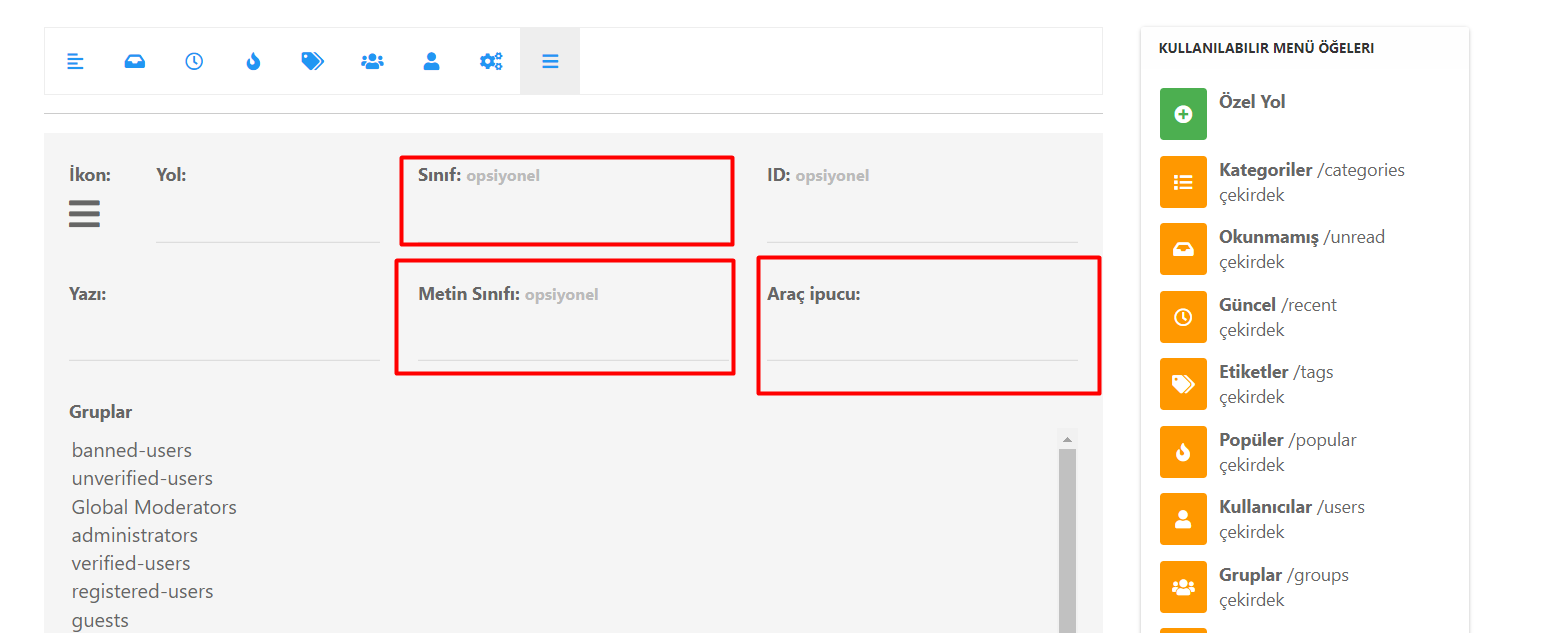
I upgraded to NodeBB v3 this week and have to be honest, so far haven’t notice much difference, except for some new problems in Admin panel sidebar!
I actually wondered after, if I’d done it too soon and should have waited!I see people writing there are big changes. NodeBB team the v3 release post said there were too many improvements to list.
So now I’ve done it I would like to know reasons why it was worth doing
@phenomlab You wrote on the NodeBB forum ‘this upgrade is revolutionary. I’ve been playing with replicated (and really stale) data for so long’
Can you explain what this means? What has changed in relation to ‘stale data’?
Specifically what does the term replicated data mean, and what is different now? -
 undefined Panda has marked this topic as solved on
-
I upgraded to NodeBB v3 this week and have to be honest, so far haven’t notice much difference, except for some new problems in Admin panel sidebar!
I actually wondered after, if I’d done it too soon and should have waited!I see people writing there are big changes. NodeBB team the v3 release post said there were too many improvements to list.
So now I’ve done it I would like to know reasons why it was worth doing@phenomlab You wrote on the NodeBB forum ‘this upgrade is revolutionary. I’ve been playing with replicated (and really stale) data for so long’
Can you explain what this means? What has changed in relation to ‘stale data’?
Specifically what does the term replicated data mean, and what is different now?@Panda said in Upgrade to NodeBB v3? 2BB or not 2BB, that is the question!:
You wrote on the NodeBB forum ‘this upgrade is revolutionary. I’ve been playing with replicated (and really stale) data for so long’
Can you explain what this means? What has changed in relation to ‘stale data’?
Specifically what does the term replicated data mean, and what is different now?That statement about being revolutionary is factual in the sense that the 2.x train of NodeBB used
bootstrap v3whereas the V3 train usesbootstrap v5. This isn’t feature creep - it’s a major change, and whilst not all functionality is obvious to the end user, the changes required under the bonnet are huge - almost a rewrite. The revolutionary part refers to the ability to extend the core even further than was possible before.My reference to replicated data meant I had taken a copy of the production database and upgraded my development environment based on that. The comment about stale data is in relation to an older copy of a production database which of course was not synchronised with the live version (which at the time was still running v2). Playing with stale data of course doesn’t give you a true picture of what your forum will look like unless you regularly refresh the development database.
In short, the difference between the two versions of NodeBB is huge. You only need to look at the
githubcommit log to see how much time and effort has gone into the V3 release.Lastly, you say you can’t see any difference - are you using Persona still, or Harmony ? The former is being sunset, so harmony is where all of the changes are taking place, which might be the source of confusion.
-
Ah, will try changing Theme to Harmony!
Edit: Thats fixed my problems with Admin sidebar! -
Just done it, can see many changes!
However, my newly created custom widget doesnt show now.
How about the unline Users pluggin, will that need reinstalling or should it carry over? -
Just done it, can see many changes!
However, my newly created custom widget doesnt show now.
How about the unline Users pluggin, will that need reinstalling or should it carry over?@Panda when you change themes, the widget positions are all reset. You just need to put them back to where you’d like them.
-
Just done it, can see many changes!
However, my newly created custom widget doesnt show now.
How about the unline Users pluggin, will that need reinstalling or should it carry over?@Panda said in Upgrade to NodeBB v3? 2BB or not 2BB, that is the question!:
How about the unline Users pluggin, will that need reinstalling or should it carry over?
Plugins aren’t uninstalled unless you actually remove them, so no issues there.
Mark Cutting also advises organisations as a Fractional CIO, Fractional CISO and Executive Advisor, helping boards improve technology governance, cyber resilience and executive decision making. Learn more at Gratmore Ltd
-
@Panda said in Upgrade to NodeBB v3? 2BB or not 2BB, that is the question!:
How about the unline Users pluggin, will that need reinstalling or should it carry over?
Plugins aren’t uninstalled unless you actually remove them, so no issues there.
@phenomlab yes my new Widget wasnt working but it had moved to ‘Draft Zone’ !
And the Online Users HTML had moved to Draft too. So although thats a plugin it has Widget like element and stopped working on the Theme change -
@phenomlab yes my new Widget wasnt working but it had moved to ‘Draft Zone’ !
And the Online Users HTML had moved to Draft too. So although thats a plugin it has Widget like element and stopped working on the Theme change@Panda said in Upgrade to NodeBB v3? 2BB or not 2BB, that is the question!:
So although thats a plugin it has Widget like element and stopped working on the Theme change
Which is normal based on the widgets being reset when you change themes.

Hello! It looks like you're interested in this conversation, but you don't have an account yet.
Getting fed up of having to scroll through the same posts each visit? When you register for an account, you'll always come back to exactly where you were before, and choose to be notified of new replies (either via email, or push notification). You'll also be able to save bookmarks and upvote posts to show your appreciation to other community members.
With your input, this post could be even better 💗
Register LoginDid this solution help you?
Related Topics
-
-
-
NodeBB: Consent page
Solved Configure -
-
-
-
-