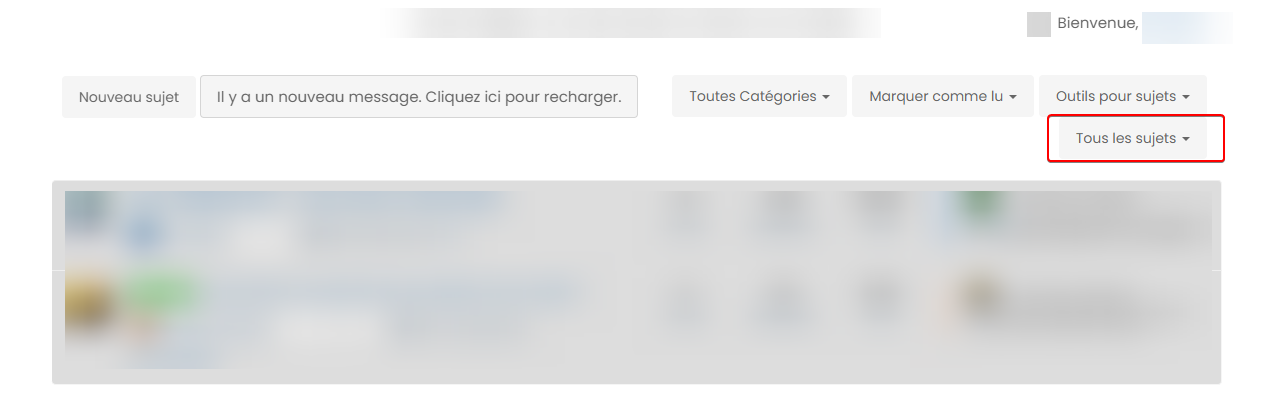
[NODEBB] CSS Style Sheets SelectBox
-
yes I have test that too

PW and WS Spirit alive
-
@downpw Odd. This is what I see.
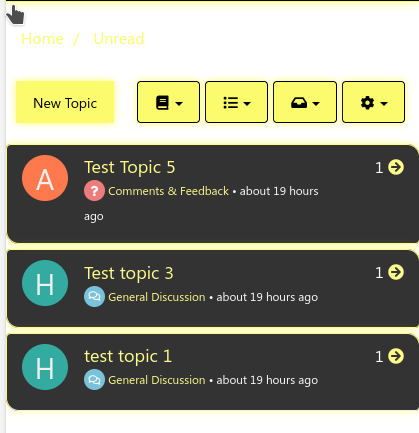
Then, from your
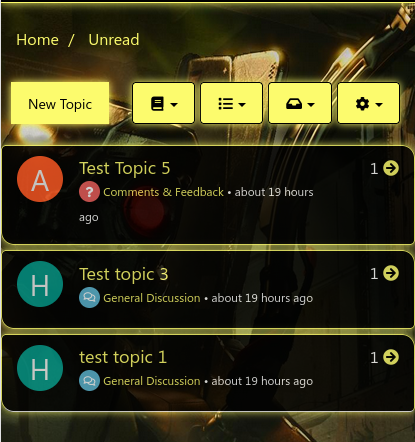
bodyclass, I changebackground-color: whitetobackground-color: transparent;So the CSS now look like
body {
    font-family: -apple-system,BlinkMacSystemFont,"Segoe UI","Helvetica Neue",Helvetica,Arial,sans-serif,"Apple Color Emoji","Segoe UI Emoji","Segoe UI Symbol";
    font-size: 14px;
    line-height: 1.42857143;
    color: white;
    background-color: transparent;
}
And the image displays
-
how and where do you do that ?
PW and WS Spirit alive
-
@downpw By altering the CSS in the DOM directly. F12, then “inspect”, select element, and change
This is what I see
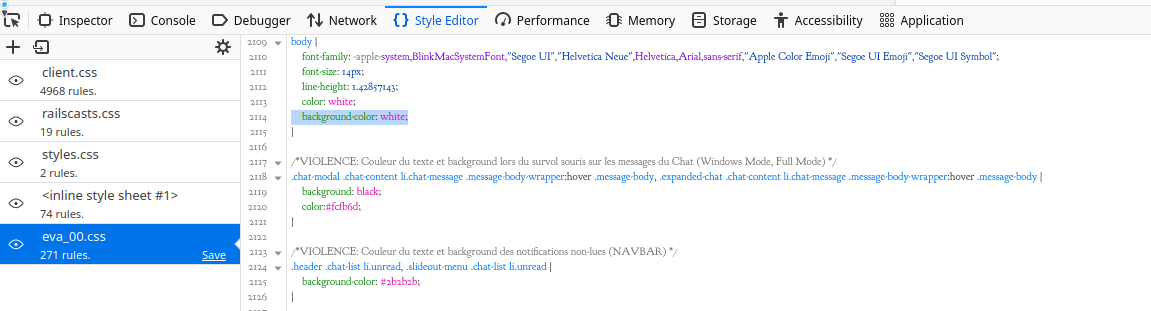
Can you change the
background-color: white;ineva_00.csstobackground-color: transparent;and let me know when done ?Actually, you can probably remove it altogether ?
-
yes it’s that.
I must change on all CSS filePW and WS Spirit alive
-
@downpw Yep. Or, you can just remove that line in each file.
-
Ok great my Lord

-
PW and WS Spirit alive
-
@downpw Yes, you’ll need to be more specific with the target so it doesn’t cause issues elsewhere.
-
havve you got an idea ?
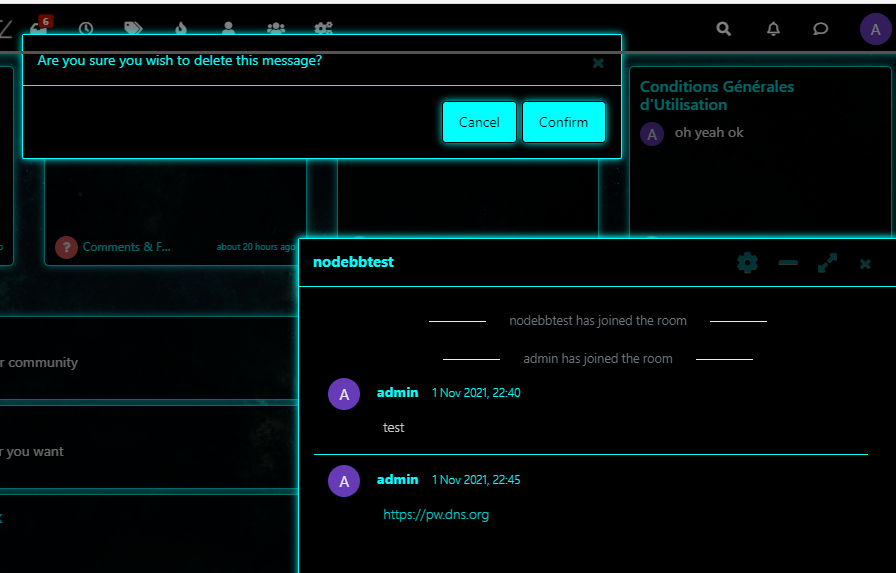
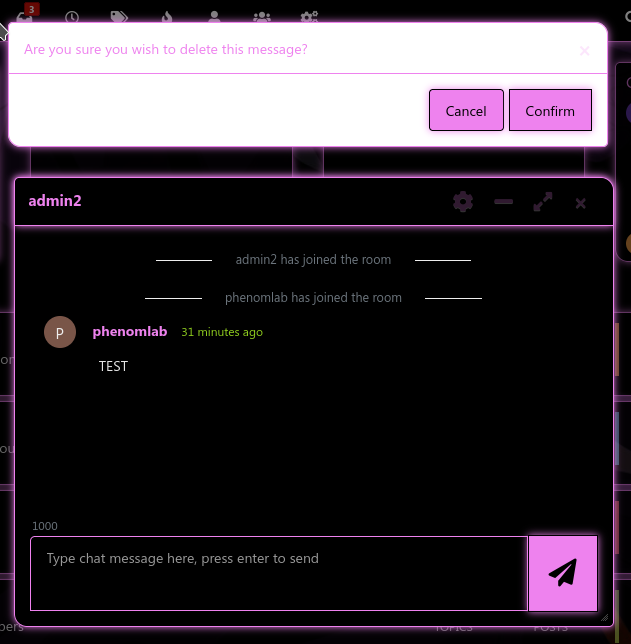
.modal-body doesn’t work, tranparency is here
PW and WS Spirit alive
-
@downpw Yes, but let’s first fix the wallpapers

-
@downpw said in [NODEBB] CSS Style Sheets SelectBox:
.modal-body doesn’t work, tranparency is here
This should work
.modal-content { background: #fff; } -
-
Mark Cutting also advises organisations as a Fractional CIO, Fractional CISO and Executive Advisor, helping boards improve technology governance, cyber resilience and executive decision making. Learn more at Gratmore Ltd
-
-
@phenomlab
That works SirSuper hero you are^^
@downpw Great ! Can we get the wallpapers fixed now also ? Would be good to see everything working.
-
I have fix all files.
You can test it if you wantPW and WS Spirit alive
-
I have fix all files.
You can test it if you want@downpw doesn’t seem to be working ?
Mark Cutting also advises organisations as a Fractional CIO, Fractional CISO and Executive Advisor, helping boards improve technology governance, cyber resilience and executive decision making. Learn more at Gratmore Ltd
-
@phenomlab said in [NODEBB] CSS Style Sheets SelectBox:
@downpw doesn’t seem to be working ?
It seems to work on my mobile. Maybe your cache ?
PW and WS Spirit alive
-
@phenomlab said in [NODEBB] CSS Style Sheets SelectBox:
@downpw doesn’t seem to be working ?
It seems to work on my mobile. Maybe your cache ?
@downpw probably. Let me try again
EDIT - All good in incognito session


Hello! It looks like you're interested in this conversation, but you don't have an account yet.
Getting fed up of having to scroll through the same posts each visit? When you register for an account, you'll always come back to exactly where you were before, and choose to be notified of new replies (either via email, or push notification). You'll also be able to save bookmarks and upvote posts to show your appreciation to other community members.
With your input, this post could be even better 💗
Register LoginDid this solution help you?
Related Topics
-
-
-
-
-
-
-
Bug Navbar CSS
Solved Customisation -