Skip to content
  • How to fix header side as boxed

    Solved Customisation header boxed sudonix nodebb
    10
    1
    6 Votes
    10 Posts
    2k Views
    @phenomlab yes it caused a problem for mobile users. thank you for helping …
  • NodeBB inline videoplayer

    Solved Customisation nodebb
    12
    3 Votes
    12 Posts
    3k Views
    @phenomlab YAY! It works Thanks so much
  • Rotating homepage icons, gifs?

    Solved Configure nodebb
    2
    3 Votes
    2 Posts
    842 Views
    @eveh It’s not a GIF, no. It’s actually a webp file so made much smaller, and uses keyframes to control the rotation on hover. You can easily make your own though The CSS for that is as below @keyframes rotate180 { from { transform: rotate(0deg); } to { transform: rotate(180deg); } } @keyframes rotate0 { from { transform: rotate(180deg); } to { transform: rotate(0deg); } } Your milage may vary on the CSS below, as it’s custom for Sudonix, but this is the class that is used to control the rotate .header .forum-logo, img.forum-logo.head { max-height: 50px; width: auto; height: 30px; margin-top: 9px; max-width: 150px; min-width: 32px; display: inline-block; animation-name: rotate180, rotate0; animation-duration: 1000ms; animation-delay: 0s, 1000ms; animation-iteration-count: 1; animation-timing-function: linear; transition: transform 1000ms ease-in-out; }
  • Adding fileWrite to nodebb code

    Solved Configure nodebb
    16
    1
    5 Votes
    16 Posts
    3k Views
    @eveh this might be a question for the NodeBB Devs themselves. In all honesty, I’m not entirely sure without having to research this myself.
  • Title on homepage of nodebb forum

    Solved Customisation nodebb
    2
    1 Votes
    2 Posts
    1k Views
    @eveh Welcome board The code you are referring to is custom written as no such functionality exists under NodeBB. However, adding the functionality is relatively trivial. Below are the required steps Navigate to /admin/appearance/customise#custom-header Add the below code to your header, and save once completed <ol id="mainbanner" class="breadcrumb"><li id="addtext">Your Title Goes Here</li></ol> Navigate to /admin/appearance/customise#custom-js and add the below code, then save $(document).ready(function() { $(window).on('action:ajaxify.end', function(data) { // Initialise mainbanner ID, but hide it from view $('#mainbanner').hide(); var pathname = window.location.pathname; if (pathname === "/") { $("#addtext").text("Your Title"); $('#mainbanner').show(); } else {} // If we want to add a title to a sub page, uncomment the below and adjust accordingly //if (pathname === "/yourpath") { //$("#addtext").text("Your Title"); //$('#mainbanner').show(); //} }); }); Navigate to /admin/appearance/customise#custom-css and add the below CSS block .breadcrumb { right: 0; margin-right: auto; text-align: center; background: #0086c4; color: #ffffff; width: 100vw; position: relative; margin-left: -50vw; left: 50%; top: 50px; position: fixed; z-index: 1020; } Note, that you will need to adjust your CSS code to suit your own site / requirements.
  • Plugin reaction Bug

    Solved Customisation plugin nodebb reaction
    15
    1
    0 Votes
    15 Posts
    3k Views
    @DownPW That was going to be my next suggestion
  • Error install plugin

    Solved Customisation plugin nodebb
    8
    1
    1 Votes
    8 Posts
    4k Views
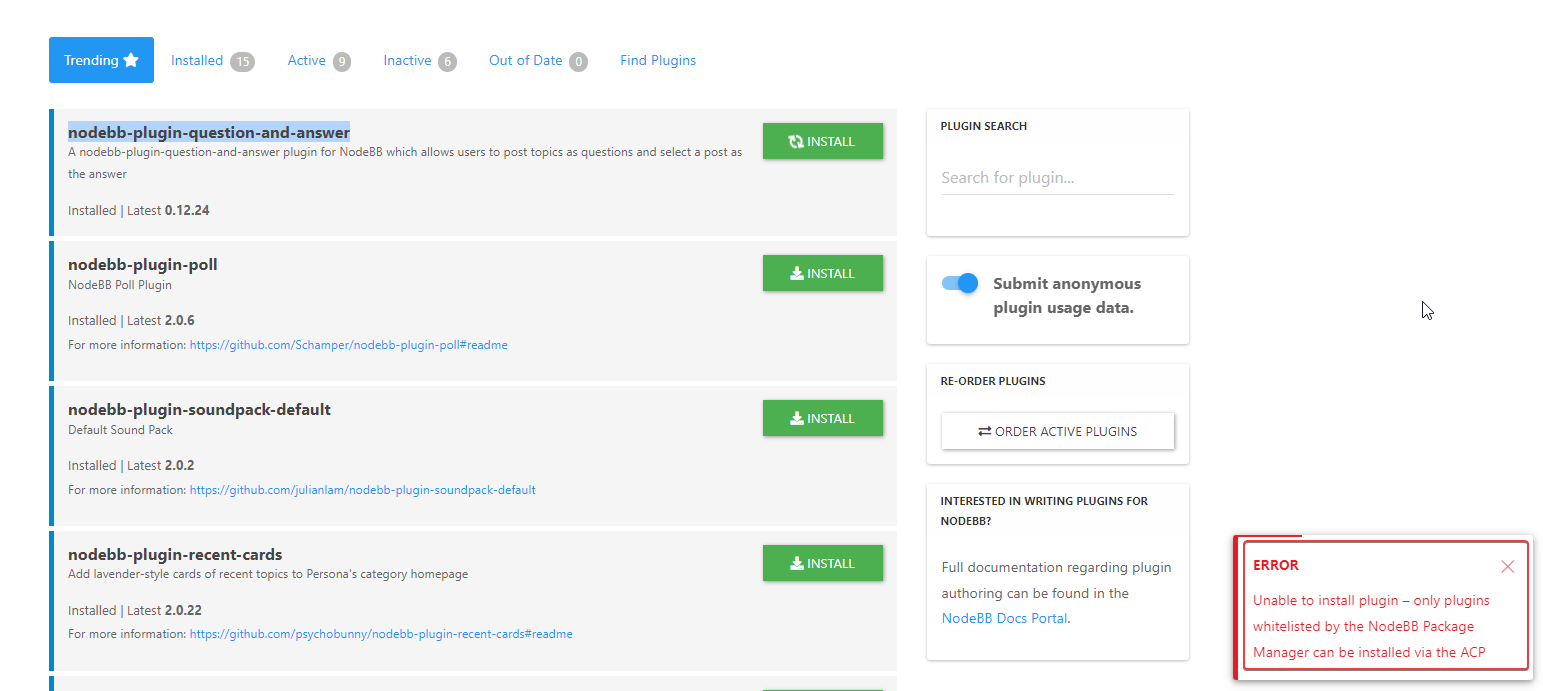
    @pobojmoks Not WP plugin but nodeBB but it a known bug
  • Blinking text Effect

    Customisation nodebb text effect css
    3
    5 Votes
    3 Posts
    1k Views
    @phenomlab I love it too @phenomlab said in Blinking text Effect: Has that “broken neon light” look that you see in films. It’s exactly that, kind of old neon signs of bar or pubs a bit cyberpunk too
  • Link vs Refresh

    Solved Customisation nodebb blog customization
    20
    2
    8 Votes
    20 Posts
    4k Views
    @pobojmoks Do you see any errors being reported in the console ? At first guess (without seeing the actual code or the site itself), I’d say that this is AJAX callback related
  • fading in /tags page

    Solved Customisation nodebb
    32
    1
    30 Votes
    32 Posts
    8k Views
    Fix working perfectly
  • Bootstrap Version

    Solved Customisation nodebb bootstrap
    8
    5 Votes
    8 Posts
    2k Views
    @phenomlab That will be nice once they have completed that. It will be interesting to see how long that takes. So for now I will use custom css to make it look the way I want. Frameworks just make things a little faster. Thanks @phenomlab
  • what does sound/mute button do?

    Solved Customisation nodebb
    20
    1
    9 Votes
    20 Posts
    4k Views
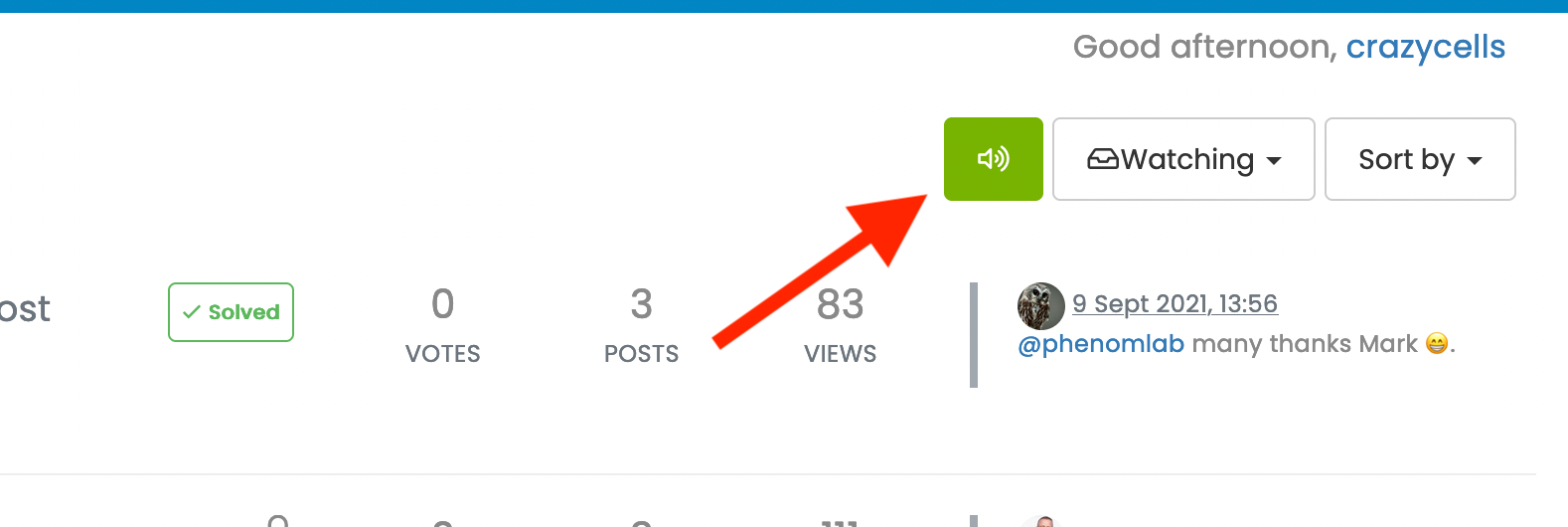
    @crazycells Yeah, looking at the plugin itself, that’s a hard coded limit [image: 1653494282106-3d6dbc10-185b-4102-9470-0c2731a10750-image.png] I’ll probably remove that… eventually…
  • 0 Votes
    5 Posts
    1k Views
    @qwinter this particular site uses the code I wrote if you want to see it in action. It’s a information and intelligence gatherer I designed for collecting various information security articles from around the globe and consolidating them in one place. Essentially, each “post” is in fact generated by the script, and the NodeBB API. https://hostrisk.com/
  • ineffecient use of space on mobile

    Solved Customisation nodebb
    10
    2
    7 Votes
    10 Posts
    2k Views
    @phenomlab Thanks
  • Recent Cards plugin customization

    Solved Customisation nodebb
    21
    1
    13 Votes
    21 Posts
    8k Views
    @pobojmoks that’s easily done by modifying the code provided here so that it targets background rather than border In essence, the below should work $(document).ready(function() { $(window).on('action:ajaxify.end', function(data) { $('.recent-card-container').each(function(i) { var dataId = $(this).attr("data-cid"); var color = $('[role="presentation"]', this).css("background-color"); console.log("data-cid " + dataId + " is " + color); $('[data-cid="' + dataId + '"] .recent-card').attr("style", "background-color: " + color); }); }); });
  • Detect if user is admin

    General nodebb javascript code
    2
    0 Votes
    2 Posts
    1k Views
    @pwsincd I think you can use userData.isAdmin = isAdmin; if I’m not mistaken - see https://community.nodebb.org/topic/15128/how-to-hide-whitelist-user-field-only-to-owner-or-admin?_=1648802303112 for an example
  • Fontawesome 5

    Unsolved Customisation fonts css nodebb
    14
    1 Votes
    14 Posts
    3k Views
    @pwsincd hi. Just following up on this thread (I know it’s old) but was curious to understand if it’s still an issue or not ?
  • [NodeBB] greeting message

    Solved Customisation css nodebb javascript
    2
    1
    3 Votes
    2 Posts
    1k Views
    @pwsincd welcome to sudonix, and thanks for the comments. What your looking for is here https://sudonix.com/topic/195/nodebb-welcome-message/3?_=1648295651358
  • is "night mode" shifting the forum several pixels up?

    Solved Configure nodebb
    8
    4 Votes
    8 Posts
    2k Views
    @crazycells hmm. Good point. I actually use my own version of the dark mode plugin, so not entirely sure. However, I think the CSS is probably the same. I’m not at my PC currently but can check and advise later.
  • background color of the footer area

    Solved Customisation nodebb
    7
    1
    7 Votes
    7 Posts
    2k Views
    @phenomlab thank you very much