-
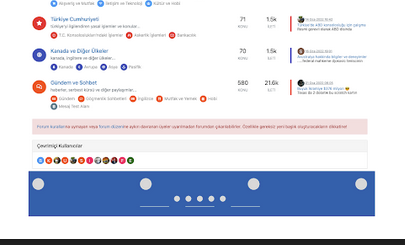
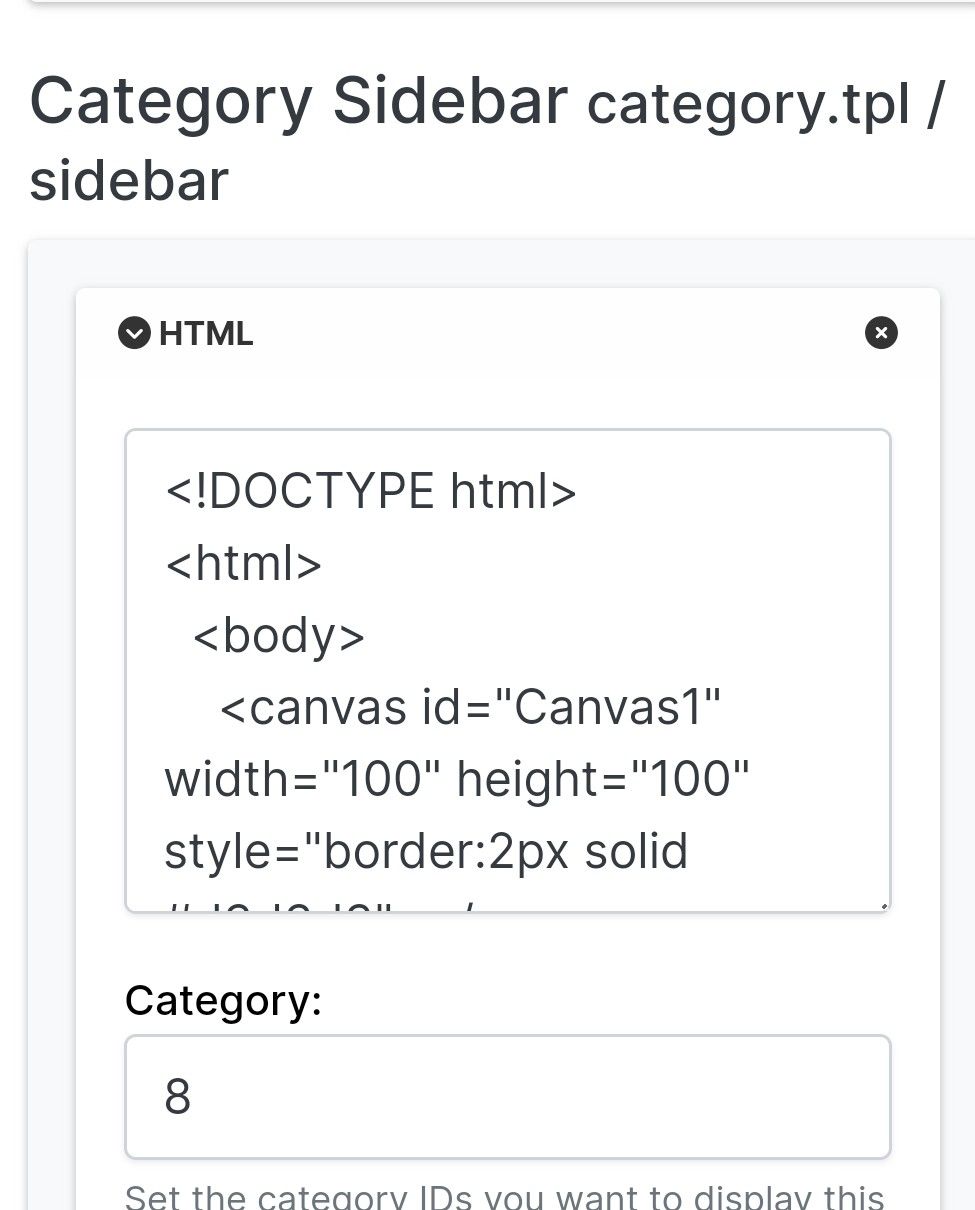
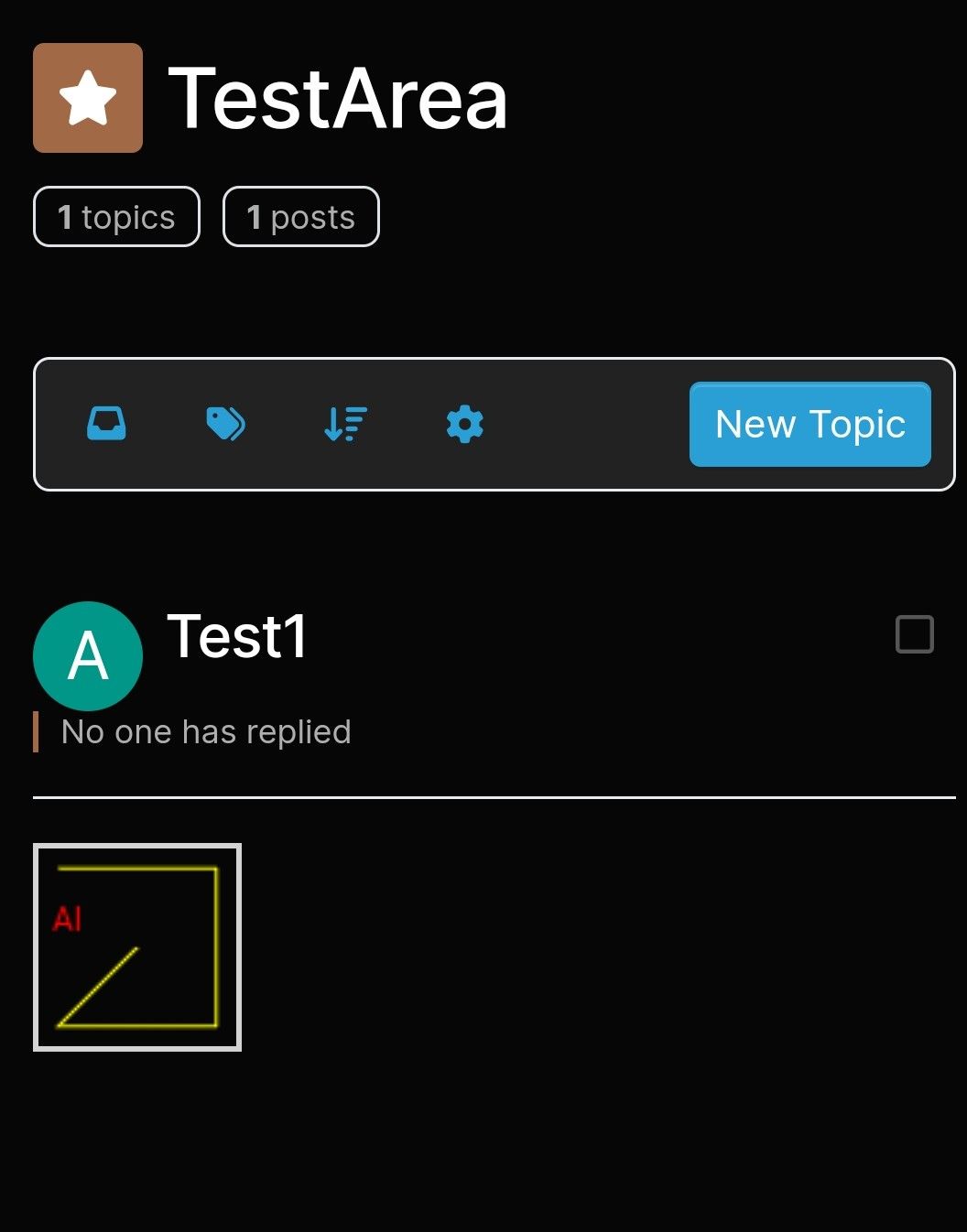
Forum upgraded to v3.2 and a sidebar widget (a canvas box drawing) now appears at the bottm, not the side.
Any idea why?
-
Ah, so sidebar wont work on mobile?
What do you mean ‘change the category’ based on this?
Do you mean, for example, put it in Header instead?@Panda said in Sidebar Widget is no longer on the side!:
Ah, so sidebar wont work on mobile?
Correct. If you review the docs on bootstrap, you’ll notice that it is designed on a grid system
https://getbootstrap.com/docs/5.0/layout/grid/
What I mean by changing the category is moving it on here to general as you posted it in bugs, when it isn’t.
-
Forum upgraded to v3.2 and a sidebar widget (a canvas box drawing) now appears at the bottm, not the side.
Any idea why?
@Panda It is on the right on desktop - see below

It’ll float down into the next row on a mobile device because of the viewport size, which is default bootstrap behaviour - not a bug. I’ll change the category based on this.
-
 undefined phenomlab moved this topic from Bugs on
-
Ah, so sidebar wont work on mobile?
What do you mean ‘change the category’ based on this?
Do you mean, for example, put it in Header instead? -
Ah, so sidebar wont work on mobile?
What do you mean ‘change the category’ based on this?
Do you mean, for example, put it in Header instead?@Panda said in Sidebar Widget is no longer on the side!:
Ah, so sidebar wont work on mobile?
Correct. If you review the docs on bootstrap, you’ll notice that it is designed on a grid system
https://getbootstrap.com/docs/5.0/layout/grid/
What I mean by changing the category is moving it on here to general as you posted it in bugs, when it isn’t.

Hello! It looks like you're interested in this conversation, but you don't have an account yet.
Getting fed up of having to scroll through the same posts each visit? When you register for an account, you'll always come back to exactly where you were before, and choose to be notified of new replies (either via email, or push notification). You'll also be able to save bookmarks and upvote posts to show your appreciation to other community members.
With your input, this post could be even better 💗
Register Login