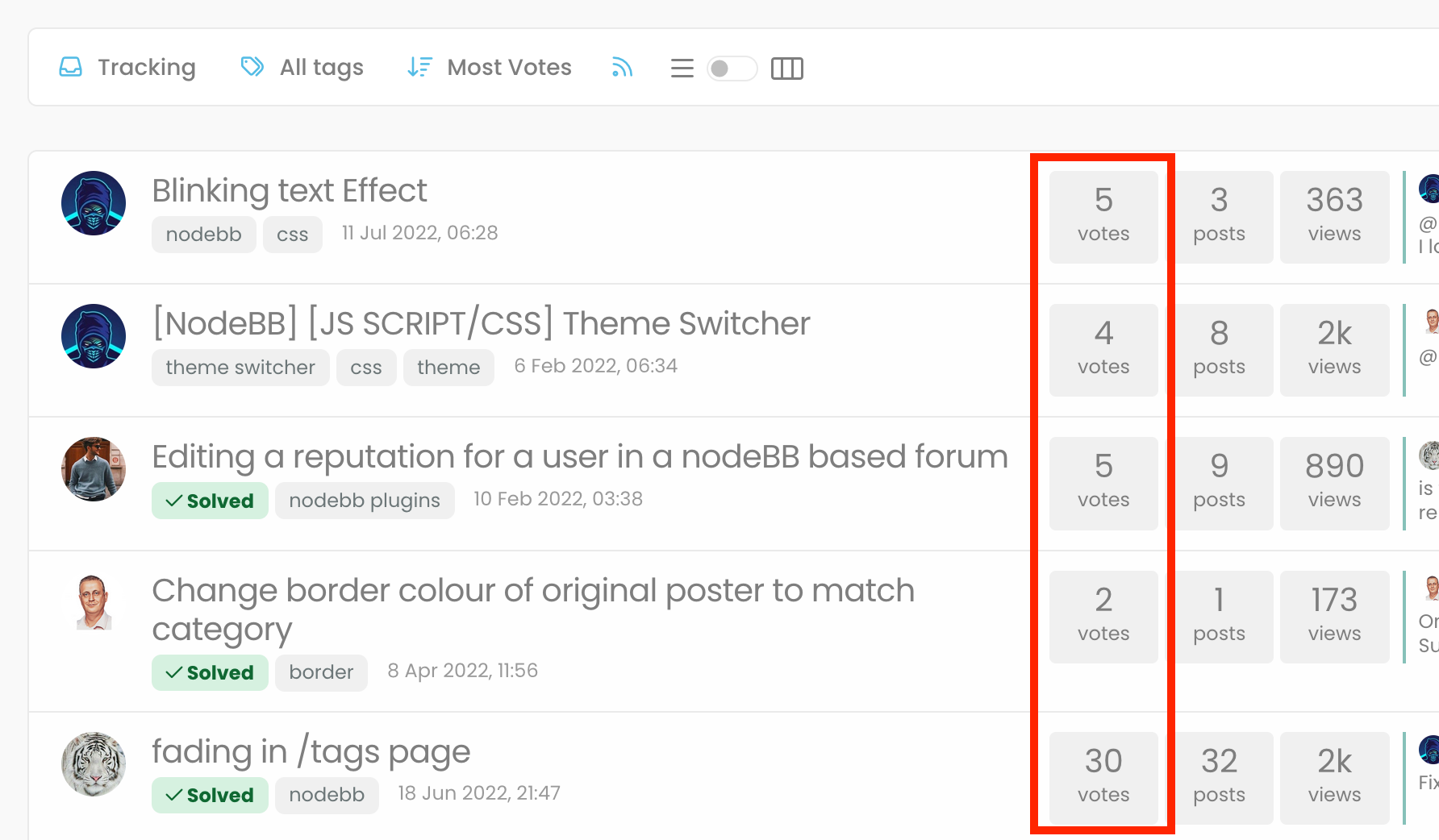
"most votes" ranking option is not respecting the plugin
-
“most votes” option is ranking the topics according to the votes that the first post got…
-
“most votes” option is ranking the topics according to the votes that the first post got…
@crazycells yes, this might be because of another plugin I have active that calculates the total votes across a topic. Will need to check
-
“most votes” option is ranking the topics according to the votes that the first post got…
@crazycells I see you posted the same here, which I have followed up
https://community.nodebb.org/topic/17179/total-vote-count-on-topic-list/10
Mark Cutting also advises organisations as a Fractional CIO, Fractional CISO and Executive Advisor, helping boards improve technology governance, cyber resilience and executive decision making. Learn more at Gratmore Ltd
-
@crazycells I see you posted the same here, which I have followed up
https://community.nodebb.org/topic/17179/total-vote-count-on-topic-list/10
@phenomlab yes, I love this plugin too… hopefully it will be easy to fix on the plugin…
-
@phenomlab yes, I love this plugin too… hopefully it will be easy to fix on the plugin…
@crazycells Agreed. It takes a more sensible approach. Nobody ever upvotes the first post - it’s usually much further down as the conversation progresses.


Hello! It looks like you're interested in this conversation, but you don't have an account yet.
Getting fed up of having to scroll through the same posts each visit? When you register for an account, you'll always come back to exactly where you were before, and choose to be notified of new replies (either via email, or push notification). You'll also be able to save bookmarks and upvote posts to show your appreciation to other community members.
With your input, this post could be even better 💗
Register LoginRelated Topics
-
-
-
-
Forum Icons NodeBB
Solved Customisation -
-
-
-
NodeBB Discord Plugins
Unsolved Customisation