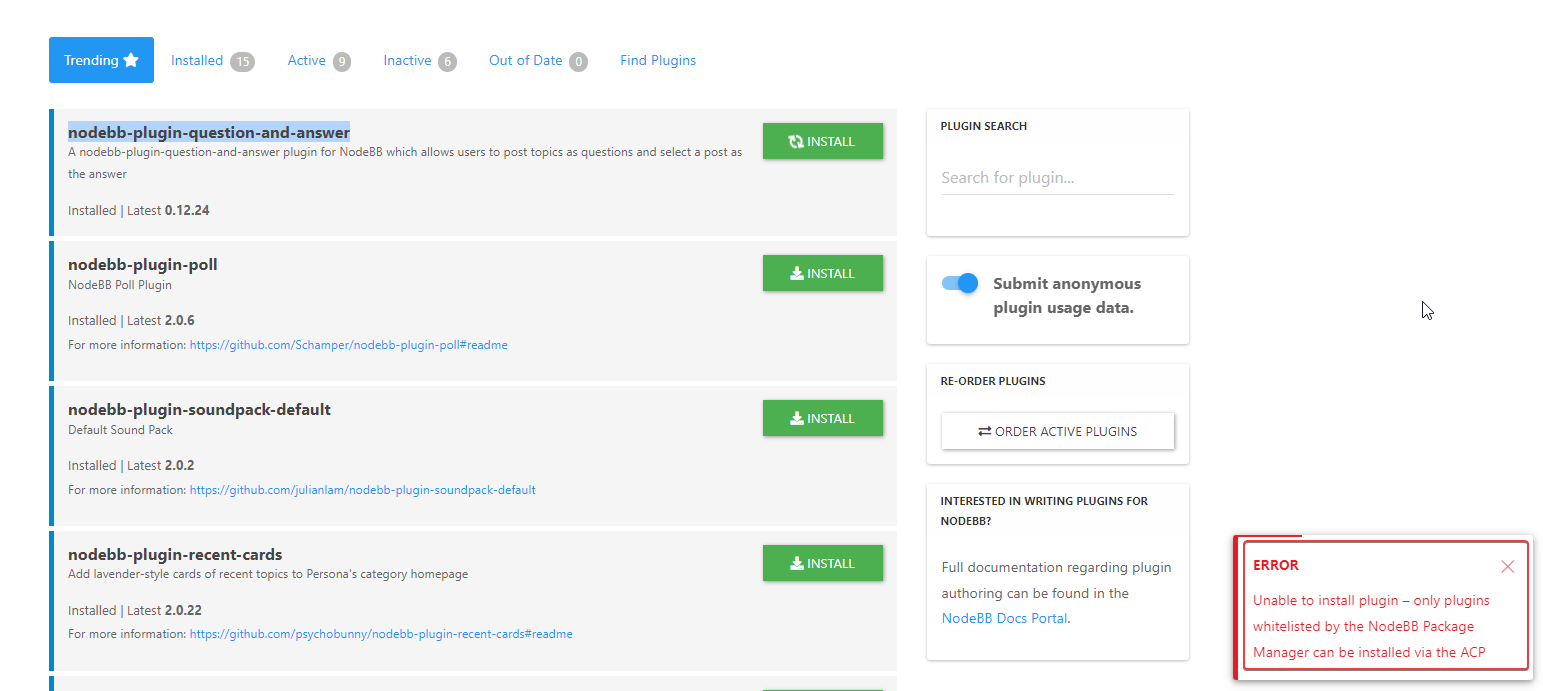
nodebb-plugin-customize error
-
@phenomlab okay, i send PM
@riekmedia Thanks
-
@phenomlab okay, i send PM
@riekmedia Looking at this further, I’m wondering if this setting in NodeBB has any relevance. It was set to 2Mb (2048Kb), so I’ve changed it to 32Mb (32768kb)

Setting has been saved. Can you see if this fixes it ?
Mark Cutting also advises organisations as a Fractional CIO, Fractional CISO and Executive Advisor, helping boards improve technology governance, cyber resilience and executive decision making. Learn more at Gratmore Ltd
-
@riekmedia Looking at this further, I’m wondering if this setting in NodeBB has any relevance. It was set to 2Mb (2048Kb), so I’ve changed it to 32Mb (32768kb)
Setting has been saved. Can you see if this fixes it ?
-
@phenomlab no the problem is still there
@riekmedia I’ve just managed to edit a template on your site (404.tpl), saved, and re-built assets with no issues ? What are you uploading into the file ?
Mark Cutting also advises organisations as a Fractional CIO, Fractional CISO and Executive Advisor, helping boards improve technology governance, cyber resilience and executive decision making. Learn more at Gratmore Ltd
-
@riekmedia I’ve just managed to edit a template on your site (404.tpl), saved, and re-built assets with no issues ? What are you uploading into the file ?
@phenomlab I’m trying to edit group / details. Just change a ccs command style there.
But even if you don’t change anything there and simply click on save, the error occurs
Many greetings
RiekMedia -
@phenomlab I’m trying to edit group / details. Just change a ccs command style there.
But even if you don’t change anything there and simply click on save, the error occurs
@riekmedia said in nodebb-plugin-customize error:
I’m trying to edit group / details. Just change a ccs command style there.
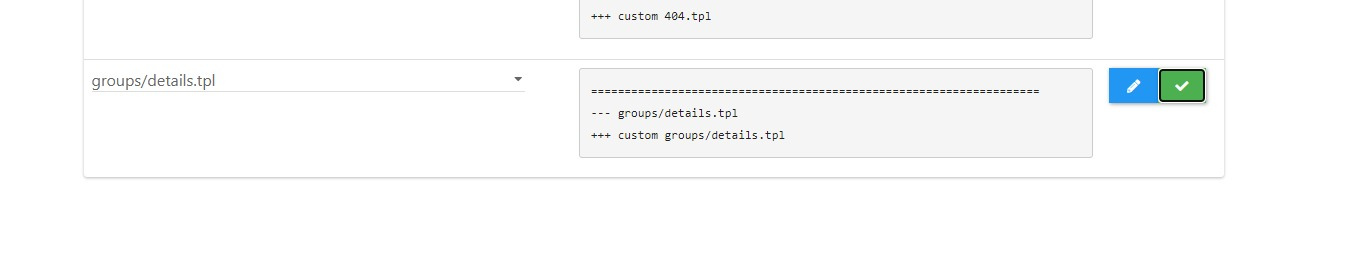
Can you let me know which template you’re seeing this on ?
Mark Cutting also advises organisations as a Fractional CIO, Fractional CISO and Executive Advisor, helping boards improve technology governance, cyber resilience and executive decision making. Learn more at Gratmore Ltd
-
@riekmedia said in nodebb-plugin-customize error:
I’m trying to edit group / details. Just change a ccs command style there.
Can you let me know which template you’re seeing this on ?
-
@riekmedia I see what you mean - it only seems to be the one template though. I’m not surprised as this file is huge but I can’t see anywhere the setting can be adjusted unless it’s in the plugin itself.
Mark Cutting also advises organisations as a Fractional CIO, Fractional CISO and Executive Advisor, helping boards improve technology governance, cyber resilience and executive decision making. Learn more at Gratmore Ltd
-
@riekmedia I see what you mean - it only seems to be the one template though. I’m not surprised as this file is huge but I can’t see anywhere the setting can be adjusted unless it’s in the plugin itself.
@phenomlab I can’t tell you that
 I know the plugin so far only since yesterday through you
 -
Ich habe darüber versucht das cover image von der gruppe selbst anzupassen so wie du es mit dem profil cover gemacht hast, because I couldn’t do that with css
[MOD-EDIT]: I tried to adapt the cover image of the group itself like you did with the profile cover, because I couldn’t do that with css
backround-size: auto;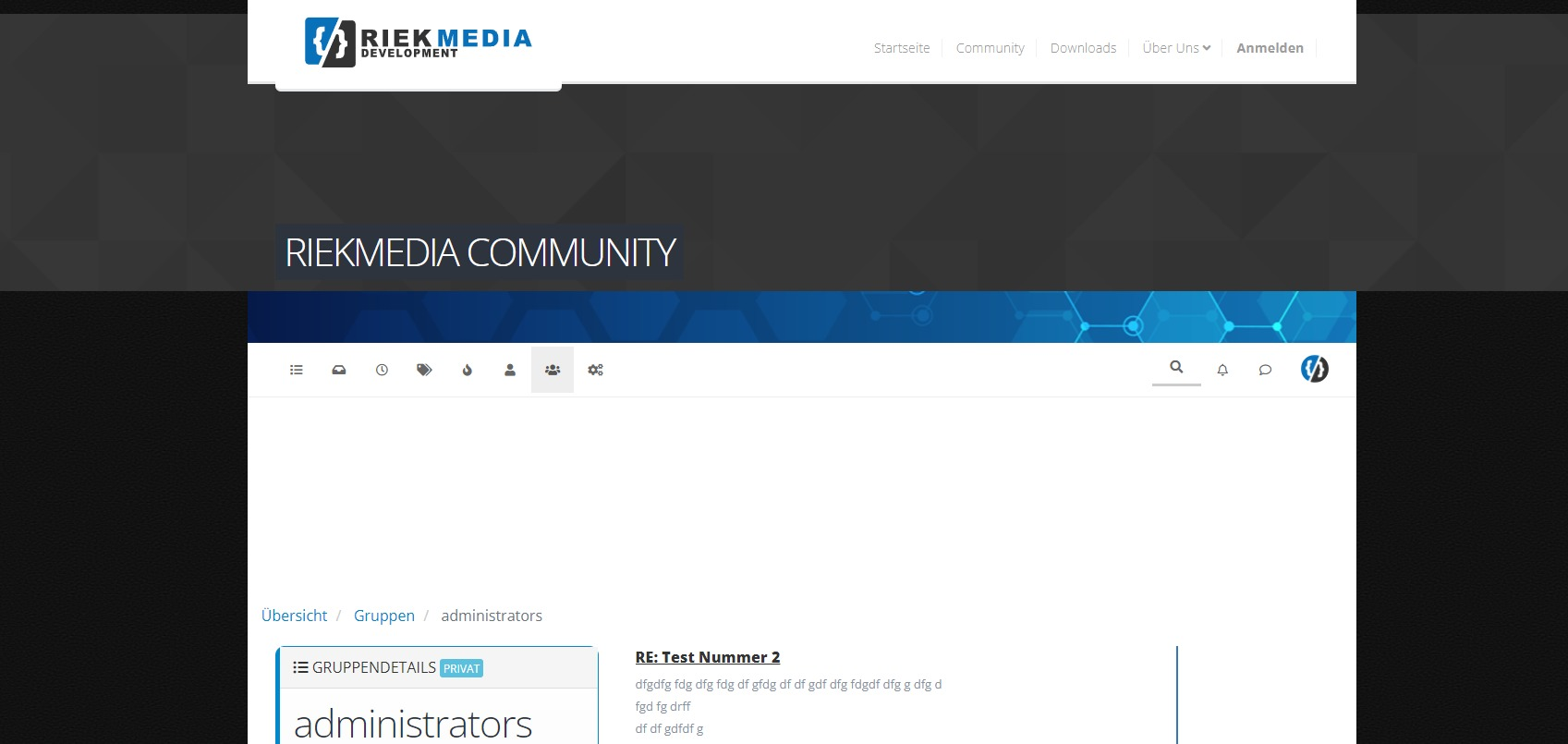
Many greetings
RiekMedia -
Ich habe darüber versucht das cover image von der gruppe selbst anzupassen so wie du es mit dem profil cover gemacht hast, because I couldn’t do that with css
[MOD-EDIT]: I tried to adapt the cover image of the group itself like you did with the profile cover, because I couldn’t do that with css
backround-size: auto;@riekmedia You could use negative CSS for this ?
.groups.list {
    margin-top: -10px;
}
Adjust
-10pxto the negative value you wantMark Cutting also advises organisations as a Fractional CIO, Fractional CISO and Executive Advisor, helping boards improve technology governance, cyber resilience and executive decision making. Learn more at Gratmore Ltd
-
@riekmedia You could use negative CSS for this ?
.groups.list {
    margin-top: -10px;
}
Adjust
-10pxto the negative value you want@phenomlab
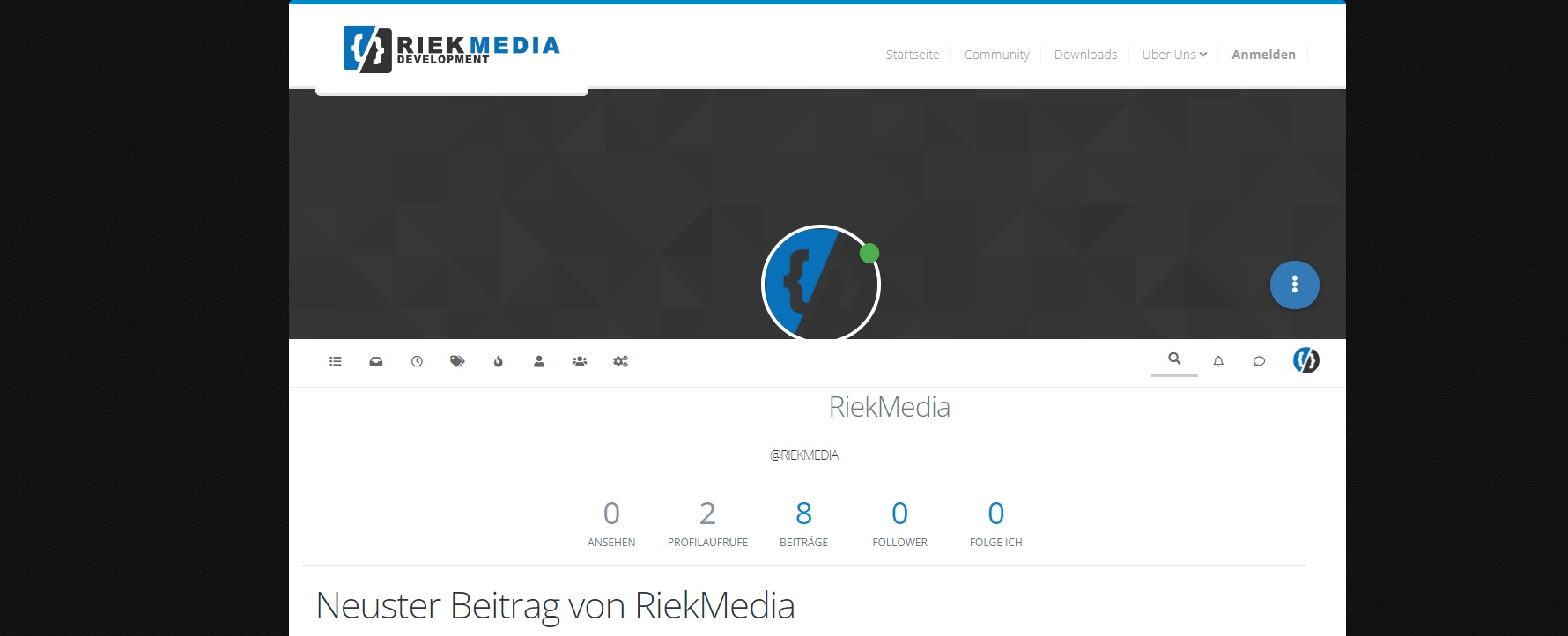
You get me wrong, it’s not just about me, it’s about the picture above. The dark gray default cover picture.I’m trying to fit the picture to the width, height
We had the same problem with our own profile, so if you remember, we solved it with backround-size auto.
I am now trying to do the same with the cover pictures of the groups. Go on a group on it with a browser then you will see it live. That shatters the whole theme
Look at the screenshoot.
My Profile cover fixed
Groupdetails cover not fixed
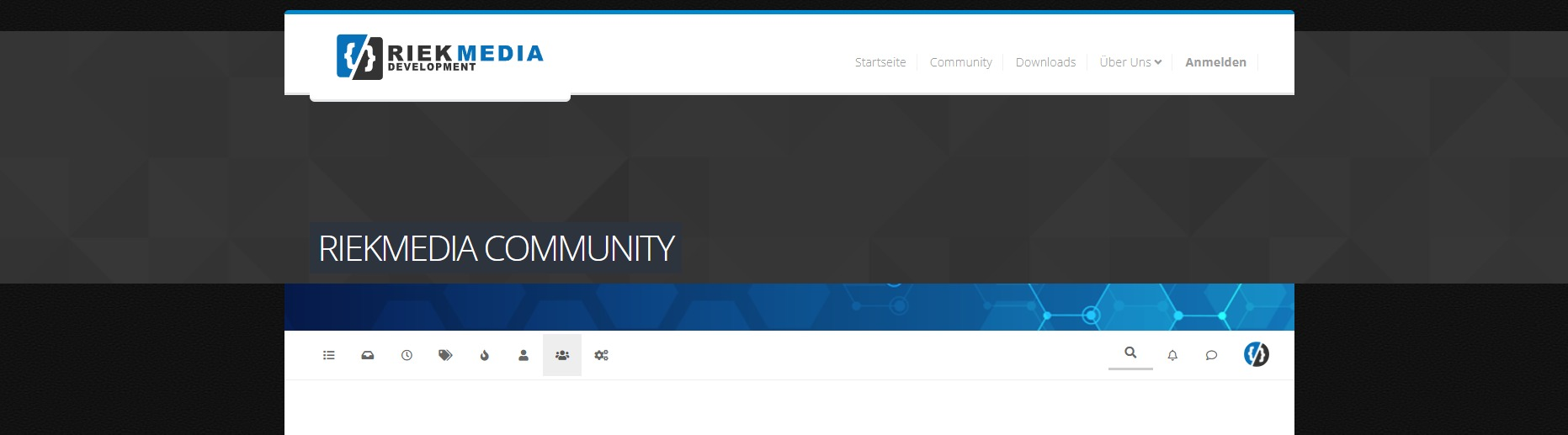
And I don’t mean the group list but the group details
Many greetings
RiekMedia -
@phenomlab
You get me wrong, it’s not just about me, it’s about the picture above. The dark gray default cover picture.I’m trying to fit the picture to the width, height
We had the same problem with our own profile, so if you remember, we solved it with backround-size auto.
I am now trying to do the same with the cover pictures of the groups. Go on a group on it with a browser then you will see it live. That shatters the whole theme
Look at the screenshoot.
My Profile cover fixed
Groupdetails cover not fixed
And I don’t mean the group list but the group details
@riekmedia First things first
You may notice that in the profile page, you cannot click the dropdown menu (the button with the three dots)
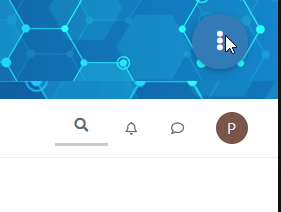
Clicking this button does nothing because the element sits behind the image meaning it is no longer clickable. The below CSS will fix that
.btn-group.account-fab {
    z-index: 1000;
}
For the Groups issue, try this. Note that the
background-imagesection of this will remove the actual image added by NodeBB, but will leave yours intact.@media (min-width: 992px) { .groups.details [component="groups/cover"] { background-size: auto; background-image: none !important; } } [component="groups/container"] { margin-top: 0px !important; }Mark Cutting also advises organisations as a Fractional CIO, Fractional CISO and Executive Advisor, helping boards improve technology governance, cyber resilience and executive decision making. Learn more at Gratmore Ltd
-
@riekmedia First things first
You may notice that in the profile page, you cannot click the dropdown menu (the button with the three dots)
Clicking this button does nothing because the element sits behind the image meaning it is no longer clickable. The below CSS will fix that
.btn-group.account-fab {
    z-index: 1000;
}
For the Groups issue, try this. Note that the
background-imagesection of this will remove the actual image added by NodeBB, but will leave yours intact.@media (min-width: 992px) { .groups.details [component="groups/cover"] { background-size: auto; background-image: none !important; } } [component="groups/container"] { margin-top: 0px !important; }@phenomlab it work, thanks
-
 undefined phenomlab has marked this topic as solved on

Hello! It looks like you're interested in this conversation, but you don't have an account yet.
Getting fed up of having to scroll through the same posts each visit? When you register for an account, you'll always come back to exactly where you were before, and choose to be notified of new replies (either via email, or push notification). You'll also be able to save bookmarks and upvote posts to show your appreciation to other community members.
With your input, this post could be even better 💗
Register LoginDid this solution help you?
Related Topics
-
-
-
-
-
-
-
NodeBB Footer
Solved Customisation -