Skip to content

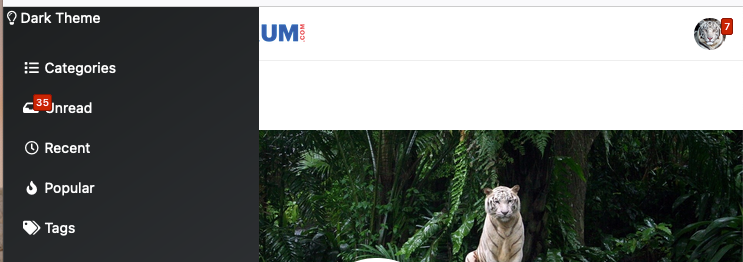
Dark Theme Upper Padding

Solved Customisation
7 2 1.3k

Did this solution help you?
Did you find the suggested solution useful? Support 💗 Sudonix with a coffee
If your organisation needs deeper expertise around infrastructure, security, or technology leadership, learn more about Phenomlab Ltd. Many of the deeper technical guides behind Sudonix are published there.

Related Topics
  • What’s going on with NodeBB?

    Performance nodebb script die
    8
    2 Votes
    8 Posts
    810 Views
    @cagatay That is quite the jump as importers from one forum platform to another are notoriously unreliable and could land up being quite costly if it requires managed services.
  • 3 Votes
    1 Posts
    554 Views
    No one has replied
  • Spam spam spam

    Solved Configure nodebb
    6
    2 Votes
    6 Posts
    868 Views
    @Panda said in Spam spam spam: ok, yes Ive seen the queue, it shows IP, but doesnt have a field for comments from registrant. It’s not designed for that. It merely serves as a gateway between posts appearing on your form or not. @Panda said in Spam spam spam: It would be better if nodebb had this plugin included in ACP list, as not only then do you know its approved and should work, but many people cant or dont want to use CLI on the server That’s a question for the NodeBB devs but in all honesty you can’t not use the CLI when installing nodebb so to be this isn’t a big deal.
  • Fixed background to nodebb forum

    Solved Configure nodebb
    25
    4 Votes
    25 Posts
    5k Views
    @Panda said in Fixed background to nodebb forum: Chatgpt told me the ::before method. Go figure
  • NodeBB: Consent page

    Solved Configure nodebb consent
    16
    4 Votes
    16 Posts
    4k Views
    @DownPW I still do not see any issues.
  • Upgrade Problem from 2.8.3 to 2.8.4

    Solved Configure nodebb
    35
    1
    8 Votes
    35 Posts
    6k Views
    @cagatay No, you can ignore that.
  • Title on homepage of nodebb forum

    Solved Customisation nodebb
    2
    1 Votes
    2 Posts
    1k Views
    @eveh Welcome board The code you are referring to is custom written as no such functionality exists under NodeBB. However, adding the functionality is relatively trivial. Below are the required steps Navigate to /admin/appearance/customise#custom-header Add the below code to your header, and save once completed <ol id="mainbanner" class="breadcrumb"><li id="addtext">Your Title Goes Here</li></ol> Navigate to /admin/appearance/customise#custom-js and add the below code, then save $(document).ready(function() { $(window).on('action:ajaxify.end', function(data) { // Initialise mainbanner ID, but hide it from view $('#mainbanner').hide(); var pathname = window.location.pathname; if (pathname === "/") { $("#addtext").text("Your Title"); $('#mainbanner').show(); } else {} // If we want to add a title to a sub page, uncomment the below and adjust accordingly //if (pathname === "/yourpath") { //$("#addtext").text("Your Title"); //$('#mainbanner').show(); //} }); }); Navigate to /admin/appearance/customise#custom-css and add the below CSS block .breadcrumb { right: 0; margin-right: auto; text-align: center; background: #0086c4; color: #ffffff; width: 100vw; position: relative; margin-left: -50vw; left: 50%; top: 50px; position: fixed; z-index: 1020; } Note, that you will need to adjust your CSS code to suit your own site / requirements.
  • 4 Votes
    8 Posts
    4k Views
    @DownPW done