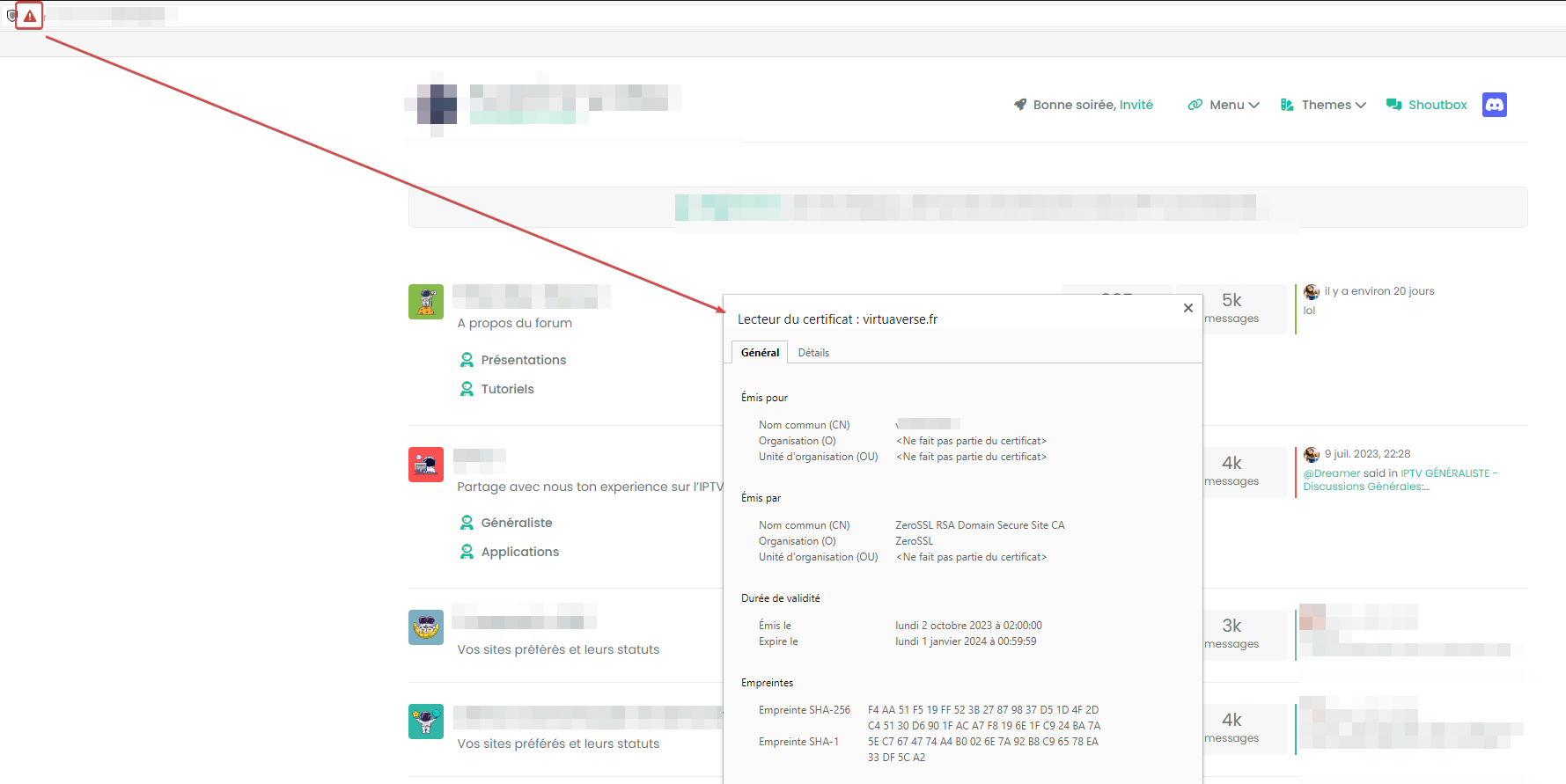
Issues getting Flarum to work on new host
-
failure reason
Domain: www.ask.domain.com Type: unauthorized Detail: No TXT record found at _acme-challenge.www.ask.domain.com -
failure reason
Domain: www.ask.domain.com Type: unauthorized Detail: No TXT record found at _acme-challenge.www.ask.domain.com@Hari You should only apply the certificate at Virtualmin level, so here for example. You’ll need to update your DNS first before you can get a certificate.

Mark Cutting also advises organisations as a Fractional CIO, Fractional CISO and Executive Advisor, helping boards improve technology governance, cyber resilience and executive decision making. Learn more at Gratmore Ltd
-
@Hari You should only apply the certificate at Virtualmin level, so here for example. You’ll need to update your DNS first before you can get a certificate.
@phenomlab sorry, i have no clue where to update DNS
i have pointed ask.domain.com to my DO IP at CF
anything else that needs to be done?
-
@phenomlab sorry, i have no clue where to update DNS
i have pointed ask.domain.com to my DO IP at CF
anything else that needs to be done?
@Hari said in Issues getting Flarum to work on new host:
sorry, i have no clue where to update DNS
i have pointed ask.domain.com to my DO IP at CFThat’s all you need to do. Let me see if I can get the cert to work
Mark Cutting also advises organisations as a Fractional CIO, Fractional CISO and Executive Advisor, helping boards improve technology governance, cyber resilience and executive decision making. Learn more at Gratmore Ltd
-
@Hari said in Issues getting Flarum to work on new host:
sorry, i have no clue where to update DNS
i have pointed ask.domain.com to my DO IP at CFThat’s all you need to do. Let me see if I can get the cert to work
@phenomlab thanks, daily upvote limit reched
-
@phenomlab thanks, daily upvote limit reched
@Hari said in Issues getting Flarum to work on new host:
thanks, daily upvote limit reched
Yeah, I need to fix that !!
Mark Cutting also advises organisations as a Fractional CIO, Fractional CISO and Executive Advisor, helping boards improve technology governance, cyber resilience and executive decision making. Learn more at Gratmore Ltd
-
@Hari said in Issues getting Flarum to work on new host:
thanks, daily upvote limit reched
Yeah, I need to fix that !!
@phenomlab do i need to update the subdomain at Nginx config files? i have seen IP there
-
@phenomlab do i need to update the subdomain at Nginx config files? i have seen IP there
@Hari No. Leave that as is
Mark Cutting also advises organisations as a Fractional CIO, Fractional CISO and Executive Advisor, helping boards improve technology governance, cyber resilience and executive decision making. Learn more at Gratmore Ltd
-
@phenomlab thanks, daily upvote limit reched
@Hari said in Issues getting Flarum to work on new host:
daily upvote limit reched
Should be resolved now. Try upvoting again (same for @crazycells)
Mark Cutting also advises organisations as a Fractional CIO, Fractional CISO and Executive Advisor, helping boards improve technology governance, cyber resilience and executive decision making. Learn more at Gratmore Ltd
-
@phenomlab ok, i have checked gt matrix looks like response time is very slow how can i increase it?
-
@Hari said in Issues getting Flarum to work on new host:
daily upvote limit reched
Should be resolved now. Try upvoting again (same for @crazycells)
@phenomlab i am seeing upvote limit is 10 still could not upvote
-
@phenomlab ok, i have checked gt matrix looks like response time is very slow how can i increase it?
@Hari As you are running this domain through CF, you should enable the caching and protection there. At the moment, you are pointing to the server directly.
-
@phenomlab i am seeing upvote limit is 10 still could not upvote
@Hari Let me check
-
@phenomlab i am seeing upvote limit is 10 still could not upvote
@Hari said in Issues getting Flarum to work on new host:
i am seeing upvote limit is 10 still could not upvote
Try now
Mark Cutting also advises organisations as a Fractional CIO, Fractional CISO and Executive Advisor, helping boards improve technology governance, cyber resilience and executive decision making. Learn more at Gratmore Ltd
-
@Hari said in Issues getting Flarum to work on new host:
i am seeing upvote limit is 10 still could not upvote
Try now
-
@phenomlab still same
@Hari Seems the max value is hard coded, so you’ll have to wait until tomorrow

Mark Cutting also advises organisations as a Fractional CIO, Fractional CISO and Executive Advisor, helping boards improve technology governance, cyber resilience and executive decision making. Learn more at Gratmore Ltd
-
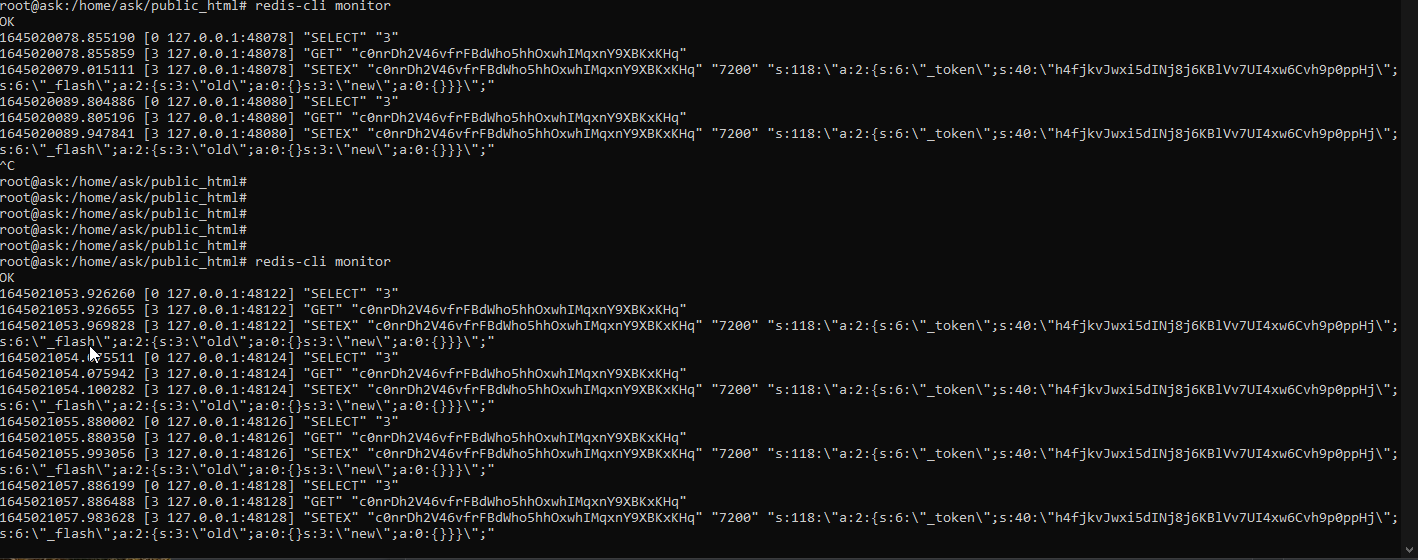
@phenomlab sure, i have enabled CF cache but the response time is still slow should i enable redis cache ?
-
undefined Hari has marked this topic as solved on
-
@phenomlab sure, i have enabled CF cache but the response time is still slow should i enable redis cache ?
@Hari Redis cache isn’t the “saviour” everyone thinks it is - most of files and assets required to access the site initially will be served from the CF edge networks, although CF won’t have any impact on the database.
Something like Flarum’s
ReCacheis suggested here - I know that the developer of this product has since left the Flarum team, so I’m not sure if this is still an active product.Mark Cutting also advises organisations as a Fractional CIO, Fractional CISO and Executive Advisor, helping boards improve technology governance, cyber resilience and executive decision making. Learn more at Gratmore Ltd
-
@Hari Redis cache isn’t the “saviour” everyone thinks it is - most of files and assets required to access the site initially will be served from the CF edge networks, although CF won’t have any impact on the database.
Something like Flarum’s
ReCacheis suggested here - I know that the developer of this product has since left the Flarum team, so I’m not sure if this is still an active product. -
@Hari Redis cache isn’t the “saviour” everyone thinks it is - most of files and assets required to access the site initially will be served from the CF edge networks, although CF won’t have any impact on the database.
Something like Flarum’s
ReCacheis suggested here - I know that the developer of this product has since left the Flarum team, so I’m not sure if this is still an active product.



Hello! It looks like you're interested in this conversation, but you don't have an account yet.
Getting fed up of having to scroll through the same posts each visit? When you register for an account, you'll always come back to exactly where you were before, and choose to be notified of new replies (either via email, or push notification). You'll also be able to save bookmarks and upvote posts to show your appreciation to other community members.
With your input, this post could be even better 💗
Register LoginDid this solution help you?
Related Topics
-
-
-
-
Issues with v3 alpha and Harmony
Moved Solved Configure -
iFramely self host help
Solved Configure -
-
-
Email issue (virturalmin)
Solved Hosting