Secure SSH connectivty
-

Hi all,
I’m curious to understand how you all connect to your servers - hopefully, it’s at the very least using SSH and at the better end of the spectrum, using a key and passphrase combination. For those who are curious to understand why we need a key and passphrase, it’s because without it, your SSH session is still subject to brute force. In addition, you should NEVER allow root to login directly - either at the console physically (if you have a physical server within your reach), or via SSH session.
In this case, you should be using a normal account to gain access via SSH, then elevating your session using
su -orsu rootPermitting login as root directly is simply asking for trouble, and will effectively negate your security completely by allowing a complete stranger to bruteforce and then assume control of your server. You should also use a firewall to permit access to SSH via specified and approved IP addresses.
This is security101 and an industry standard.
Now it’s confession time on your part…

The other part of the bargain would be which SSH client you should use. There’s the go-to PUTTY for Windows, or even the command line (which has been greatly simplified in Windows 10/11). However, one I recently started using which is 100% free and extremely powerful is Bitvise
Seriously, if you haven’t already got this application in your toolkit, then it’s time to add it.
Mark Cutting also advises organisations as a Fractional CIO, Fractional CISO and Executive Advisor, helping boards improve technology governance, cyber resilience and executive decision making. Learn more at Gratmore Ltd
-
phenomlab marked this topic as a regular topic on
-
Hi all,
I’m curious to understand how you all connect to your servers - hopefully, it’s at the very least using SSH and at the better end of the spectrum, using a key and passphrase combination. For those who are curious to understand why we need a key and passphrase, it’s because without it, your SSH session is still subject to brute force. In addition, you should NEVER allow root to login directly - either at the console physically (if you have a physical server within your reach), or via SSH session.
In this case, you should be using a normal account to gain access via SSH, then elevating your session using
su -orsu rootPermitting login as root directly is simply asking for trouble, and will effectively negate your security completely by allowing a complete stranger to bruteforce and then assume control of your server. You should also use a firewall to permit access to SSH via specified and approved IP addresses.
This is security101 and an industry standard.
Now it’s confession time on your part…
The other part of the bargain would be which SSH client you should use. There’s the go-to PUTTY for Windows, or even the command line (which has been greatly simplified in Windows 10/11). However, one I recently started using which is 100% free and extremely powerful is Bitvise
Seriously, if you haven’t already got this application in your toolkit, then it’s time to add it.
And, if you want to confess that you’re not using SSH keys, then this is a great guide to change all that, and to take the necessary steps in securing your server…
Mark Cutting also advises organisations as a Fractional CIO, Fractional CISO and Executive Advisor, helping boards improve technology governance, cyber resilience and executive decision making. Learn more at Gratmore Ltd
-
And, if you want to confess that you’re not using SSH keys, then this is a great guide to change all that, and to take the necessary steps in securing your server…

Change SSH port is good too
I use Tabby on Windows, very very good product
I search a tutorial for use SSH keys with virtualmin but Ithink it’s not obliged to desactivate root login if you have sh key no ?
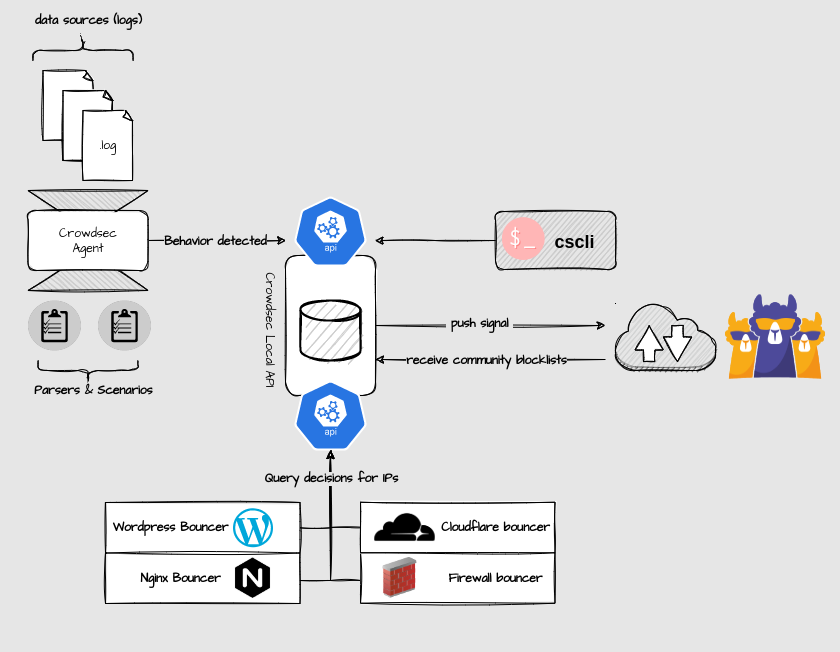
I use crowdsec for bruteforce ssh attack (and other)
-
Change SSH port is good too
I use Tabby on Windows, very very good product
I search a tutorial for use SSH keys with virtualmin but Ithink it’s not obliged to desactivate root login if you have sh key no ?
I use crowdsec for bruteforce ssh attack (and other)
-
Change SSH port is good too
I use Tabby on Windows, very very good product
I search a tutorial for use SSH keys with virtualmin but Ithink it’s not obliged to desactivate root login if you have sh key no ?
I use crowdsec for bruteforce ssh attack (and other)
@DownPW said in Secure SSH connectivty:
Change SSH port is good too
Yes, agreed, but easily revealed by a port scanner, and more obfuscation than actual security. Changing the default 22 is of course good security practice but won’t stop a determined attacker.
@DownPW said in Secure SSH connectivty:
I use Tabby on Windows, very very good product
Not tried this, but will definitely take a look
@DownPW said in Secure SSH connectivty:
I search a tutorial for use SSH keys with virtualmin but I think it’s not obliged to desactivate root login if you have sh key no ?
Again, this is more about your attitude to security. It’s a good point, but my preference is to not permit direct root access at all.
@DownPW said in Secure SSH connectivty:
I use crowdsec for bruteforce ssh attack (and other)
Yes, I’m looking at this also.
Mark Cutting also advises organisations as a Fractional CIO, Fractional CISO and Executive Advisor, helping boards improve technology governance, cyber resilience and executive decision making. Learn more at Gratmore Ltd
-
@DownPW said in Secure SSH connectivty:
Change SSH port is good too
Yes, agreed, but easily revealed by a port scanner, and more obfuscation than actual security. Changing the default 22 is of course good security practice but won’t stop a determined attacker.
@DownPW said in Secure SSH connectivty:
I use Tabby on Windows, very very good product
Not tried this, but will definitely take a look
@DownPW said in Secure SSH connectivty:
I search a tutorial for use SSH keys with virtualmin but I think it’s not obliged to desactivate root login if you have sh key no ?
Again, this is more about your attitude to security. It’s a good point, but my preference is to not permit direct root access at all.
@DownPW said in Secure SSH connectivty:
I use crowdsec for bruteforce ssh attack (and other)
Yes, I’m looking at this also.
@phenomlab said in Secure SSH connectivty:
I use Tabby on Windows, very very good product
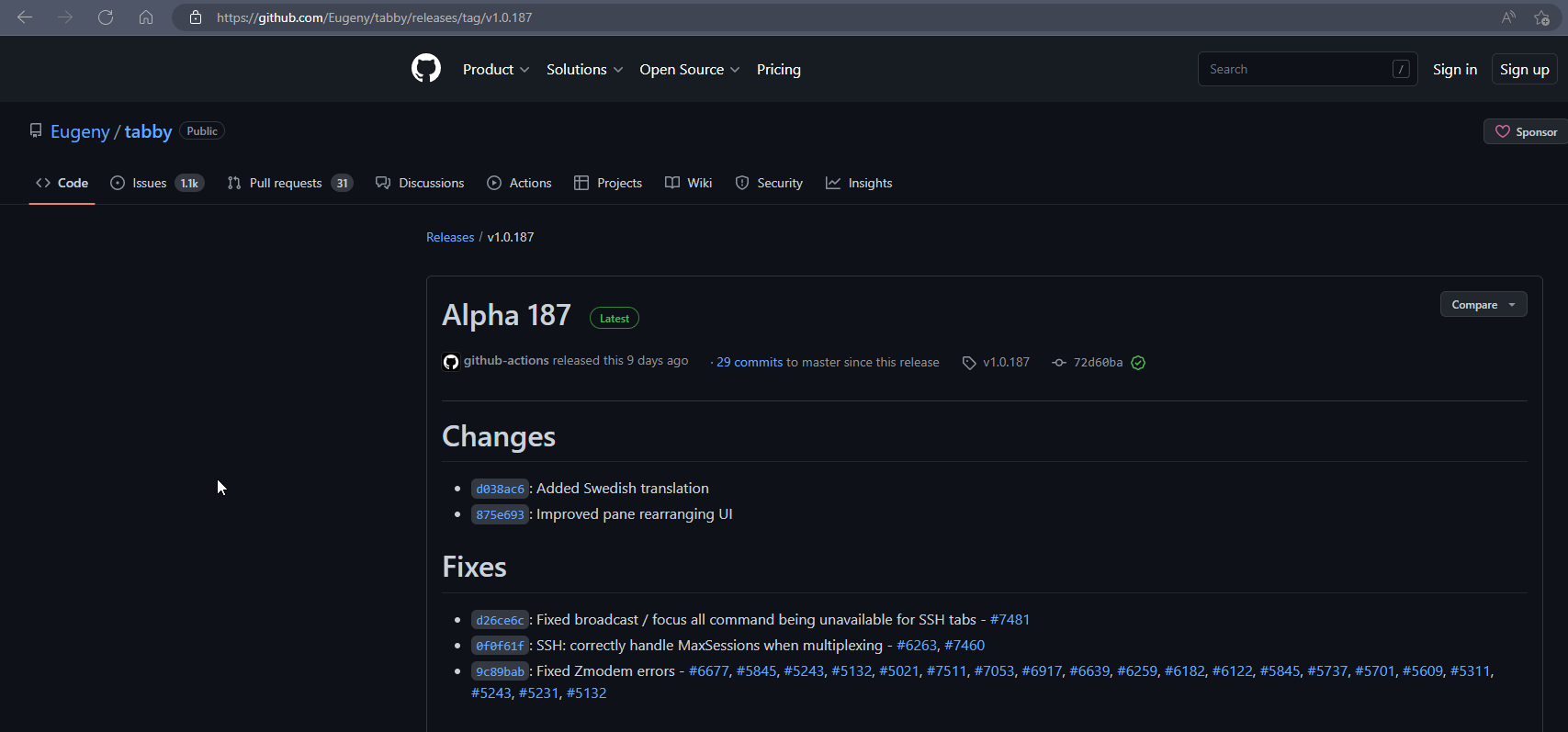
Seems this product is ALPHA ?
Mark Cutting also advises organisations as a Fractional CIO, Fractional CISO and Executive Advisor, helping boards improve technology governance, cyber resilience and executive decision making. Learn more at Gratmore Ltd
-
@phenomlab said in Secure SSH connectivty:
I use Tabby on Windows, very very good product
Seems this product is ALPHA ?
yep but I use it since several month and I haven’t see any bugs or crash
In any case, I only use him anymore
Tabby offers tabs and a panel system, but also themes, plugins and color palettes to allow you to push the experience to the limit. It can support different shells in the same window, offers completion, has an encrypted container for your passwords, SSH keys and other secrets, and can handle different connection profiles.
Each tab is persistent (you can restore them if you close one by mistake) and has a notification system, which will let you know if, for example, a process is finished while you are tapping in another tab.
It’s really a great terminal that will easily replace cmd.exe for Windowsians or your usual terminal. And it can even work in a portable version for those who like to carry their tools on a USB key.
–> To test it, you can download it, but there is also a web version. Handy for getting an idea.
-
 mventures referenced this topic on


Hello! It looks like you're interested in this conversation, but you don't have an account yet.
Getting fed up of having to scroll through the same posts each visit? When you register for an account, you'll always come back to exactly where you were before, and choose to be notified of new replies (either via email, or push notification). You'll also be able to save bookmarks and upvote posts to show your appreciation to other community members.
With your input, this post could be even better 💗
Register Login