Skip to content

Threaded post support for NodeBB
Let's Build It
146 5 118.7k 1
  • wrote on last edited by
    #8

    yes it’s good.
    I use default view for thread (not custom like you) so I don’t know what that would be like, I’ll have to try it to see.

  • yes it’s good.
    I use default view for thread (not custom like you) so I don’t know what that would be like, I’ll have to try it to see.

    wrote on last edited by
    #9

    @DownPW It might need some adaptions to work before I can release it based on the points you’ve raised. Leave it with me.

  • wrote on last edited by
    #10

    @DownPW developing against sudonix.dev currently so you have something to test. Almost done, but still needs some work.

  • wrote on last edited by phenomlab
    #11

    I’ll just leave this here 🙂

  • wrote on last edited by
    #12

    do you think it can be adapted for the stock default display of topics?

  • do you think it can be adapted for the stock default display of topics?

    wrote on last edited by
    #13

    @DownPW yes, but it’ll need a rewrite to be compatible with the stock NodeBB harmony theme. Sudonix makes a lot changes to the default layout so without those additional modifications, it’ll look odd.

  • wrote on last edited by DownPW
    #14

    ooh ok. I would have liked to apply it on my site too bad for me then 🙂

  • ooh ok. I would have liked to apply it on my site too bad for me then 🙂

    wrote on last edited by
    #15

    @DownPW not necessarily. I can still develop something for you to use as a base.

  • wrote on last edited by DownPW
    #16

    Oh really ?
    That would be super cool 🙂

    Have 2 versions maybe. One adapted to your personalized code and one adapted to Harmony (without customizing the appearance of topics (stock))

    I’m probably asking too much 🙂

  • Oh really ?
    That would be super cool 🙂

    Have 2 versions maybe. One adapted to your personalized code and one adapted to Harmony (without customizing the appearance of topics (stock))

    I’m probably asking too much 🙂

    wrote on last edited by
    #17

    @DownPW said in Threading support for NodeBB:

    I’m probably asking too much

    Nope. Not at all. I’m fact, developing one from stock Harmony is probably a better idea as it’ll work out of the box.

    Leave it with me.

  • wrote on last edited by
    #18

    I’ve set my DEV environment to vanilla and will develop a working solution for that.

  • wrote on last edited by phenomlab
    #19

    Hi All,

    Some very early (subject to the odd bug) code released in DEV. You will need an account there - let me know if you need a password reset

    https://sudonix.dev/topic/331/how-to-install-a-self-hosted-instance-of-iframely-for-use-with-nodebb

    This code is quite complex, and leverages some interesting CSS classes. The most important change is that it removes the stock timeline bar, and will replace it with it’s own. This is for a variety of reasons - mostly around cumulative layout shift and pseudo elements being used in the stock CSS.

  • wrote on last edited by
    #20

    I have tested but I don’t see switch on dev
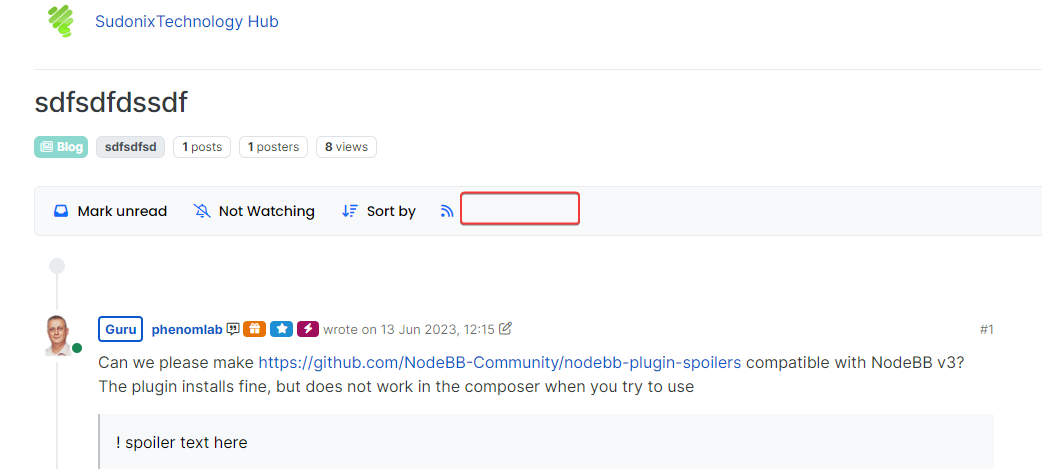
    image.png

  • I have tested but I don’t see switch on dev

    image.png

    wrote on last edited by
    #21

    @DownPW It only triggers at 1200px and above - do you have your browser size set smaller?

  • wrote on last edited by
    #22

    Just added some transition effects. Note that depending on how many elements there are on the screen, this might cause layout shift.

  • wrote on last edited by DownPW
    #23

    oh yes I’m on 1920 x 1080 screen

    oups 🙂

  • oh yes I’m on 1920 x 1080 screen

    oups 🙂

    wrote on last edited by
    #24

    @DownPW Does it work now? By 1200px I meant wide

  • wrote on last edited by
    #25

    hmmmm nope

  • hmmmm nope

    wrote on last edited by
    #26

    Odd. Seems to work for me.

  • wrote on last edited by DownPW
    #27

    nope it’s normal, i’m on 1080px height


Related Topics
  • 3 Votes
    2 Posts
    2k Views
    DownPW
    Very great
  • Setup OGProxy for use in NodeBB

    Moved Let's Build It ogproxy opengraph npm node
    110
    2
    21 Votes
    110 Posts
    57k Views
    phenomlab
    @crazycells said in Setup OGProxy for use in NodeBB: are they cached for each user separately? No. It’s a shared cache @crazycells said in Setup OGProxy for use in NodeBB: additionally, this is also handling youtube videos etc, right? No. This is handled by nodebb-plugin-ns-embed
  • Email validation NodeBB

    Bugs nodebb
    21
    3 Votes
    21 Posts
    10k Views
    phenomlab
    @Panda said in Email validation NodeBB: Did you configure that as a custom change to the usual quote icon. How do you do that? I notice on NodeBB site its a solid blue quotes Yes, I changed it. NodeBB by default users the free font awesome library whereas I use the pro (paid) version SDK have access to a wider set of icons, and at different thicknesses etc. The change of colour is just simple CSS.
  • Setting up a beta NodeBB v3 environment

    Moved Let's Build It nodebb upgrades beta1
    14
    3
    11 Votes
    14 Posts
    6k Views
    phenomlab
    @dave1904 excellent news. Thanks for the feedback
  • Post Style View

    Solved Customisation post style sudonix nodebb
    67
    2
    18 Votes
    67 Posts
    36k Views
    DownPW
    @cagatay Just add margin-left on the element like @phenomlab said to you : topic [component="post/parent"] { margin-left: 10px; } [image: aa08c62b-4223-4cba-8c0f-c73d50474c0d-image.png] Maybe @phenomlab have a better way
  • Recent Cards plugin customization

    Solved Customisation nodebb
    21
    1
    13 Votes
    21 Posts
    12k Views
    phenomlab
    @pobojmoks that’s easily done by modifying the code provided here so that it targets background rather than border In essence, the below should work $(document).ready(function() { $(window).on('action:ajaxify.end', function(data) { $('.recent-card-container').each(function(i) { var dataId = $(this).attr("data-cid"); var color = $('[role="presentation"]', this).css("background-color"); console.log("data-cid " + dataId + " is " + color); $('[data-cid="' + dataId + '"] .recent-card').attr("style", "background-color: " + color); }); }); });
  • creating topic specific widgets

    Solved Customisation nodebb
    16
    10 Votes
    16 Posts
    7k Views
    phenomlab
    @crazycells said in creating topic specific widgets: Additionally if hide class exists, why are we re-defining it? We’re not 🤭 I misspelled it - it should be hidden
  • nodebb dropdown menu

    Solved Configure nodebb
    5
    1
    0 Votes
    5 Posts
    3k Views
    JAC
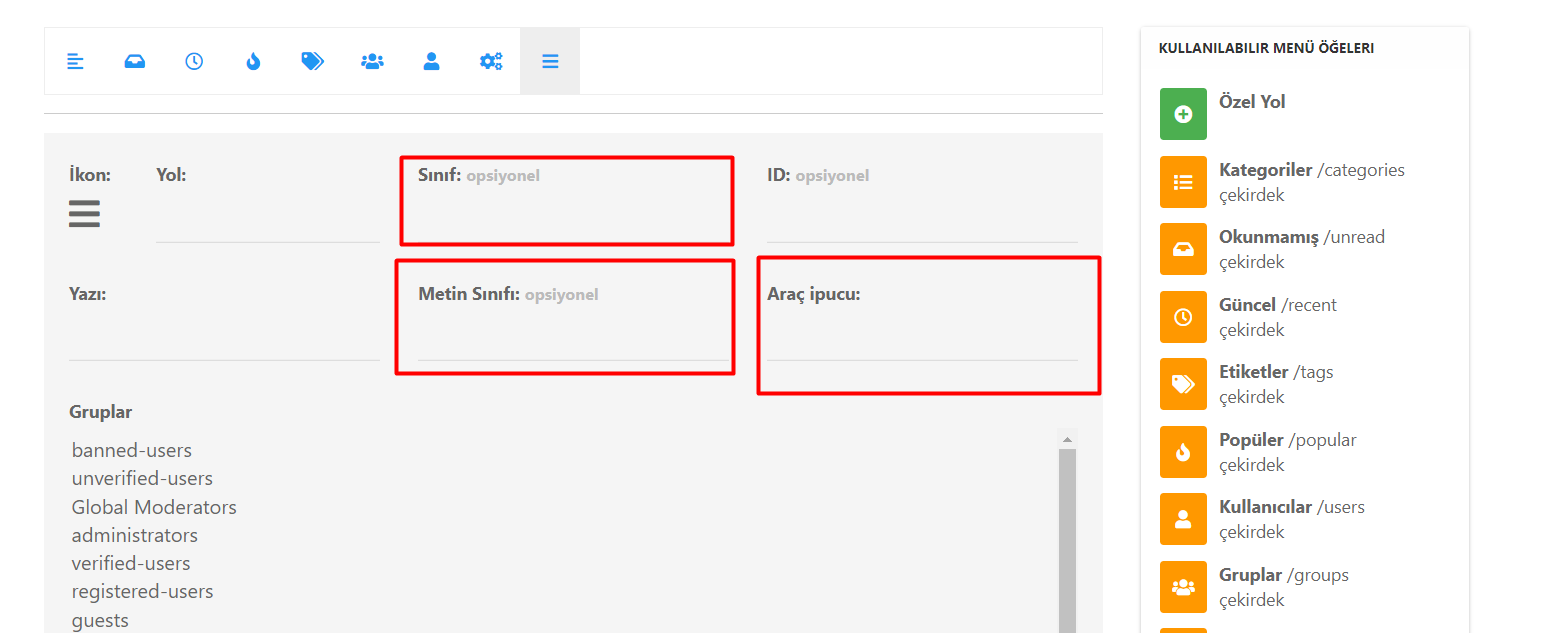
    @phenomlab said in nodebb dropdown menu: @kurulumu-net You set it like the below example taken from this site [image: aae36790-3257-4bb2-ad5a-0d744309876a-image.png] Which presents this [image: 77f47260-2941-4afe-9614-8e17dcfc8c19-image.png] Very interesting… I actually thought this wasn’t possible, as I remember it being asked in the NodeBB forum. Is this something new that’s been implemented? I’ll 100% be doing that when I’m on the laptop over the weekend.