Skip to content

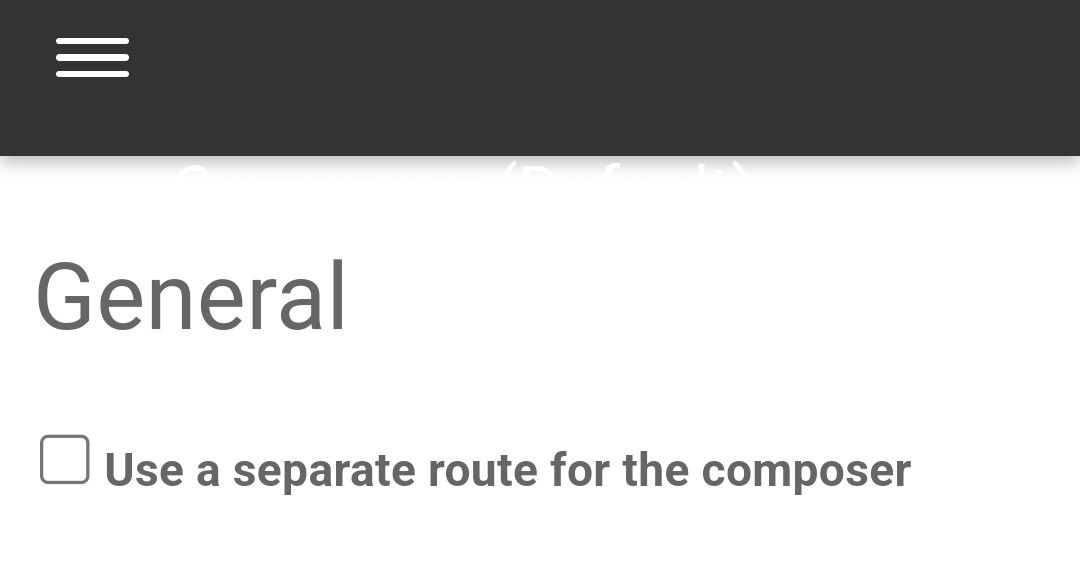
Composer Zen icon?

Solved Configure
8 3 1.1k 1

Did this solution help you?
Did you find the suggested solution useful? Support 💗 Sudonix with a coffee
If your organisation needs deeper expertise around infrastructure, security, or technology leadership, learn more about Phenomlab Ltd. Many of the deeper technical guides behind Sudonix are published there.

Related Topics
  • External Links - New Window

    Solved Customisation nodebb links settings
    8
    2 Votes
    8 Posts
    137 Views
    @Sampo2910 search the forum here for ogproxy which is the client side version of that plugin I wrote. It’s in use here on this forum.
  • NodeBB: Opening the Composer for replies

    Solved Configure cms composer
    2
    0 Votes
    2 Posts
    696 Views
    @mventures Quick reply is basically exactly that. However, it’s possible to trigger the full composer as below [image: 1681314389744-82ca1209-31be-4a51-a641-9887b5a238b8-image.png] Failing that, you’ll need to use the reply button in the sticky toolbar [image: 1681314442570-1d230bcb-ff8e-4756-94f7-6e2fb7a94bc4-image.png]
  • How to downgrade plugin version on NodeBB

    Solved Customisation downgrade nodebb
    11
    3 Votes
    11 Posts
    2k Views
    @cagatay no problems
  • is "night mode" shifting the forum several pixels up?

    Solved Configure nodebb
    8
    4 Votes
    8 Posts
    1k Views
    @crazycells hmm. Good point. I actually use my own version of the dark mode plugin, so not entirely sure. However, I think the CSS is probably the same. I’m not at my PC currently but can check and advise later.
  • IRC Server/Client - Chat App with NodeBB

    Linux nodebb irc server client
    6
    1 Votes
    6 Posts
    2k Views
    @Hari not sure from the consumer perspective, but Skype has been all but completely consumed by Microsoft Teams when it comes to business usage.
  • [NODEBB] Help for my custom CSS

    Solved Customisation nodebb css bugfix
    237
    49 Votes
    237 Posts
    80k Views
    @baris said: You should change your selectors so it doesn’t look at the entire document. You probably only want to apply fancybox to stuff inside the #content element which is what changes when the user navigates around the page. So use $('#content a').... for your selectors then the forum logo in the header won’t be selected. I modified the JS Fancybox code now and this code and it seem better // --------------------------------------------- // Fancybox Media Reader (Without Website Logo) // --------------------------------------------- if (top.location.pathname !== '/login') { $(window).on('action:posts.loaded', function(data) { console.log("Polling DOM for lazyLoaded images to apply Fancybox"); $(document).ready(function() { $('#content a').not('.forum-logo').not(".avatar").not(".emoji").not(".bmac-noanimate").each(function() { $('#content a[href*=".jpg"], #content a[href*=".jpeg"], #content a[href*=".png"], #content a[href*=".gif"], #content a[href*=".webp"]').addClass("noanimate"); }); }); }); } if (top.location.pathname !== '/login') { $(document).ready(function() { $(window).on('action:ajaxify.end', function(data) { $('#content a').not('.logo').not(".avatar").not(".emoji").not(".bmac-noanimate").each(function() { $('#content a[href*=".jpg"], #content a[href*=".jpeg"], #content a[href*=".png"], #content a[href*=".gif"], #content a[href*=".webp"]').addClass("noanimate"); data.preventDefault() // Strip out the images contained inside blockquotes as this looks nasty :) $('#content blockquote img').remove(); }); Fancybox.bind( '#content a[href*=".jpg"], #content a[href*=".jpeg"], #content a[href*=".png"], #content a[href*=".gif"], #content a[href*=".webp"]', { groupAll: true, } ); }); }); } // Chat fancybox - fires when chat module loaded and AJAX calls new chat $(document).ready(function() { $(window).on('action:chat.loaded', function(data) { // >>> Se limiter au contenu principal uniquement <<< $('#content img').not('.forum-logo').not(".avatar").not(".emoji").not(".bmac-noanimate").each(function() { var newHref = $(this).attr("src"); $(this).wrap("<a class='fancybox' href='" + newHref + "'/>"); $('#content a[href*=".jpg"], #content a[href*=".jpeg"], #content a[href*=".png"], #content a[href*=".gif"], #content a[href*=".webp"]').addClass("noanimate"); data.preventDefault(); // Strip out the images contained inside blockquotes as this looks nasty :) $('#content blockquote img').remove(); }); Fancybox.bind( '#content a[href*=".jpg"], #content a[href*=".jpeg"], #content a[href*=".png"], #content a[href*=".gif"], #content a[href*=".webp"]', { groupAll: true, } ); }); }); For the logo, I must use overflow: visible !important; on [component="brand/logo"] /* --- Logo --- */ [component="brand/logo"] { max-height: 50px; width: auto; height: auto; max-width: 100%; display: block; object-fit: contain; object-position: left center; overflow: visible !important; } Better result !!
  • 0 Votes
    9 Posts
    2k Views
    @downpw I’m inclined to agree with this. There isn’t much else you can do, and provided it works with no odd looking artefacts in other browsers, then ok. The :before and :after are pseudo classes and very well supported across all browsers (except perhaps Internet Exploder, but who uses that these days ?)
  • nodebb dropdown menu

    Solved Configure nodebb
    5
    1
    0 Votes
    5 Posts
    1k Views
    @phenomlab said in nodebb dropdown menu: @kurulumu-net You set it like the below example taken from this site [image: 1637939951821-aae36790-3257-4bb2-ad5a-0d744309876a-image.png] Which presents this [image: 1637939983445-77f47260-2941-4afe-9614-8e17dcfc8c19-image.png] Very interesting… I actually thought this wasn’t possible, as I remember it being asked in the NodeBB forum. Is this something new that’s been implemented? I’ll 100% be doing that when I’m on the laptop over the weekend.