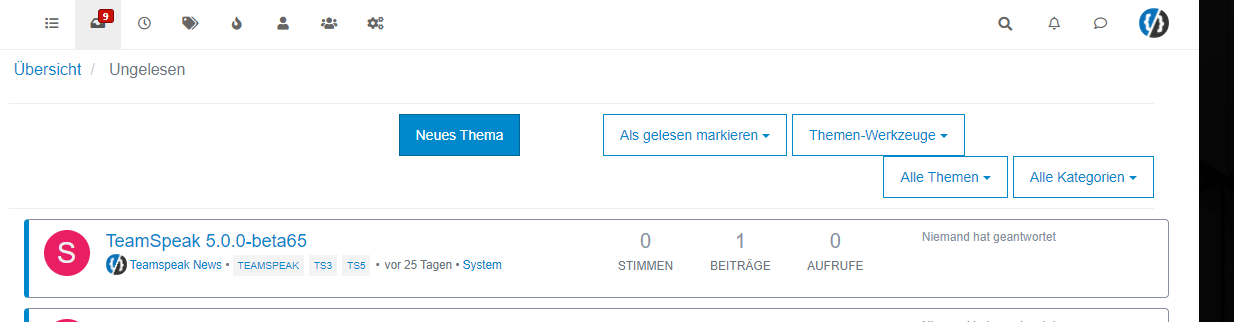
Heading text on NodeBB forum
-
@mventures I think I know what you’re after, but could you explain and clarify? Perhaps a mock-up sketch would help.
@phenomlab Here is an example of what I meant:

Basically, having the tagline in the header, where the logo is.
The tagline can be a JPEG banner that I can create and upload or it can be a text that can appear there. -
@phenomlab Here is an example of what I meant:
Basically, having the tagline in the header, where the logo is.
The tagline can be a JPEG banner that I can create and upload or it can be a text that can appear there.@mventures You could achieve this effect with a
:psuedoCSS class. Let me have a look at this -
@phenomlab Here is an example of what I meant:
Basically, having the tagline in the header, where the logo is.
The tagline can be a JPEG banner that I can create and upload or it can be a text that can appear there.@mventures I forked this into it’s own topic as it deviates from the original thread.
-
@phenomlab Here is an example of what I meant:
Basically, having the tagline in the header, where the logo is.
The tagline can be a JPEG banner that I can create and upload or it can be a text that can appear there.@mventures How’s this ?

To achieve this look
- Create a Brand Header widget
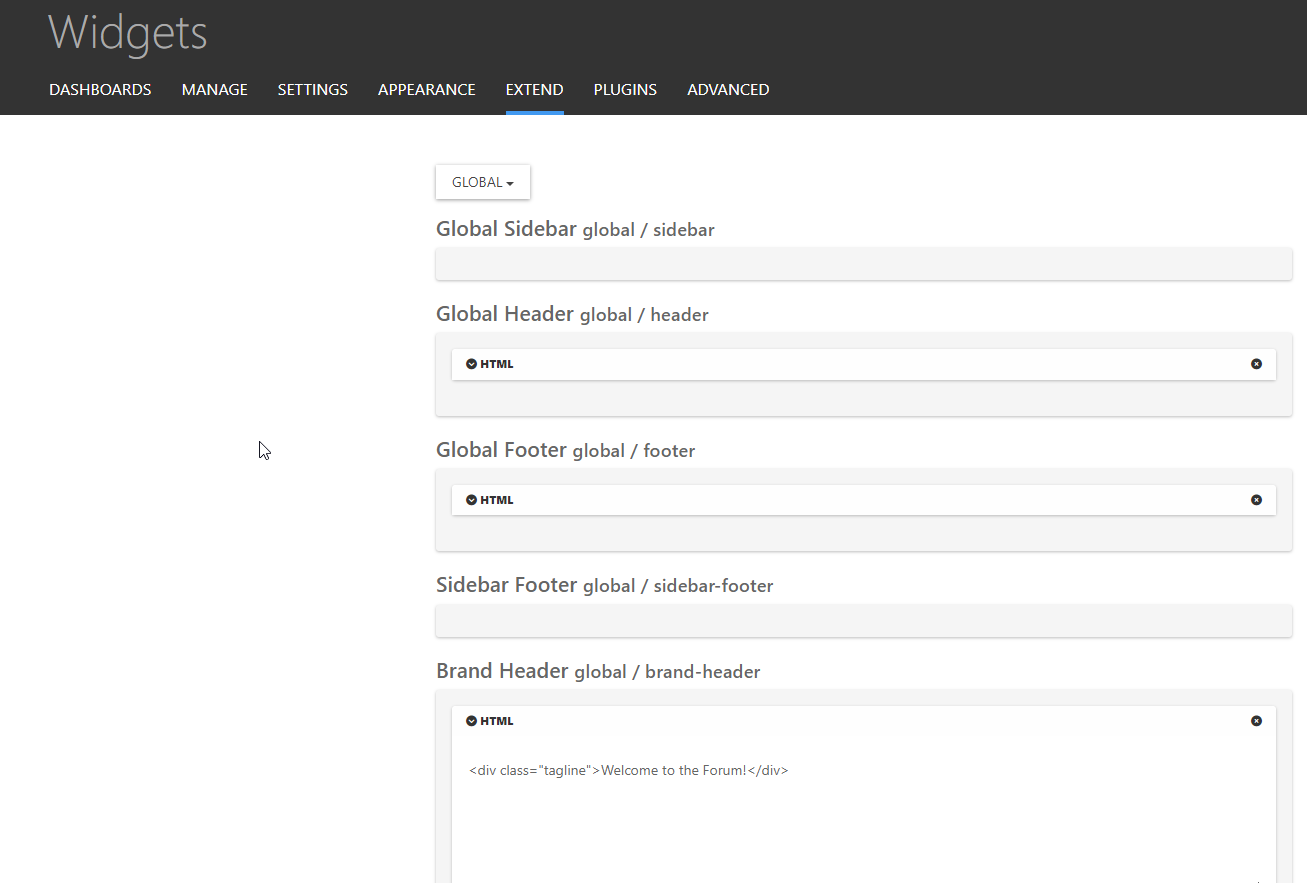
Save
- Go to
admin/appearance/customise#custom-css - Add the below CSS
[data-widget-area="brand-header"] {
    display: contents;
}
.tagline {
    position: relative;
    margin-left: 10px;
    margin-top: 20px;
}
Save
Mark Cutting also advises organisations as a Fractional CIO, Fractional CISO and Executive Advisor, helping boards improve technology governance, cyber resilience and executive decision making. Learn more at Gratmore Ltd
-
 undefined phenomlab has marked this topic as solved on
-
@mventures How’s this ?
To achieve this look
- Create a Brand Header widget
Save
- Go to
admin/appearance/customise#custom-css - Add the below CSS
[data-widget-area="brand-header"] {
    display: contents;
}
.tagline {
    position: relative;
    margin-left: 10px;
    margin-top: 20px;
}
Save
@phenomlab That’s awesome! Keen to give that a try right now! Thank you
 I shall be back.
 -
UPDATE: It worked
Thank you again. I added a few sentences and had to do a hard refresh for everything to appear and its exactly how I need it to be.
Was that BRAND HEADER widget always there or did you create it just now?? -
UPDATE: It worked
Thank you again. I added a few sentences and had to do a hard refresh for everything to appear and its exactly how I need it to be.
Was that BRAND HEADER widget always there or did you create it just now??@mventures The brand widget is part of the Harmony theme, so it already exists.
Also, I added another CSS class so that the tagline is hidden on mobiles. With all that text, it’ll wrap and take half of the mobile screen estate, which will look awful.
@media (max-width: 576px) {
.tagline {
    display: none;
}
}
Mark Cutting also advises organisations as a Fractional CIO, Fractional CISO and Executive Advisor, helping boards improve technology governance, cyber resilience and executive decision making. Learn more at Gratmore Ltd
-
@mventures The brand widget is part of the Harmony theme, so it already exists.
Also, I added another CSS class so that the tagline is hidden on mobiles. With all that text, it’ll wrap and take half of the mobile screen estate, which will look awful.
@media (max-width: 576px) { .tagline { display: none; } }@phenomlab That’s a great idea! I didn’t think of that. Thank you.
-
@mventures The brand widget is part of the Harmony theme, so it already exists.
Also, I added another CSS class so that the tagline is hidden on mobiles. With all that text, it’ll wrap and take half of the mobile screen estate, which will look awful.
@media (max-width: 576px) { .tagline { display: none; } }@phenomlab Sorry I am back on this one. I just noticed on the desktop a blue bar appears across the header region when you visit any of the categories. Does it have to do with your CSS class insertion? It doesn’t appear on the homepage but the channel pages only.

-
UPDATE: That blue bar has now disappeared and I did nothing. Perhaps, you @phenomlab ?
-
UPDATE: That blue bar has now disappeared and I did nothing. Perhaps, you @phenomlab ?
@mventures I’ve not done anything here.

Hello! It looks like you're interested in this conversation, but you don't have an account yet.
Getting fed up of having to scroll through the same posts each visit? When you register for an account, you'll always come back to exactly where you were before, and choose to be notified of new replies (either via email, or push notification). You'll also be able to save bookmarks and upvote posts to show your appreciation to other community members.
With your input, this post could be even better 💗
Register Login