External Links - New Window
-

Hi All,
It’s been a while. I took a break from well…everything to be honest. Anyway here I am and I hope you are all well.
I have a question regarding nodebb and external links. Is it possible to make all external links open in a new window by default? Pretty sure it’s not in the settings. A lot has chnaged since I last played around with it.
Thank you in advance.
-
Hi All,
It’s been a while. I took a break from well…everything to be honest. Anyway here I am and I hope you are all well.
I have a question regarding nodebb and external links. Is it possible to make all external links open in a new window by default? Pretty sure it’s not in the settings. A lot has chnaged since I last played around with it.
Thank you in advance.

@Sampo2910 welcome back! Hope you’re well?
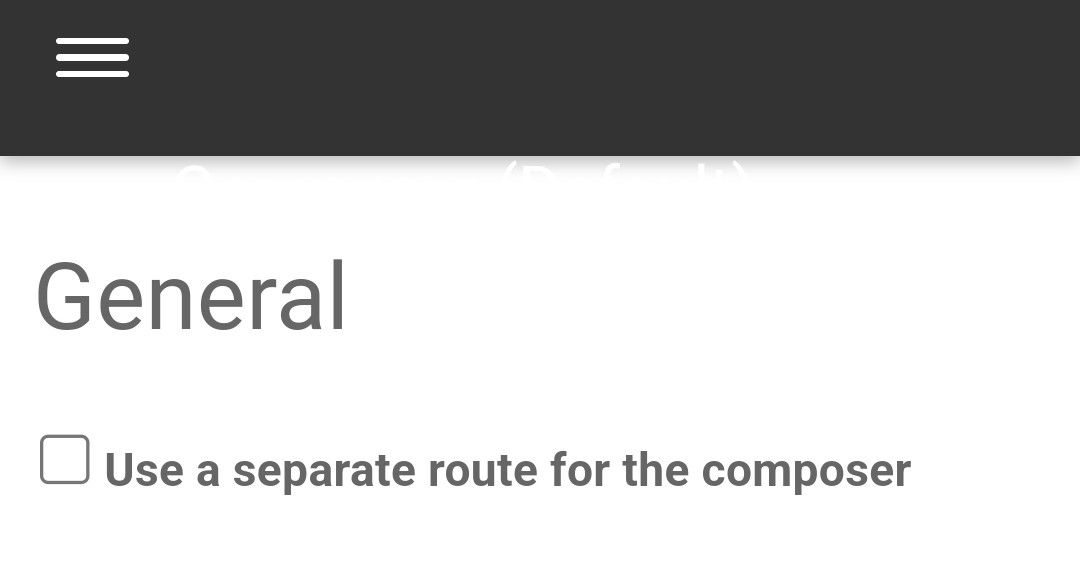
It’s certainly possible to open links in a new window. It’s in the markdown settings as below
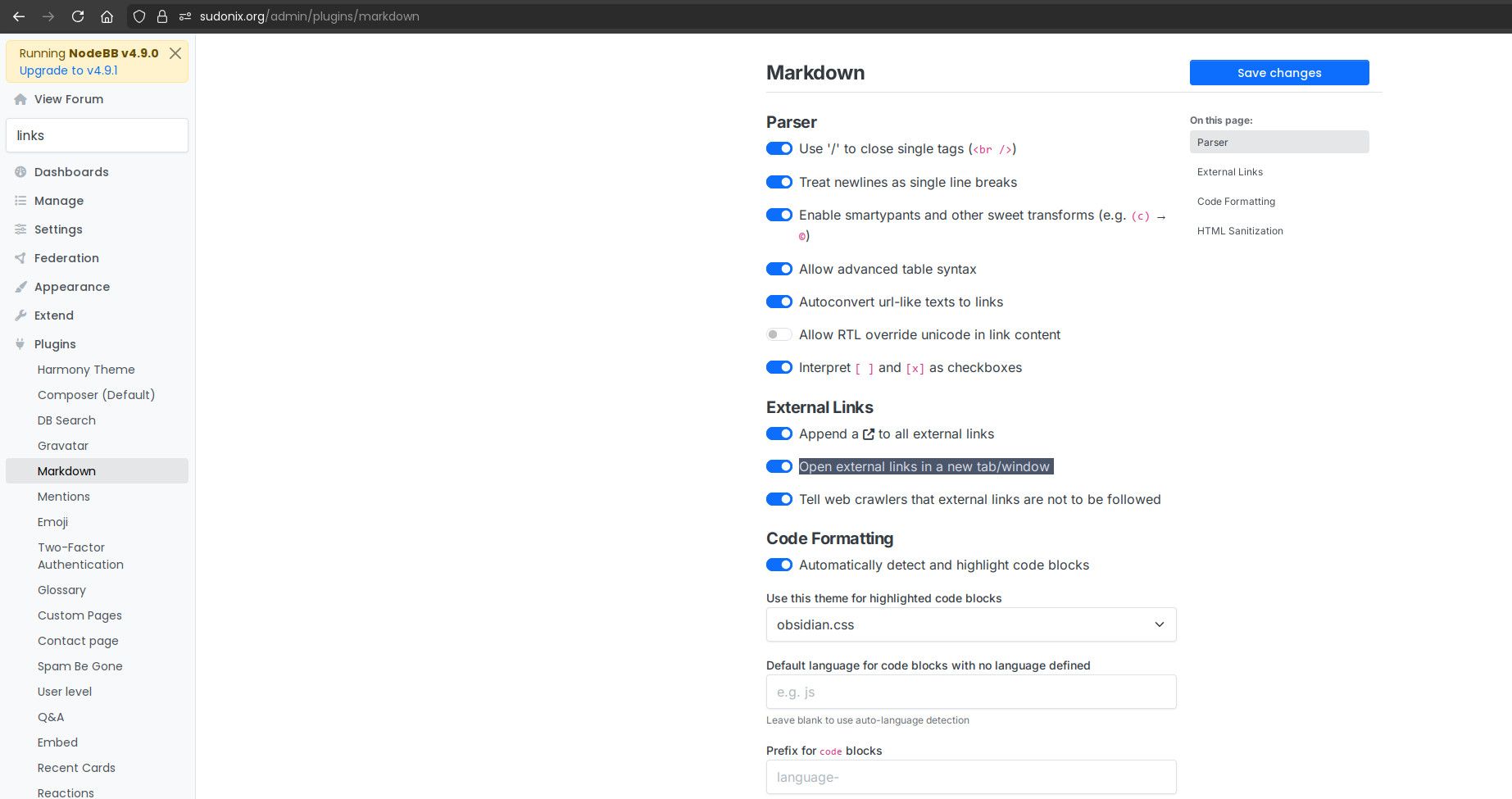
-
-
Hi Mark,
Perfect and thank you.
Yes not too bad. A few issues with the ticker (more of a scare) but reporting back for duty haha. All good. Working at sea and so I am not about a smuch as I would like to be. Have to earn the pennies.
Thank you again.

@Sampo2910 A feeling I know all too well with the “pennies”. Hopefully, you’re back to full health now?
Mark Cutting also advises organisations as a Fractional CIO, Fractional CISO and Executive Advisor, helping boards improve technology governance, cyber resilience and executive decision making. Learn more at Gratmore Ltd
-
phenomlab has marked this topic as solved on
-
@Sampo2910 A feeling I know all too well with the “pennies”. Hopefully, you’re back to full health now?
@phenomlab Yes, all good. Had all the tests and now back at it. Had some stress tests on the bike, running whilst all wired up like Steve Austin
All turned out well.Just one of them things, but sure makes you appreciate what you have.
-
@phenomlab Yes, all good. Had all the tests and now back at it. Had some stress tests on the bike, running whilst all wired up like Steve Austin
All turned out well.Just one of them things, but sure makes you appreciate what you have.
Just one of them things, but sure makes you appreciate what you have.
Funny how it does exactly that. Stay well!
Mark Cutting also advises organisations as a Fractional CIO, Fractional CISO and Executive Advisor, helping boards improve technology governance, cyber resilience and executive decision making. Learn more at Gratmore Ltd
-
Just one of them things, but sure makes you appreciate what you have.
Funny how it does exactly that. Stay well!
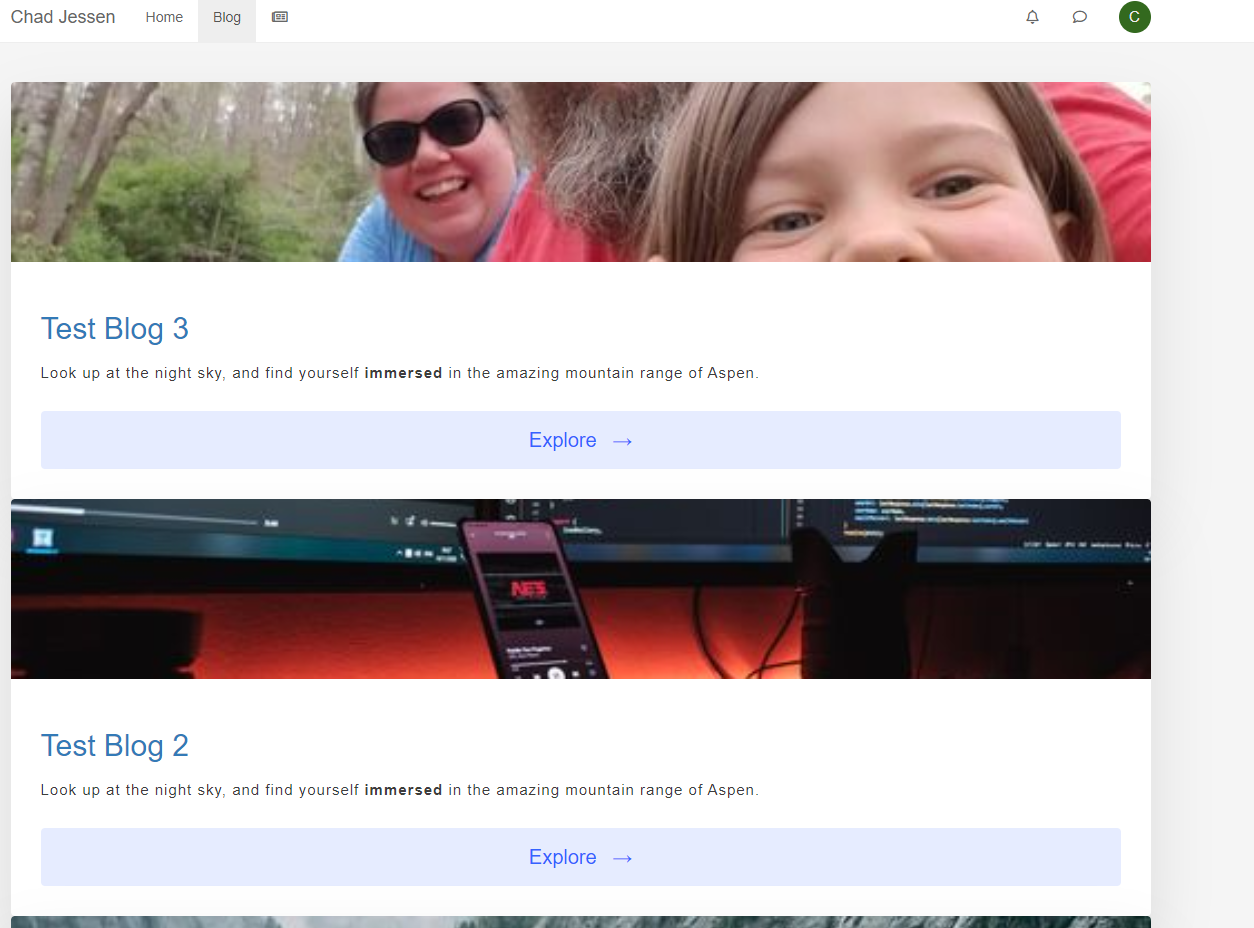
Just to add there is a plugin there to activate called link preview. It works ok but with that the links do not open up in a new tab/window. Other links are ok but not with that plugin

-
Just to add there is a plugin there to activate called link preview. It works ok but with that the links do not open up in a new tab/window. Other links are ok but not with that plugin
@Sampo2910 search the forum here for
ogproxywhich is the client side version of that plugin I wrote.It’s in use here on this forum.
Mark Cutting also advises organisations as a Fractional CIO, Fractional CISO and Executive Advisor, helping boards improve technology governance, cyber resilience and executive decision making. Learn more at Gratmore Ltd


Hello! It looks like you're interested in this conversation, but you don't have an account yet.
Getting fed up of having to scroll through the same posts each visit? When you register for an account, you'll always come back to exactly where you were before, and choose to be notified of new replies (either via email, or push notification). You'll also be able to save bookmarks and upvote posts to show your appreciation to other community members.
With your input, this post could be even better 💗
Register LoginDid this solution help you?
Related Topics
-
-

Test of youtube embeds
Solved Configure -
-
-
-

Link Not Working
Solved Customisation -
-