-
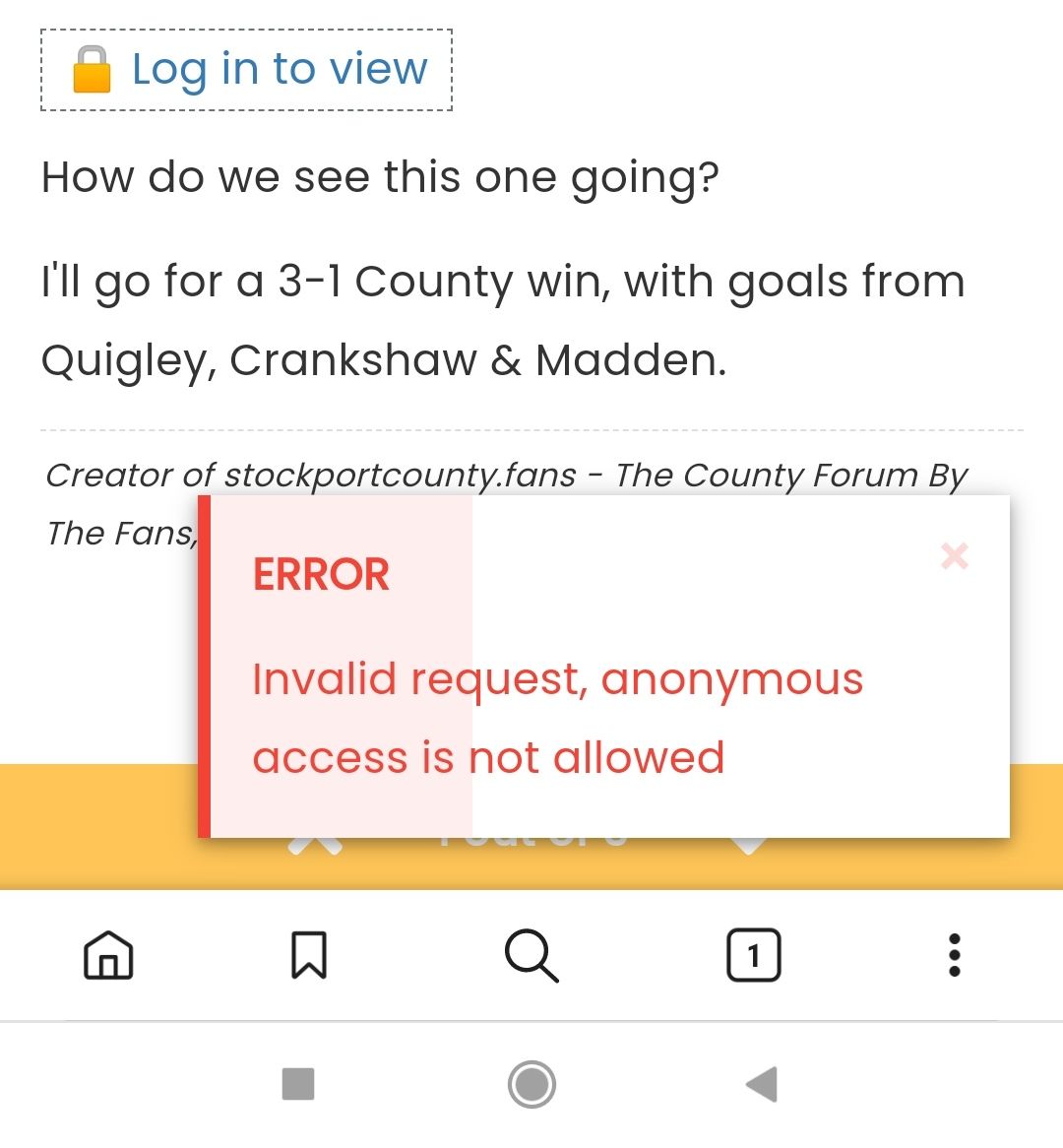
I think it is because it’s set to not show the attachment to users that aren’t logged in but if anything it will put users off when the red error message shows.
-
I think it is because it’s set to not show the attachment to users that aren’t logged in but if anything it will put users off when the red error message shows.
@jac This isn’t a bug, but a feature design of NodeBB. Agreed that it may put people off, so you’d need to adjust the uploads permissions accordingly.
Mark Cutting also advises organisations as a Fractional CIO, Fractional CISO and Executive Advisor, helping boards improve technology governance, cyber resilience and executive decision making. Learn more at Gratmore Ltd
-
 undefined phenomlab moved this topic from Bugs on
-
@jac This isn’t a bug, but a feature design of NodeBB. Agreed that it may put people off, so you’d need to adjust the uploads permissions accordingly.
@phenomlab said in Error shows as visitor views post:
@jac This isn’t a bug, but a feature design of NodeBB. Agreed that it may put people off, so you’d need to adjust the uploads permissions accordingly.
probably a case of disabling the feature.
-
I think it is because it’s set to not show the attachment to users that aren’t logged in but if anything it will put users off when the red error message shows.
but if anything it will put users off when the red error message shows.
I suppose a counter argument here could well be that it’ll entice the user to sign up of they are serious about wanting to see the attachments. There are hundreds of forums that take this route out of the box.
Mark Cutting also advises organisations as a Fractional CIO, Fractional CISO and Executive Advisor, helping boards improve technology governance, cyber resilience and executive decision making. Learn more at Gratmore Ltd
-
but if anything it will put users off when the red error message shows.
I suppose a counter argument here could well be that it’ll entice the user to sign up of they are serious about wanting to see the attachments. There are hundreds of forums that take this route out of the box.
@phenomlab said in Error shows as visitor views post:
but if anything it will put users off when the red error message shows.
I suppose a counter argument here could well be that it’ll entice the user to sign up of they are serious about wanting to see the attachments. There are hundreds of forums that take this route out of the box.
Absolutely mate

-
@phenomlab said in Error shows as visitor views post:
but if anything it will put users off when the red error message shows.
I suppose a counter argument here could well be that it’ll entice the user to sign up of they are serious about wanting to see the attachments. There are hundreds of forums that take this route out of the box.
Absolutely mate
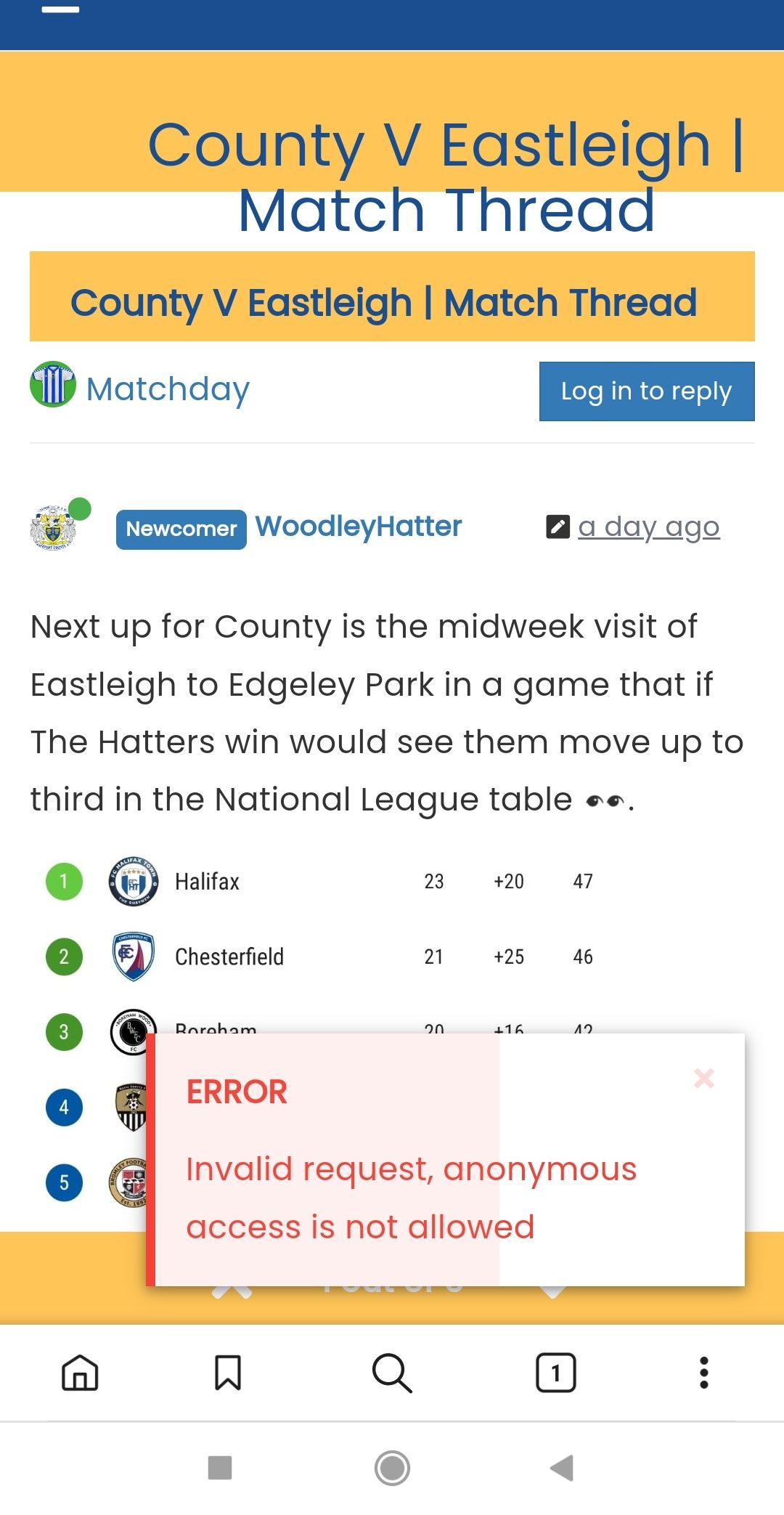
@jac just checked this again and although the image now shows I am still seeing the error message?

Hello! It looks like you're interested in this conversation, but you don't have an account yet.
Getting fed up of having to scroll through the same posts each visit? When you register for an account, you'll always come back to exactly where you were before, and choose to be notified of new replies (either via email, or push notification). You'll also be able to save bookmarks and upvote posts to show your appreciation to other community members.
With your input, this post could be even better 💗
Register LoginRelated Topics
-
Nodebb to Xenforo
Solved Configure -
Nodebb and emails
Solved Configure -
-
MogoDB v6 to v7 upgrade
Solved Configure -
-
-
-