NodeBB v4.0.0
-
@phenomlab yes i see that but mine is not working, i m not see my post in your web site when i searched my link…
-
@phenomlab yes i see that but mine is not working, i m not see my post in your web site when i searched my link…
@cagatay For federation to work between two NodeBB sites, you have to follow users in the remote site.
-
If I follow you here and you share something in World, will I see it on my own site? Shall we test this?
-
If I follow you here and you share something in World, will I see it on my own site? Shall we test this?
@cagatay Good idea. Let’s try it.
-
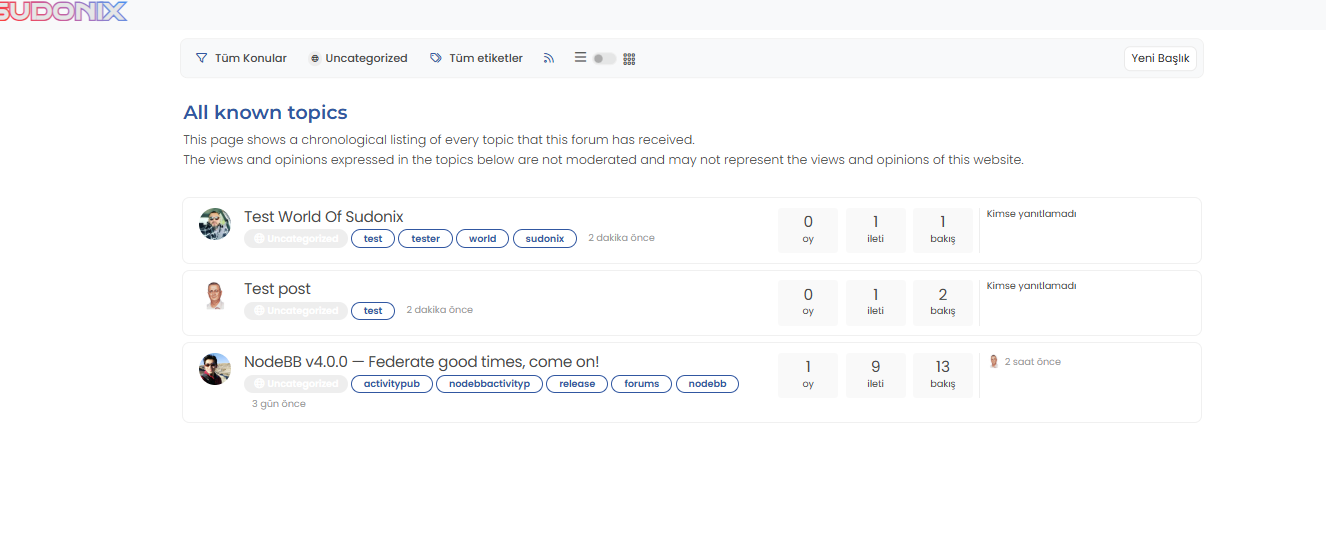
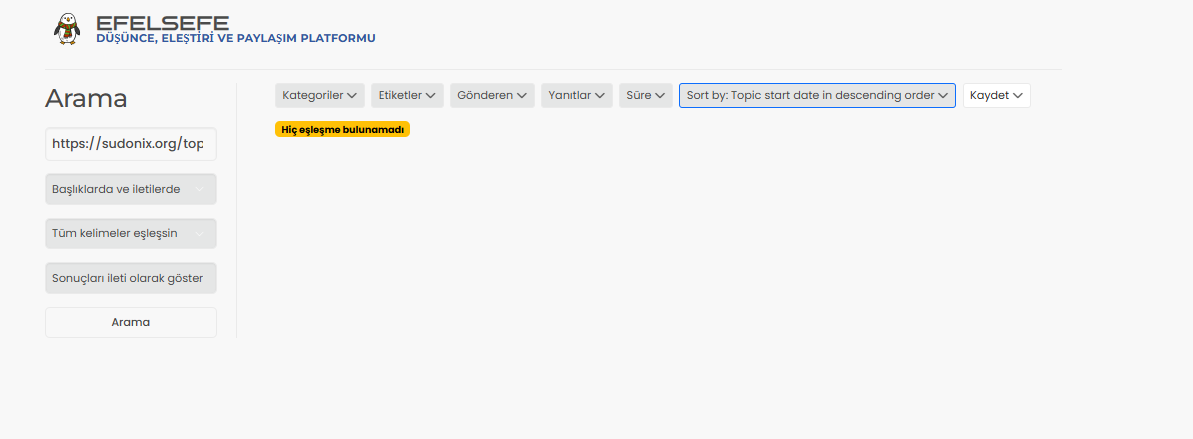
@phenomlab i m following you and opened topic, tested link on my web site. result 0
 did not see anything.
 -
-
-
@cagatay Yep. Done
-
-
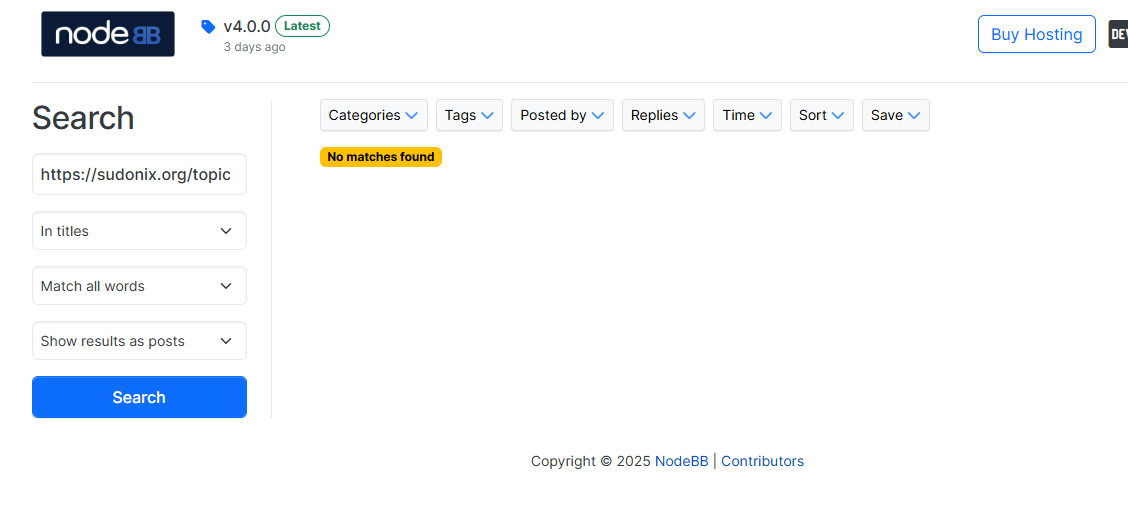
@cagatay Search the same link on your own forum
-
-
-
Yes, I can see these while on your site, and I created the topic from your site in the World category. However, I should also be able to see the links on my own site or the NodeBB site, but I can’t, even though I am following you.
-
Yes, I can see these while on your site, and I created the topic from your site in the World category. However, I should also be able to see the links on my own site or the NodeBB site, but I can’t, even though I am following you.
@cagatay Yes, exactly that.
-
Since we are following each other, we can see the messages we post in Julian’s topic as cagatay@community.nodebb.org. However, we cannot see messages from others because we are not following them on their own sites, or maybe we need to follow them on nodebb.org—I’m not sure. After all, we are unable to create topics ourselves, right?
-
@phenomlab pleased (and a little surprised) to see you embracing Federation.
You didn’t seem to be a fan last time we discussed it, what has given you the change of heart? -
@phenomlab pleased (and a little surprised) to see you embracing Federation.
You didn’t seem to be a fan last time we discussed it, what has given you the change of heart?@Panda I’m not embracing it as such - more along the lines of early testing to see if there is any benefit to the Sudonix community as a whole.
-
I hope you stay on board with the ActivityPub because there is stuff that need fixing / improving. As I said some months ago, your input on some of those issues will be value.
Its a very complex area. -
Personally, I don’t really like this feature in principle.
Besides, I don’t know how it works and I don’t feel like it was presented well.
Then, I would like to keep control of what is shared elsewhere than on my site.
PW and WS Spirit alive
-
Personally, I don’t really like this feature in principle.
Besides, I don’t know how it works and I don’t feel like it was presented well.
Then, I would like to keep control of what is shared elsewhere than on my site.
@DownPW agreed. I too am approaching this with trepidation rather than simply throwing myself into it. I understand the appeal and potential for a wider audience, but given the remit of this site and the mission that Sudonix effectively promotes, I’m not sure it’s a good fit.






Hello! It looks like you're interested in this conversation, but you don't have an account yet.
Getting fed up of having to scroll through the same posts each visit? When you register for an account, you'll always come back to exactly where you were before, and choose to be notified of new replies (either via email, or push notification). You'll also be able to save bookmarks and upvote posts to show your appreciation to other community members.
With your input, this post could be even better 💗
Register LoginRelated Topics
-
-
-
Nodebb design
Solved General -
-
-
-
-
NodeBB metadata
Solved Configure