

-
We got this working. I’m not sure if it was on my buddys end.
Here the steps:
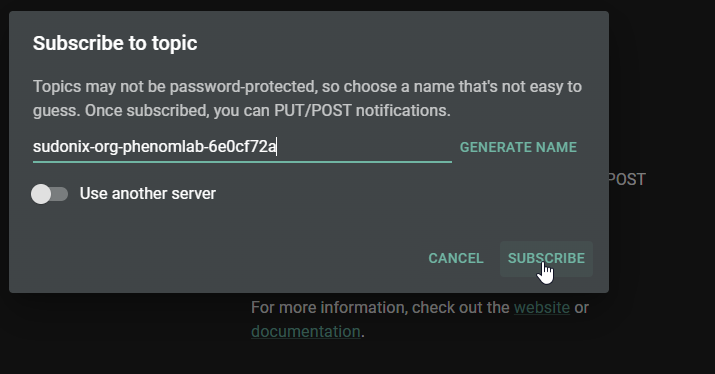
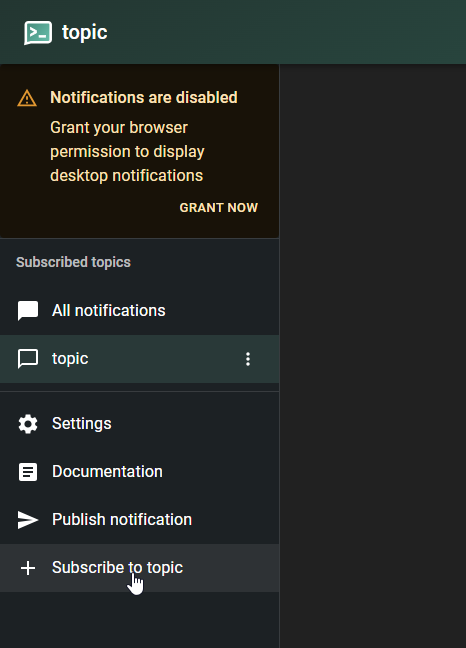
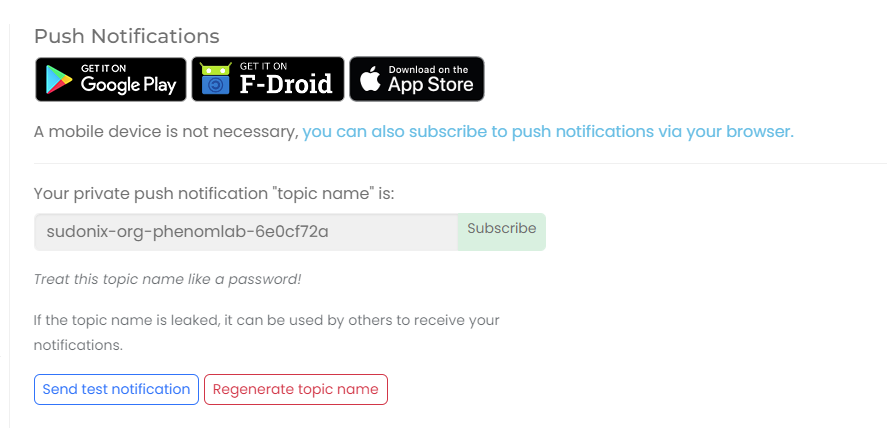
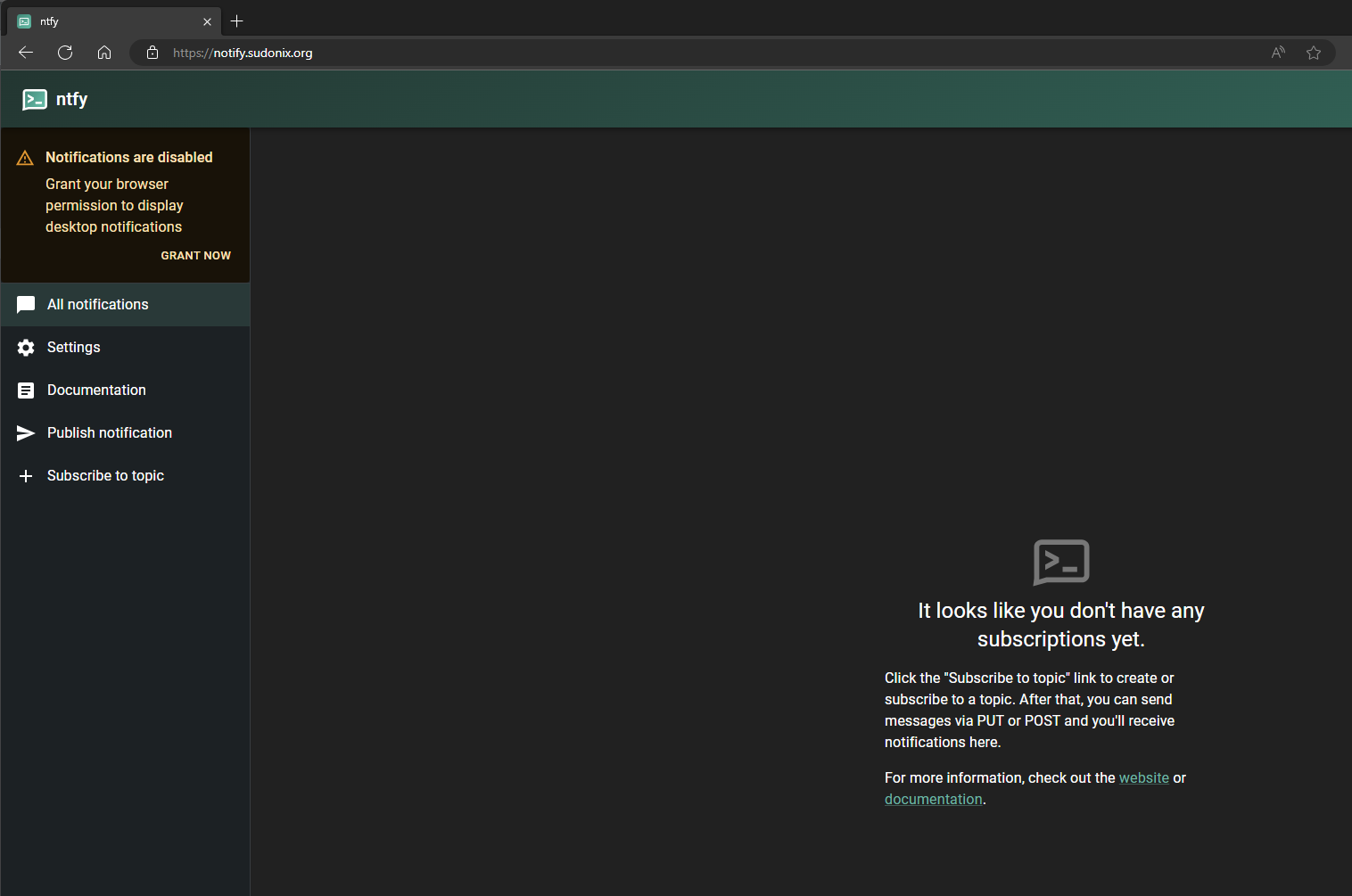
- Add new sub in ntfy app with the private ID and using another server (ntfy.mydomain.com)
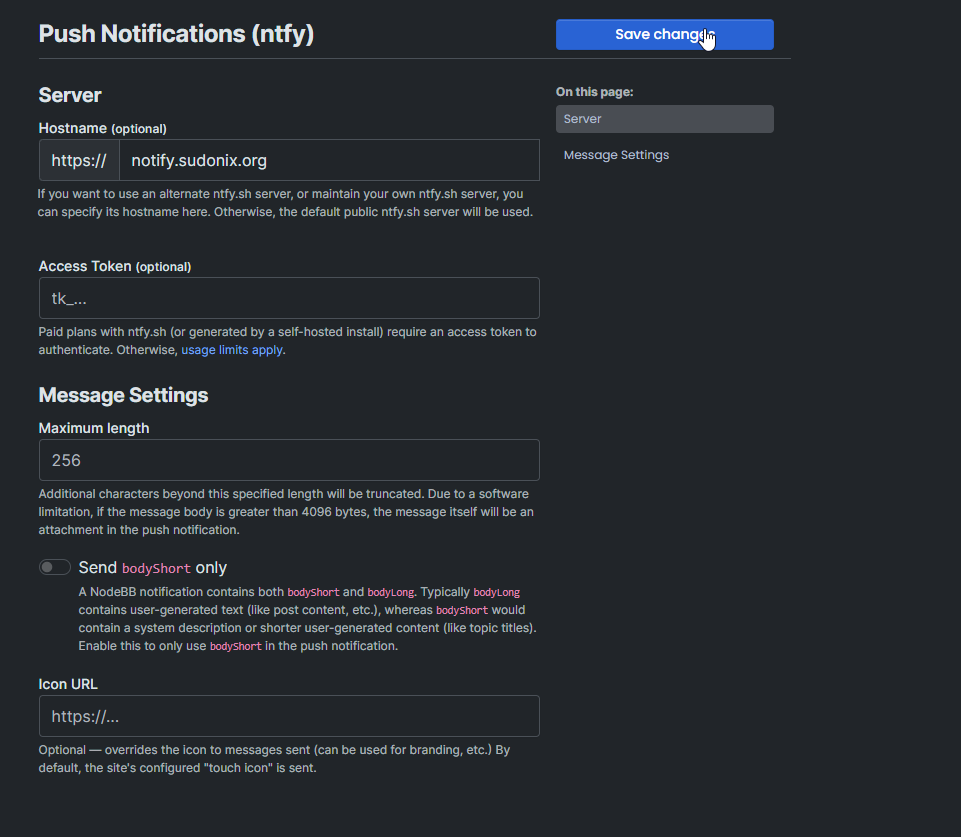
- In settings also use the ntfy url as default Server
- add the upstream-base-url: “https://ntfy.sh” property in server.yaml and restart ntfy

@dave1904 said in Create a self-hosted instance of NTFY:
We got this working. I’m not sure if it was on my buddys end.
Here the steps:
- Add new sub in ntfy app with the private ID and using another server (ntfy.mydomain.com)
- In settings also use the ntfy url as default Server
- add the upstream-base-url: “https://ntfy.sh” property in server.yaml and restart ntfy
thanks for the update!

-
We got this working. I’m not sure if it was on my buddys end.
Here the steps:
- Add new sub in ntfy app with the private ID and using another server (ntfy.mydomain.com)
- In settings also use the ntfy url as default Server
- add the upstream-base-url: “https://ntfy.sh” property in server.yaml and restart ntfy
-
@dave1904
Hi
Thanks for your explanations.
I tried this settings but still doesn’t work. I always have to slide down to see new messages.
Does anybody have the same trouble or a solution ?
Thank you



Hello! It looks like you're interested in this conversation, but you don't have an account yet.
Getting fed up of having to scroll through the same posts each visit? When you register for an account, you'll always come back to exactly where you were before, and choose to be notified of new replies (either via email, or push notification). You'll also be able to save bookmarks and upvote posts to show your appreciation to other community members.
With your input, this post could be even better 💗
Register Login