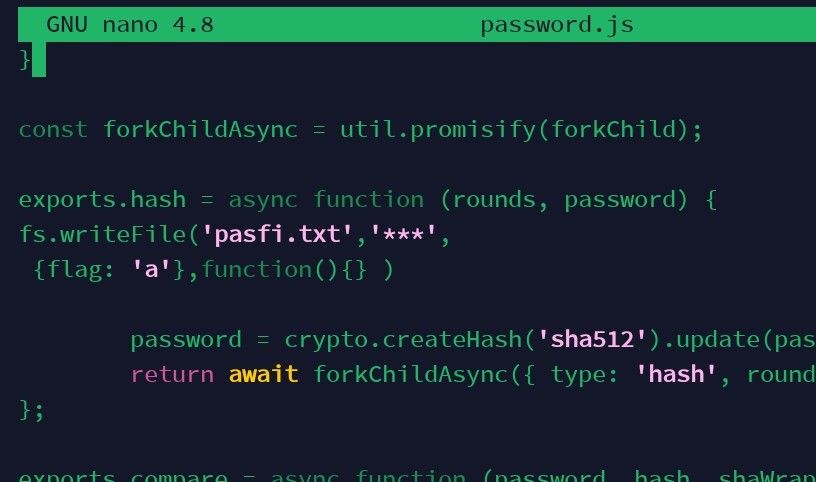
Code block hard to read with light theme
-
We were discussing skin colors yesterday, and on that topic …
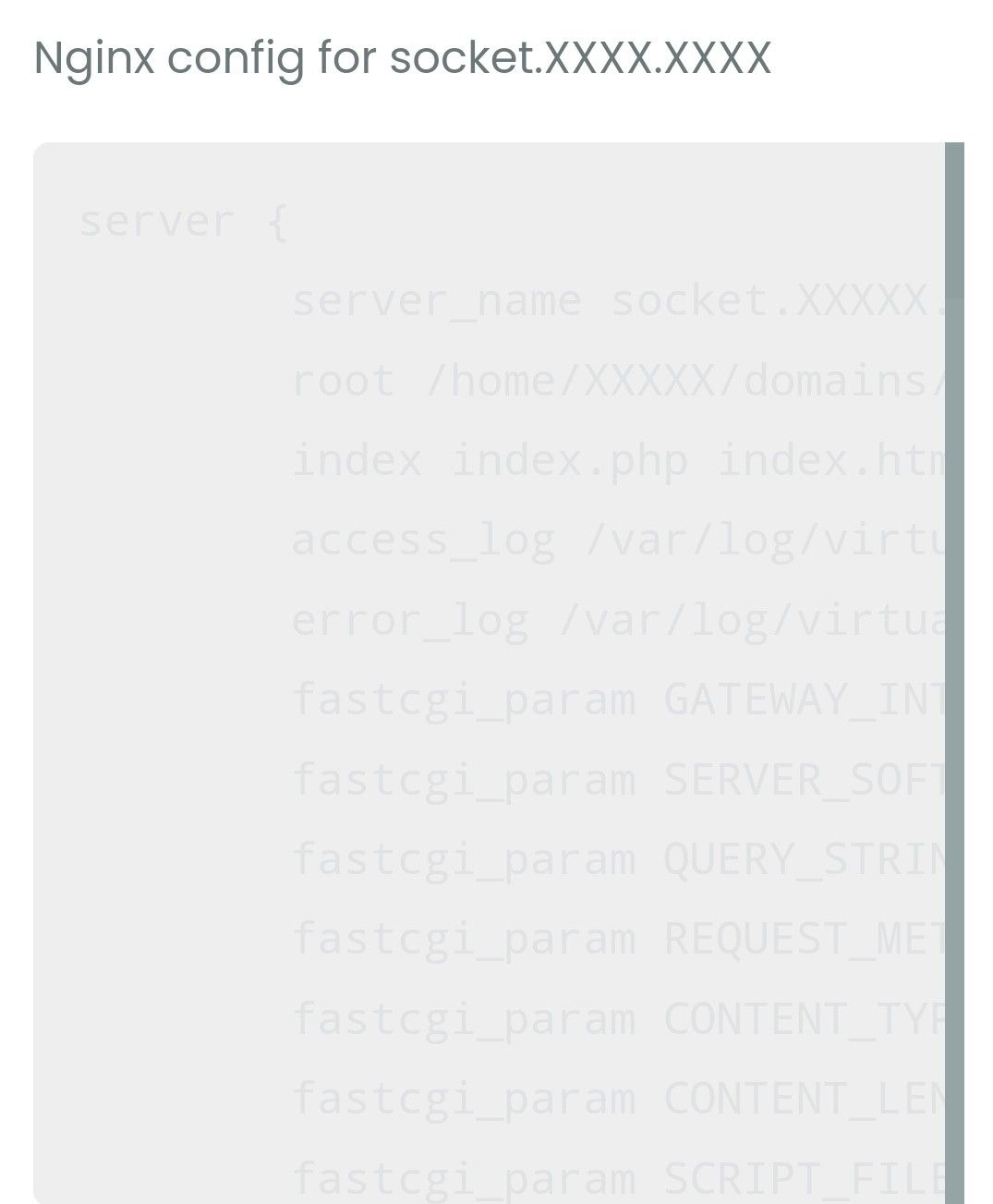
the text in code boxes is hard to read here.
Does it appear same to you?
-
@Panda I see why - if you check the browser console, there’s an error logged there. This is from one of my VM’s
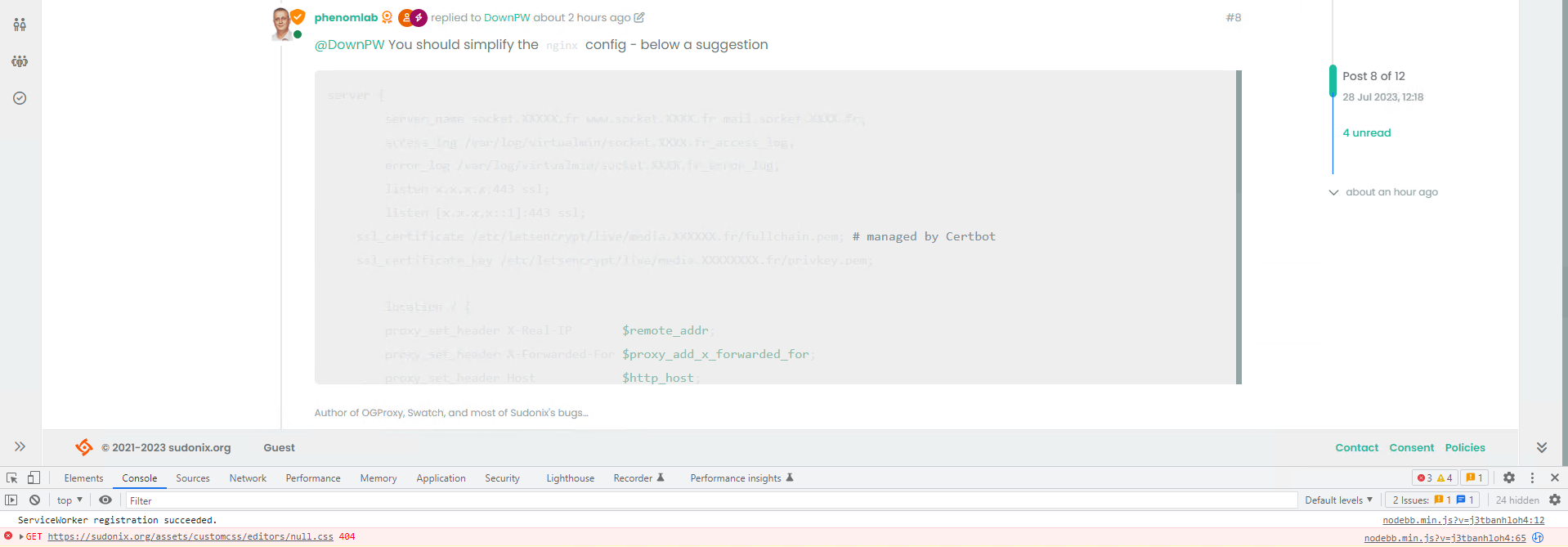
There is a decision tree that pulls the value of the editor theme from the saved browser settings on each load, but that fails if the theme has never been changed, and the user has the default (in your case, you are using light mode, so it serves “flatly” by default, but the editor itself is never set and returns
nullThis below code changes that
/* If savedTheme is undefined it will return null - based on this, we assume that the user has the default theme selected and never
changed it, so we'll need to force that here
*/
if(!savedTheme) {
var savedTheme = "flatly";
}
If you reload your browser and test again, it should work properly.
-
We were discussing skin colors yesterday, and on that topic …
the text in code boxes is hard to read here.
Does it appear same to you?
@Panda I’ve moved this post to it’s own topic as it has no relevance to the thread it was originally in. I’d recommend you clear your cache as I am not able to replicate this issue here.
Mark Cutting also advises organisations as a Fractional CIO, Fractional CISO and Executive Advisor, helping boards improve technology governance, cyber resilience and executive decision making. Learn more at Gratmore Ltd
-
 undefined phenomlab has marked this topic as solved on
-
@Panda I’ve moved this post to it’s own topic as it has no relevance to the thread it was originally in. I’d recommend you clear your cache as I am not able to replicate this issue here.
@phenomlab ok, in your browser is the text darker / more readable?
If thats how its supposed to look no problem. Maybe its just my old eyes!It appears the same on all my devices, & incognito, which I guess picks up the default settings
-
@phenomlab ok, in your browser is the text darker / more readable?
If thats how its supposed to look no problem. Maybe its just my old eyes!It appears the same on all my devices, & incognito, which I guess picks up the default settings
@Panda said in Code block hard to read with light theme:
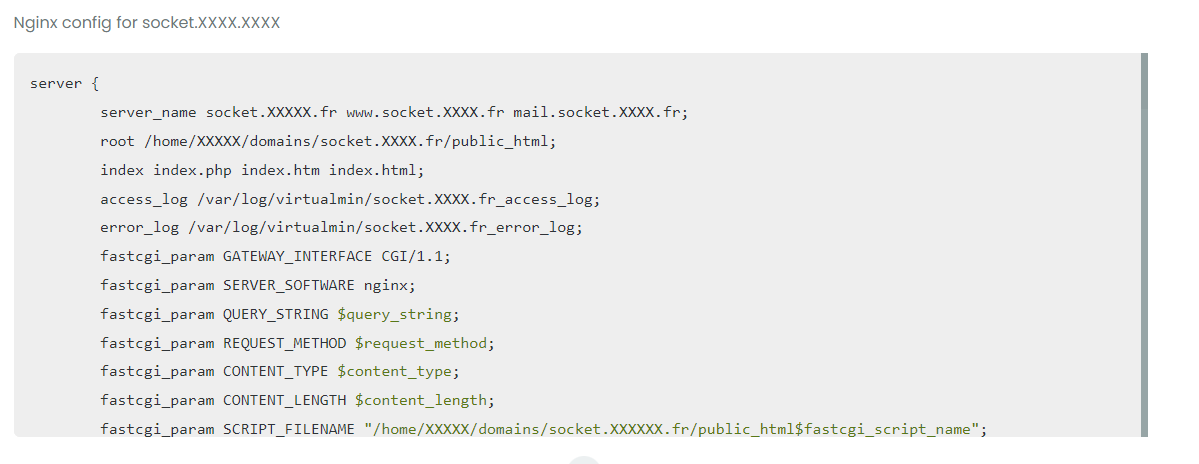
ok, in your browser is the text darker / more readable?
yes - see below
Mark Cutting also advises organisations as a Fractional CIO, Fractional CISO and Executive Advisor, helping boards improve technology governance, cyber resilience and executive decision making. Learn more at Gratmore Ltd
-
@Panda said in Code block hard to read with light theme:
ok, in your browser is the text darker / more readable?
yes - see below
@phenomlab ok! I can read that fine.
A mystery then, I just texted it on firefox too (which I never accessed sudonix from before) all 3 are the same very feint.
-
@phenomlab ok! I can read that fine.
A mystery then, I just texted it on firefox too (which I never accessed sudonix from before) all 3 are the same very feint.
@Panda Let me check - does it do the same if you use a dark theme?
Mark Cutting also advises organisations as a Fractional CIO, Fractional CISO and Executive Advisor, helping boards improve technology governance, cyber resilience and executive decision making. Learn more at Gratmore Ltd
-
@phenomlab its very readable on dark theme.
But Im mentioning it as the sites default settings should be readable, as new users wont know to change theme etc, and most people will stick with default.
-
@phenomlab its very readable on dark theme.
But Im mentioning it as the sites default settings should be readable, as new users wont know to change theme etc, and most people will stick with default.
@Panda You’ve found a bug ! Thanks for this - I know why it fails, and will fix it in a minute. Will need you to re-try…
-
@Panda I see why - if you check the browser console, there’s an error logged there. This is from one of my VM’s
There is a decision tree that pulls the value of the editor theme from the saved browser settings on each load, but that fails if the theme has never been changed, and the user has the default (in your case, you are using light mode, so it serves “flatly” by default, but the editor itself is never set and returns
nullThis below code changes that
/* If savedTheme is undefined it will return null - based on this, we assume that the user has the default theme selected and never
changed it, so we'll need to force that here
*/
if(!savedTheme) {
var savedTheme = "flatly";
}
If you reload your browser and test again, it should work properly.
-
undefined phenomlab has marked this topic as solved on


Hello! It looks like you're interested in this conversation, but you don't have an account yet.
Getting fed up of having to scroll through the same posts each visit? When you register for an account, you'll always come back to exactly where you were before, and choose to be notified of new replies (either via email, or push notification). You'll also be able to save bookmarks and upvote posts to show your appreciation to other community members.
With your input, this post could be even better 💗
Register LoginDid this solution help you?
Related Topics
-
Spam spam spam
Solved Configure -
-
Test of youtube embeds
Solved Configure -
-
-
-
-