Setup OGProxy for use in NodeBB
-
@DownPW can you pm me a link to an internal URL ? Something I’d like to check.
-
So I no longer need my effect code if all the URL links, even internal ones, are in an Iframe so managed by OGProxy

You could have told me before I racked my brains little trickster ha ha
But I thought it would cause perf issues so I guess you found a workaround for that
@phenomlab said in Setup OGProxy for use in NodeBB:
@DownPW can you pm me a link to an internal URL ? Something I’d like to check.
On my Domain ?
PW and WS Spirit alive
-
So I no longer need my effect code if all the URL links, even internal ones, are in an Iframe so managed by OGProxy
You could have told me before I racked my brains little trickster ha haBut I thought it would cause perf issues so I guess you found a workaround for that
@phenomlab said in Setup OGProxy for use in NodeBB:
@DownPW can you pm me a link to an internal URL ? Something I’d like to check.
On my Domain ?
@DownPW sorry. Yes, I did find a workaround.
Yes, your Dev instance please.
-
Hi, I’ve followed all steps but unfortunately don’t get it to work. Here’s the console output:
OGProxy: Domains containing (or starting with) http://xx.xxx.xxx.xxx are in the ignore list and will not be parsed. OGProxy: Paths containing /post are in the ignore list and will not be parsed. OGProxy: Parsing DOM for any URLs that should be converted to previews. -
Hi, I’ve followed all steps but unfortunately don’t get it to work. Here’s the console output:
OGProxy: Domains containing (or starting with) http://xx.xxx.xxx.xxx are in the ignore list and will not be parsed. OGProxy: Paths containing /post are in the ignore list and will not be parsed. OGProxy: Parsing DOM for any URLs that should be converted to previews.@dave1904 is the server running ?
-
@phenomlab Yes
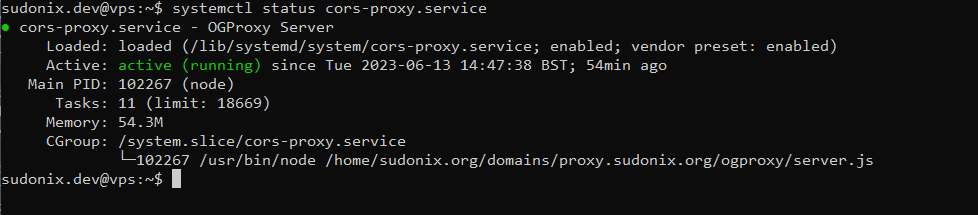
● ogproxy.service - OGProxy Server Loaded: loaded (/etc/systemd/system/ogproxy.service; enabled; vendor preset: enabled) Active: active (running) since Tue 2023-06-13 21:32:17 UTC; 34min ago Main PID: 948850 (node) Tasks: 7 (limit: 1131) Memory: 16.0M CGroup: /system.slice/ogproxy.service └─948850 /usr/bin/node /home/ogproxy/ogproxy/server.js -
@phenomlab Yes
● ogproxy.service - OGProxy Server Loaded: loaded (/etc/systemd/system/ogproxy.service; enabled; vendor preset: enabled) Active: active (running) since Tue 2023-06-13 21:32:17 UTC; 34min ago Main PID: 948850 (node) Tasks: 7 (limit: 1131) Memory: 16.0M CGroup: /system.slice/ogproxy.service └─948850 /usr/bin/node /home/ogproxy/ogproxy/server.js@dave1904 can you provide your
nginxconfig?Mark Cutting also advises organisations as a Fractional CIO, Fractional CISO and Executive Advisor, helping boards improve technology governance, cyber resilience and executive decision making. Learn more at Gratmore Ltd
-
-
@phenomlab I have send you a pm
@dave1904 thanks. Any errors in the console?
-
This post is deleted!
-
@phenomlab Yes:
OPTIONS

https://media.werkself-forum.de/ogproxy?url=https://www1.wdr.de/sport/fussball/erste-bundesliga/bundesliga-teamcheck-winter-bayer-leverkusen-100.html

CORS Missing Allow Origin
It seems to me that I missed something in the nginx configuration.
-
@phenomlab Yes:
OPTIONS

https://media.werkself-forum.de/ogproxy?url=https://www1.wdr.de/sport/fussball/erste-bundesliga/bundesliga-teamcheck-winter-bayer-leverkusen-100.html

CORS Missing Allow Origin
It seems to me that I missed something in the nginx configuration.
@dave1904 not the
nginxconfiguration, but inserver.jsunder this specific sectionapp.use(cors({ origin: 'FULL_FQDN_OF_YOUR_ORIGIN_HERE' })); -
@DownPW @dave1904 can you please replace your function code (found in
function.jsand used in the custom JS part of NodeBB) to use the below - please also remember to replace yourproxyandapiKeyvalueshttps://github.com/phenomlab/ogproxy/blob/main/function.js
I have found a couple of bugs this morning and fixed them. The original post has also been updated.
Thanks
-
I’ve added a new hover effect that will enlarge the image by
1.5when activated. If you’d like this feature, you’ll need to pull the latestfunction.jscode and use this to replace the existing in your custom JS console.You will also need this additional CSS
.card-image-container {
    max-width: 100%;
    max-height: 250px;
    overflow: hidden;
    border-top-left-radius: 0.375rem !important;
    border-top-right-radius: 0.375rem !important;
}

#card-image {
    -webkit-transition: all 0.8s ease;
    -moz-transition: all 0.8s ease;
    transition: all 0.8s ease;
}
#card-image:hover {
    transform: scale(1.1);
  }
If you’d rather not have this feature, just remove the CSS block above.
-
Another update - code has been amended in GIT to fix the
previewLinks()function crashing in chat
-
Can you give procedure to update?
PW and WS Spirit alive
-
@DownPW Sure - you just need to copy the code from the below
https://github.com/phenomlab/ogproxy/blob/main/function.js
And, of course, replace these two values with your own that you already have
var proxy = "FULL_FQDN_OF_YOUR_OGPROXY_HERE";
var apiKey = "YOUR_API_KEY_HERE";
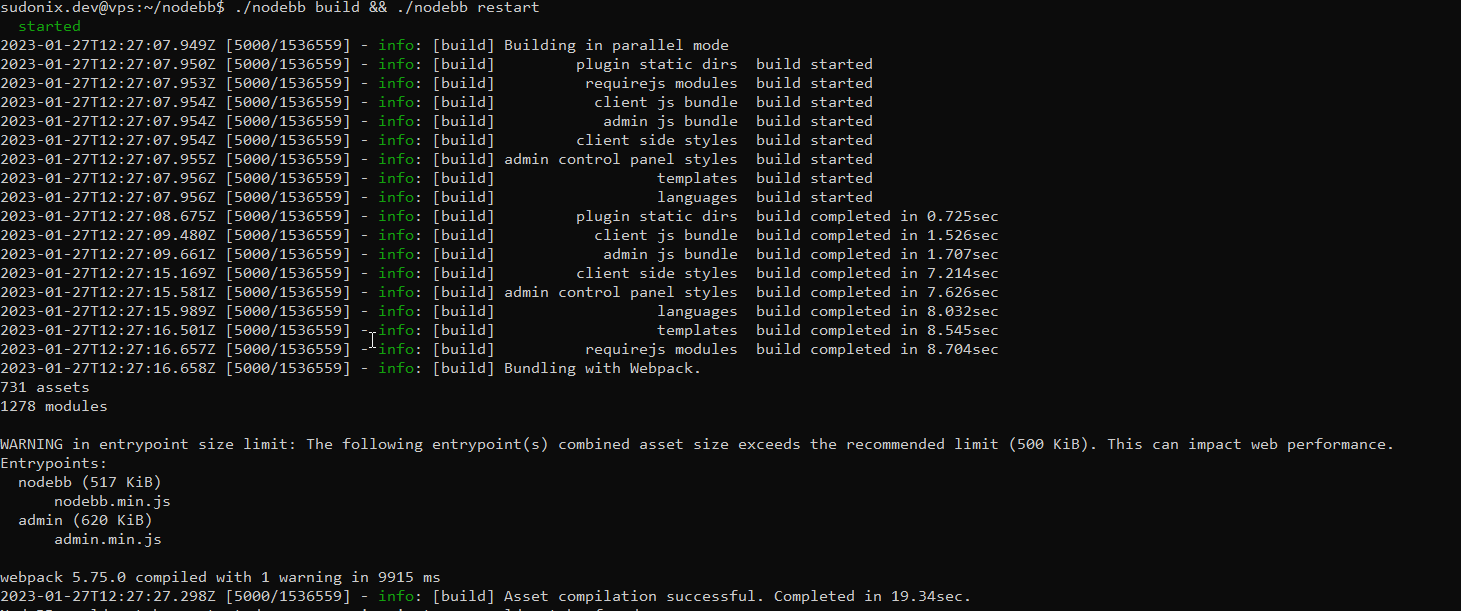
No need to restart the
OGProxyserviceMark Cutting also advises organisations as a Fractional CIO, Fractional CISO and Executive Advisor, helping boards improve technology governance, cyber resilience and executive decision making. Learn more at Gratmore Ltd
-
 undefined phenomlab referenced this topic on
-
Update done
Thanks for your work dude
PW and WS Spirit alive
-
@DownPW all good now?
-
I will try chat ASAP
and it seems github private url doesn’t work but I think it’s normal because it’s a private repo
PW and WS Spirit alive



Hello! It looks like you're interested in this conversation, but you don't have an account yet.
Getting fed up of having to scroll through the same posts each visit? When you register for an account, you'll always come back to exactly where you were before, and choose to be notified of new replies (either via email, or push notification). You'll also be able to save bookmarks and upvote posts to show your appreciation to other community members.
With your input, this post could be even better 💗
Register Login