Setup OGProxy for use in NodeBB
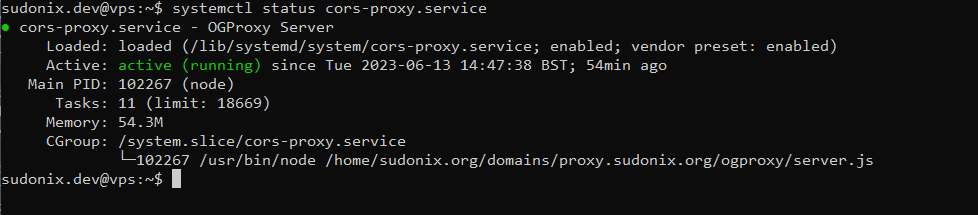
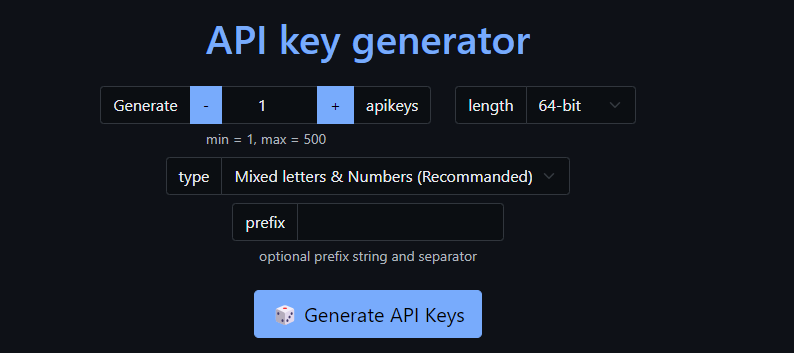
-
@phenomlab Yes:
OPTIONS

https://media.werkself-forum.de/ogproxy?url=https://www1.wdr.de/sport/fussball/erste-bundesliga/bundesliga-teamcheck-winter-bayer-leverkusen-100.html

CORS Missing Allow Origin
It seems to me that I missed something in the nginx configuration.
-
@phenomlab Yes:
OPTIONS

https://media.werkself-forum.de/ogproxy?url=https://www1.wdr.de/sport/fussball/erste-bundesliga/bundesliga-teamcheck-winter-bayer-leverkusen-100.html

CORS Missing Allow Origin
It seems to me that I missed something in the nginx configuration.
@dave1904 not the
nginxconfiguration, but inserver.jsunder this specific sectionapp.use(cors({ origin: 'FULL_FQDN_OF_YOUR_ORIGIN_HERE' })); -
@DownPW @dave1904 can you please replace your function code (found in
function.jsand used in the custom JS part of NodeBB) to use the below - please also remember to replace yourproxyandapiKeyvalueshttps://github.com/phenomlab/ogproxy/blob/main/function.js
I have found a couple of bugs this morning and fixed them. The original post has also been updated.
Thanks
-
I’ve added a new hover effect that will enlarge the image by
1.5when activated. If you’d like this feature, you’ll need to pull the latestfunction.jscode and use this to replace the existing in your custom JS console.You will also need this additional CSS
.card-image-container {
    max-width: 100%;
    max-height: 250px;
    overflow: hidden;
    border-top-left-radius: 0.375rem !important;
    border-top-right-radius: 0.375rem !important;
}

#card-image {
    -webkit-transition: all 0.8s ease;
    -moz-transition: all 0.8s ease;
    transition: all 0.8s ease;
}
#card-image:hover {
    transform: scale(1.1);
  }
If you’d rather not have this feature, just remove the CSS block above.
-
Another update - code has been amended in GIT to fix the
previewLinks()function crashing in chat
-
Can you give procedure to update?
PW and WS Spirit alive
-
@DownPW Sure - you just need to copy the code from the below
https://github.com/phenomlab/ogproxy/blob/main/function.js
And, of course, replace these two values with your own that you already have
var proxy = "FULL_FQDN_OF_YOUR_OGPROXY_HERE";
var apiKey = "YOUR_API_KEY_HERE";
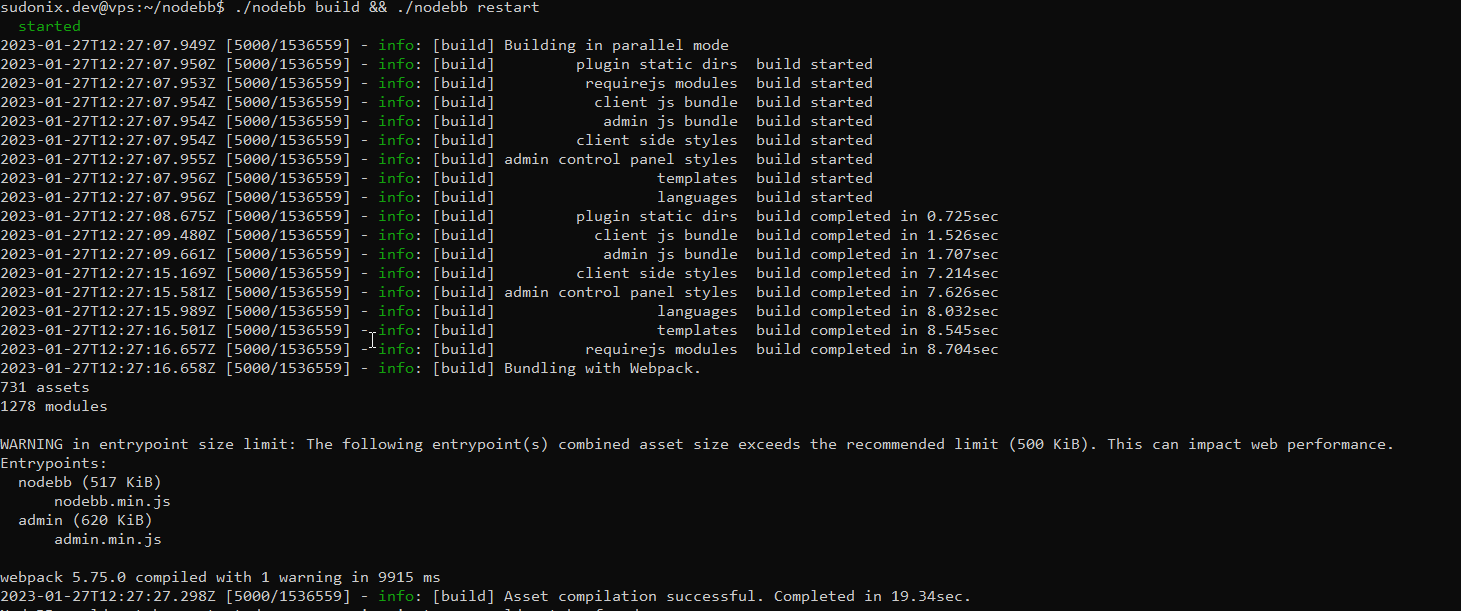
No need to restart the
OGProxyserviceMark Cutting also advises organisations as a Fractional CIO, Fractional CISO and Executive Advisor, helping boards improve technology governance, cyber resilience and executive decision making. Learn more at Gratmore Ltd
-
 undefined phenomlab referenced this topic on
-
Update done

Thanks for your work dude
PW and WS Spirit alive
-
@DownPW all good now?
-
I will try chat ASAP
and it seems github private url doesn’t work but I think it’s normal because it’s a private repo
PW and WS Spirit alive
-
I will try chat ASAP
and it seems github private url doesn’t work but I think it’s normal because it’s a private repo@DownPW that should still render but be replaced with substitute text and images. Anything in the browser console?
-
nope nothing in log
And i Have this bug on the chat render (testing now)
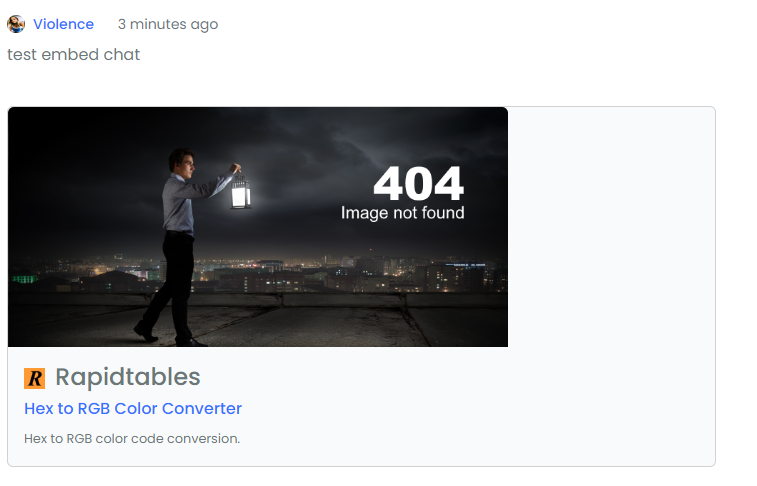
PW and WS Spirit alive
-
EDIT:
Nothing on, nodebb console but I have this on Browser Console :
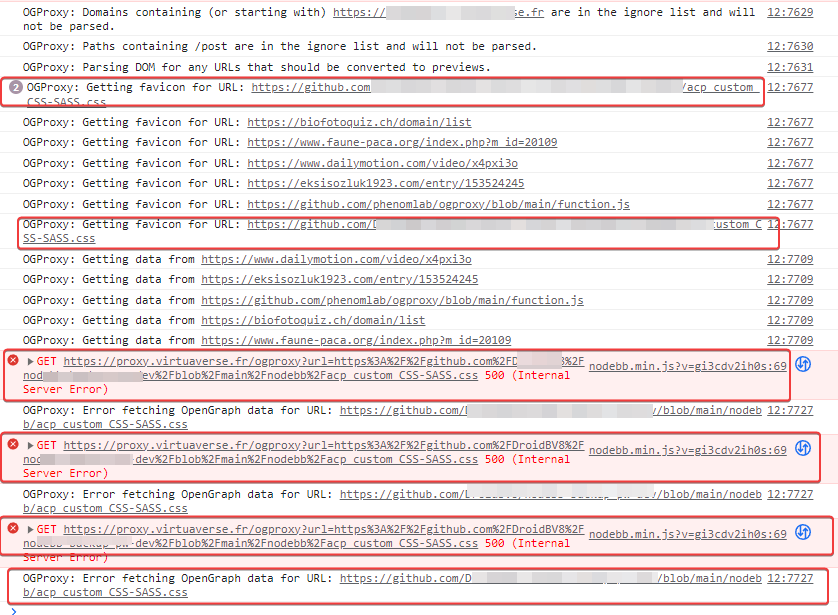
it looks like the url is being misinterpreted. Symbols are appended to the URL.
Odd

PW and WS Spirit alive
-
@DownPW what’s the bug? CSS?
-

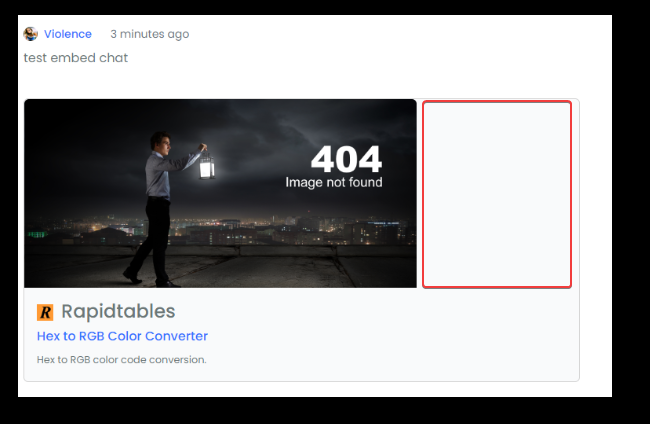
-
EDIT:
Nothing on, nodebb console but I have this on Browser Console :
it looks like the url is being misinterpreted. Symbols are appended to the URL.
Odd
@DownPW no, that’s URL encoding and supposed to look like that. If it were truly an issue, nothing would render.
-
I don’t know my friend.
PW and WS Spirit alive
-
@DownPW I’ll check on your Dev server
-
resolve my problem with add this to my custom CSS for rendering in the chat on smartphone :
@media (max-width: 1010px) {
    [component="chat/message"] .card.card-preview {
    margin: 20px 0 20px 0;
    width: 100%;
    }
}
And I add this custom css code for fix a bug (for me
) when you do a mouse hover on the image and the edges are not rounded. This bug is seen much more on clear themes :.card-image-container { max-width: 500px; max-height: 250px; overflow: hidden; border-top-left-radius: 0.375rem !important; border-top-right-radius: 0.375rem !important; }Edit:
And same things for rendering in posts on smartphone:
@media (max-width: 1010px) {
    .card.card-preview {
    margin: 20px 0 20px 0;
    width: 100%;
    }
}
PW and WS Spirit alive
-
resolve my problem with add this to my custom CSS for rendering in the chat on smartphone :
@media (max-width: 1010px) {
    [component="chat/message"] .card.card-preview {
    margin: 20px 0 20px 0;
    width: 100%;
    }
}
And I add this custom css code for fix a bug (for me
) when you do a mouse hover on the image and the edges are not rounded. This bug is seen much more on clear themes :.card-image-container { max-width: 500px; max-height: 250px; overflow: hidden; border-top-left-radius: 0.375rem !important; border-top-right-radius: 0.375rem !important; }Edit:
And same things for rendering in posts on smartphone:
@media (max-width: 1010px) { .card.card-preview { margin: 20px 0 20px 0; width: 100%; } }@DownPW Good point ref the missing
radiuson image hover - I’ve updated the original post. Good spot !I’d actually go one step further and change the
widthto 100% otherwise on the light themes you land up with an odd looking space between thecardframe and the image.card-image-container { max-width: 100%; max-height: 250px; overflow: hidden; border-top-left-radius: 0.375rem; border-top-right-radius: 0.375rem; }


Hello! It looks like you're interested in this conversation, but you don't have an account yet.
Getting fed up of having to scroll through the same posts each visit? When you register for an account, you'll always come back to exactly where you were before, and choose to be notified of new replies (either via email, or push notification). You'll also be able to save bookmarks and upvote posts to show your appreciation to other community members.
With your input, this post could be even better 💗
Register Login