How to fix size of photos & videos NodeBB
-
hi
how we can fix size of shared photos and videos ? -
@cagatay Can you give me a bit more information? It’s not entirely clear what you are looking for from your post.
Mark Cutting also advises organisations as a Fractional CIO, Fractional CISO and Executive Advisor, helping boards improve technology governance, cyber resilience and executive decision making. Learn more at Gratmore Ltd
-
@cagatay Can you give me a bit more information? It’s not entirely clear what you are looking for from your post.
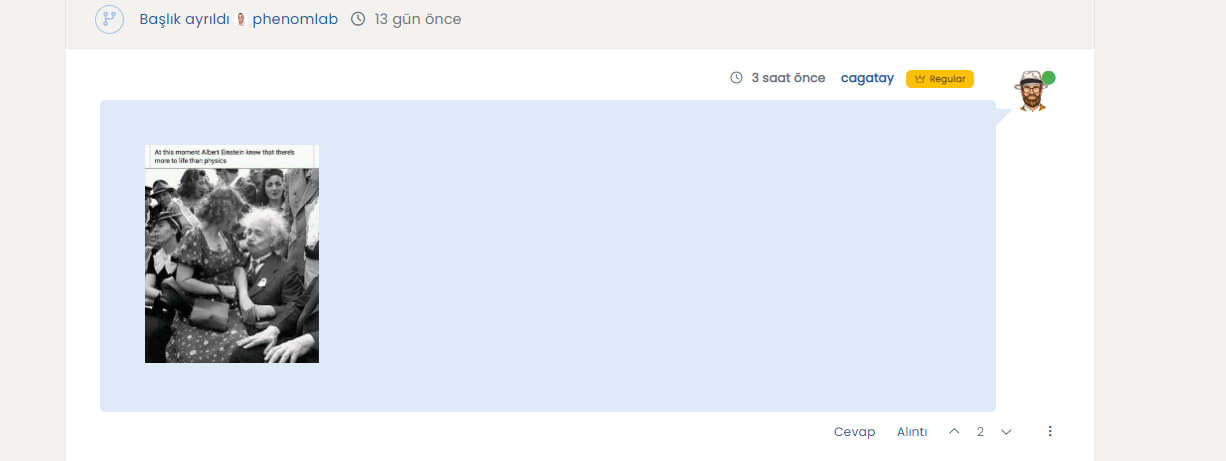
@phenomlab my forum showed posts which has photos and youtube videos are very big size. i want to fix it for example 100x100px not more then it.
this is mine
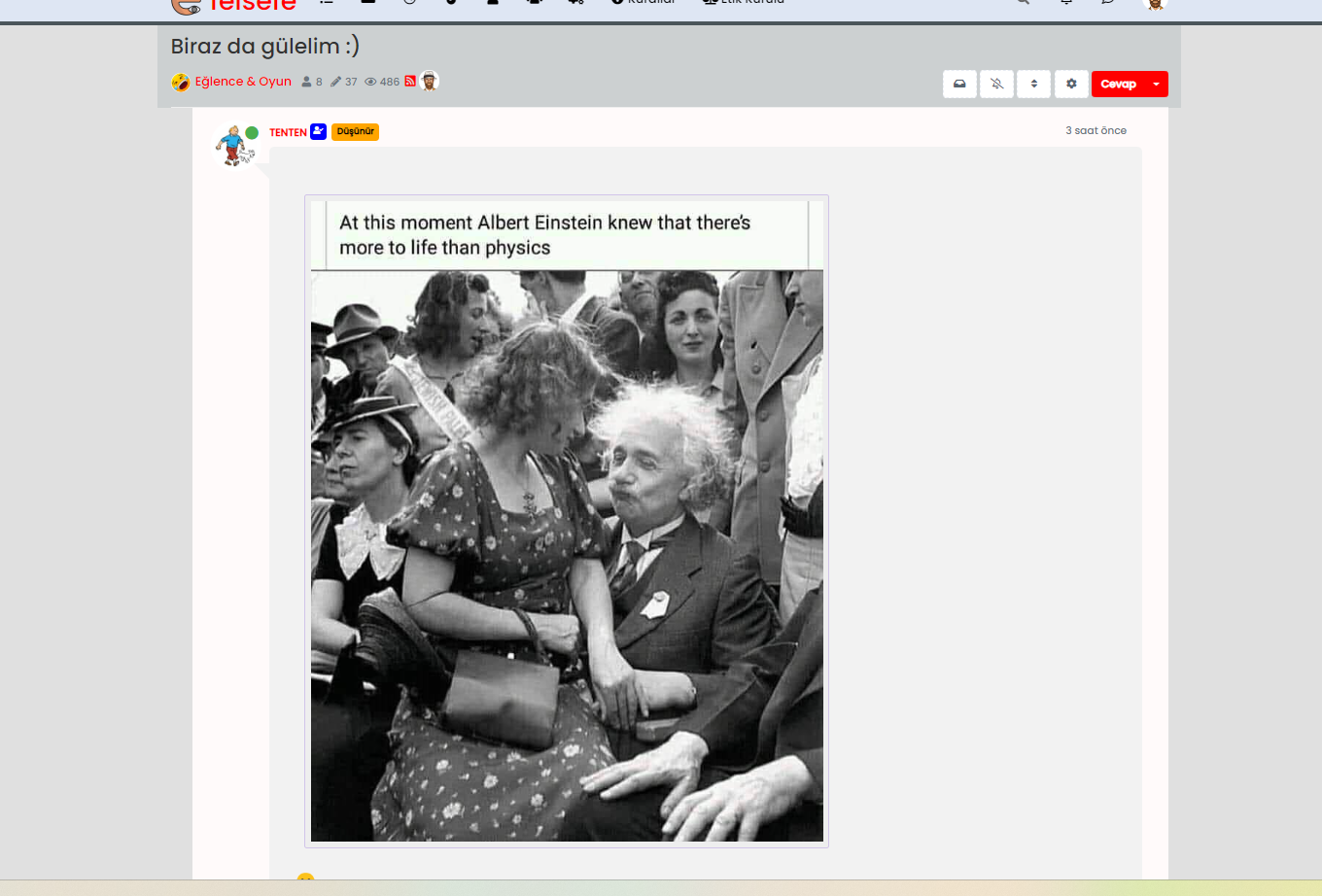
this is yours

-
@phenomlab my forum showed posts which has photos and youtube videos are very big size. i want to fix it for example 100x100px not more then it.
this is mine
this is yours
@cagatay @phenomlab Actually, this is something we are having a problem with.
picture/photo is transformed, but, it does not look good either on mobile or on a computer. Usually, the scale is huge for the desktop view but good for the mobile view, or ok with the desktop view, but the quality of the photo is significantly dropped on mobile.
How can you achieve good scaling with max quality for both mobile and desktop views?
-
@cagatay @phenomlab Actually, this is something we are having a problem with.
picture/photo is transformed, but, it does not look good either on mobile or on a computer. Usually, the scale is huge for the desktop view but good for the mobile view, or ok with the desktop view, but the quality of the photo is significantly dropped on mobile.
How can you achieve good scaling with max quality for both mobile and desktop views?
@crazycells @cagatay I’d suggest something like the below - essentially using percentages, as they will scale much better
@media (min-width: 1200px) {
.topic .posts .content .img-responsive {
    max-width: 25%;
    width: auto;
    padding: 20px;
}
}
Mark Cutting also advises organisations as a Fractional CIO, Fractional CISO and Executive Advisor, helping boards improve technology governance, cyber resilience and executive decision making. Learn more at Gratmore Ltd
-
 undefined cagatay has marked this topic as solved on
-
@crazycells @cagatay I’d suggest something like the below - essentially using percentages, as they will scale much better
@media (min-width: 1200px) { .topic .posts .content .img-responsive { max-width: 25%; width: auto; padding: 20px; } }@phenomlab said in How to fix size of photos & videos NodeBB:
@crazycells @cagatay I’d suggest something like the below - essentially using percentages, as they will scale much better
@media (min-width: 1200px) {
.topic .posts .content .img-responsive {
    max-width: 25%;
    width: auto;
    padding: 20px;
}
}
thanks
 this is a very smart solution…
 -
@phenomlab said in How to fix size of photos & videos NodeBB:
@crazycells @cagatay I’d suggest something like the below - essentially using percentages, as they will scale much better
@media (min-width: 1200px) {
.topic .posts .content .img-responsive {
    max-width: 25%;
    width: auto;
    padding: 20px;
}
}
thanks
this is a very smart solution…@crazycells pleasure. Using percentages makes much more sense in this case. It’s the same argument with
pxvsptvsemwith fonts, margins, padding, etc., in the sense thatemis generally preferred overpxandpthttps://stackoverflow.com/questions/609517/why-em-instead-of-px


Hello! It looks like you're interested in this conversation, but you don't have an account yet.
Getting fed up of having to scroll through the same posts each visit? When you register for an account, you'll always come back to exactly where you were before, and choose to be notified of new replies (either via email, or push notification). You'll also be able to save bookmarks and upvote posts to show your appreciation to other community members.
With your input, this post could be even better 💗
Register Login