Skip to content

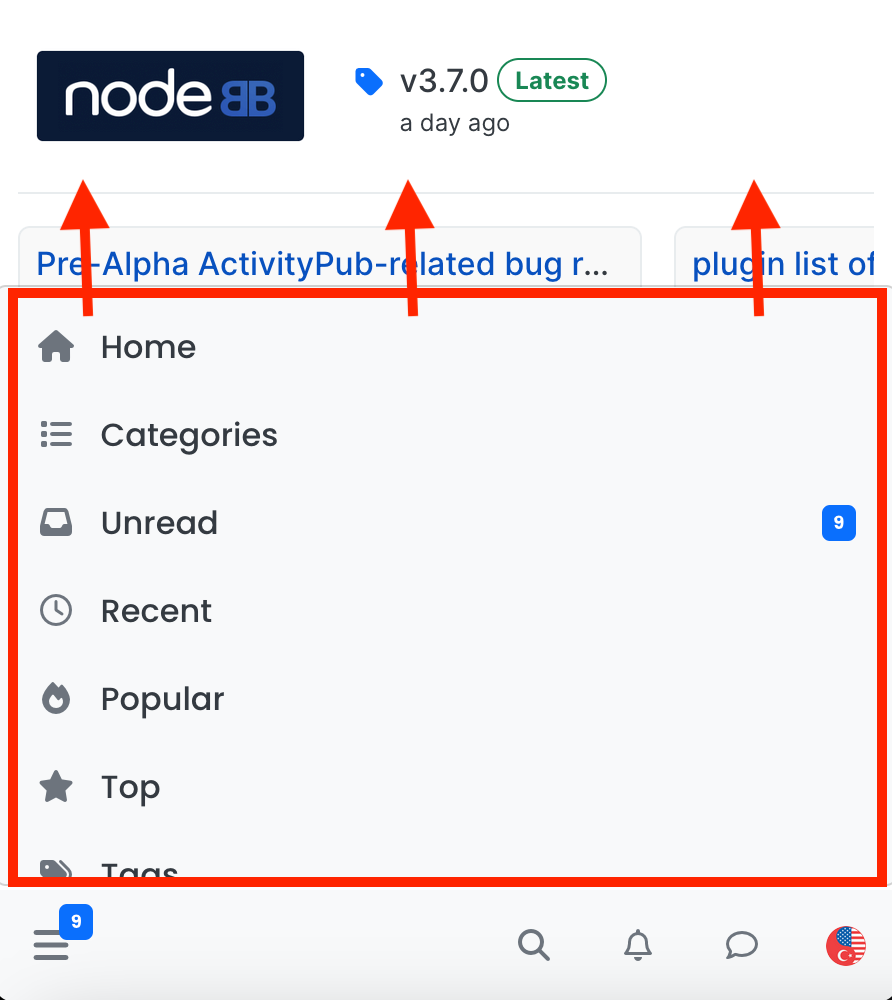
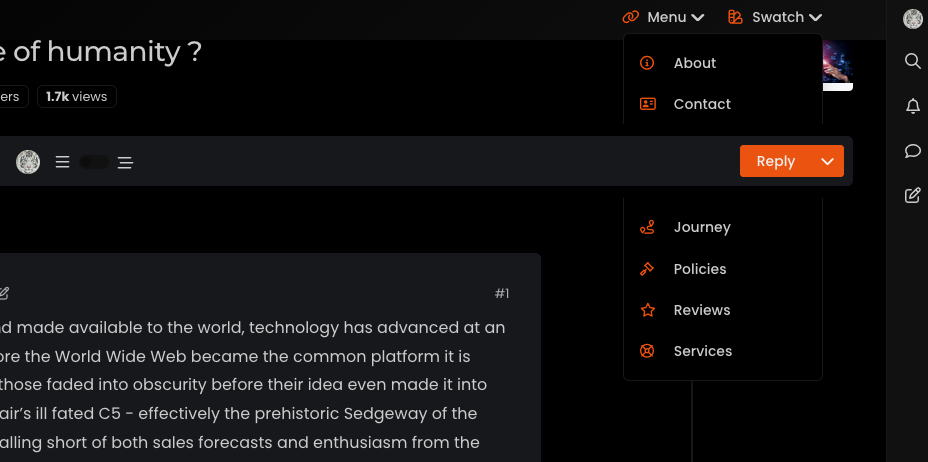
Header Menu After Upgrading V3.1.1

Solved Customisation
2 2 851 1

Did this solution help you?
Did you find the suggested solution useful? Support 💗 Sudonix with a coffee
If your organisation needs deeper expertise around infrastructure, security, or technology leadership, learn more about Phenomlab Ltd. Many of the deeper technical guides behind Sudonix are published there.

Related Topics
  • 3 Votes
    1 Posts
    694 Views
    No one has replied
  • nodebb error logs

    Bugs nodebb
    6
    2
    4 Votes
    6 Posts
    2k Views
    I just wanted to ask because I don’t have much knowledge about the new installation. Thank you for the explanatory answer.
  • NodeBB v3 Vote Icon

    Solved Customisation icons vote icons
    9
    2 Votes
    9 Posts
    2k Views
    @phenomlab forget it, look likes good with your codes.
  • 36 Votes
    55 Posts
    16k Views
    @DownPW I see why. The code relies on the existence of [component="topic/quickreply/container"] However, this by definition means that the below has to be enabled [image: 1679077966615-aeef638f-4188-489d-a9f2-f3a26dbca9d8-image.png] It will then work [image: 1679077992245-7fb38631-e0f3-46ef-b652-00929d927b13-image.png] For some unknown reason, this is hidden in Harmony, and only shows if you select it. In v2, it seems that the <section> is deleted altogether in Persona if “Quick Reply” is disabled, meaning it won’t fire as it can’t locate that specific component. The downside is that you might not want the quick reply function, but I think it’s a PITA to scroll up to the top of the post just to reply, so I have it on
  • NodeBB 3.0 alpha1 : Error on install

    Solved Configure nodebb version 3 install error
    19
    2 Votes
    19 Posts
    4k Views
    @phenomlab Work now
  • Custom badges

    Solved Customisation nodebb
    103
    2
    49 Votes
    103 Posts
    34k Views
    Perfect
  • [NODEBB] Welcome Message

    Solved Customisation css html nodebb
    20
    2
    13 Votes
    20 Posts
    7k Views
    @DownPW the ‘js’ code for the banner takes the time from the client, so what it displays really depends on the regional settings for the operating system. I’ve not seen this issue myself but would like to see some examples of screenshots if possible.
  • Avatar on Topic Header

    Solved Customisation css avatar header
    9
    1
    0 Votes
    9 Posts
    2k Views
    @jac said in Avatar on Topic Header: @downpw said in Avatar on Topic Header: Great Plugin I make it a bit cleaner via this CSS code: /*------------------------------------------------------------------*/ /*---------------- nodebb-plugin-browsing-users -----------------*/ /*------------------------------------------------------------------*/ /*Space between the avatar and the RSS icon */ .topic [component="topic/browsing-users"] { margin-bottom: -5px; padding-left: 10px; } /*Space between avatars*/ .pull-left { float: left!important; padding-right: 5px; } Do you have a screenshot of how this looks with the CSS change? Just added this change, thanks @DownPW