Loading Image Problem
-
Hi Mark
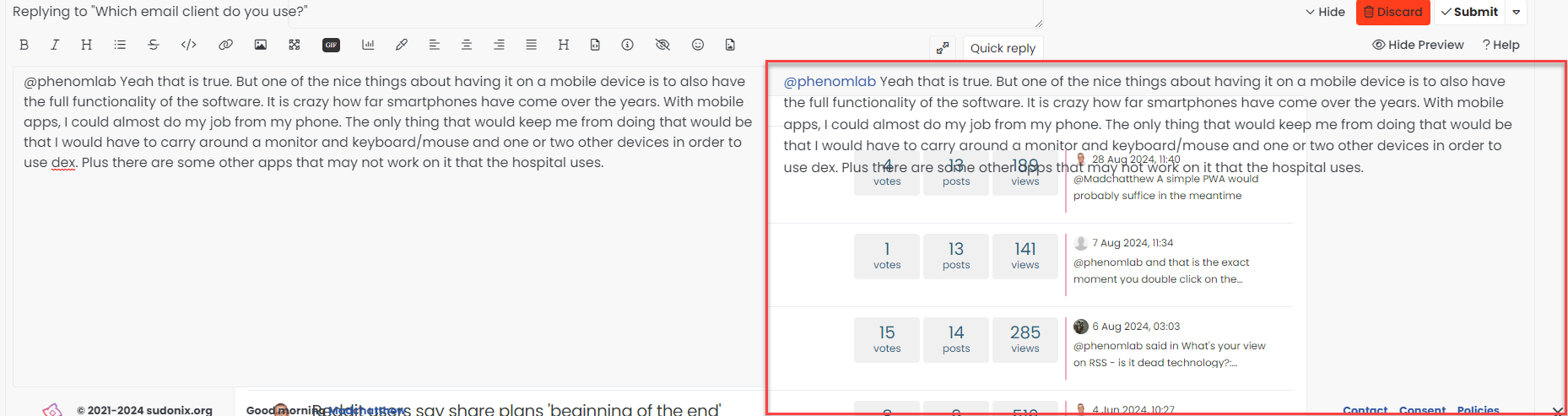
As you know i m using your proxy and all your js/css.I updated to 3.6.0 but when i want to copy/paste photo i faced the problem which shown below;
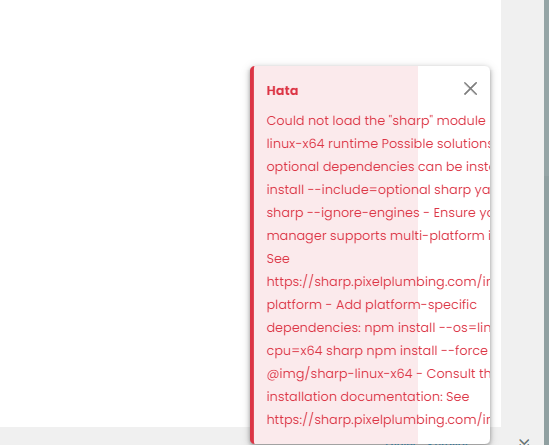
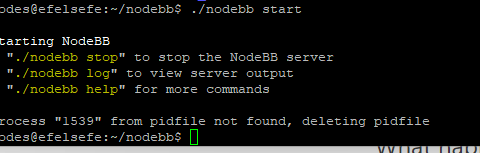
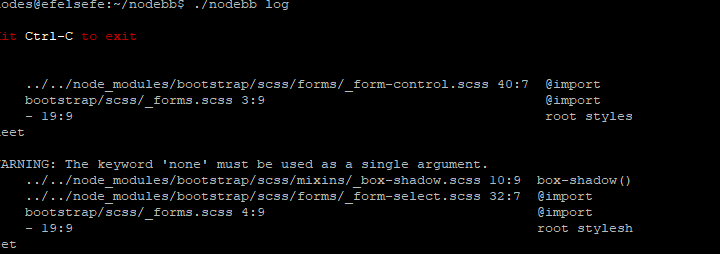
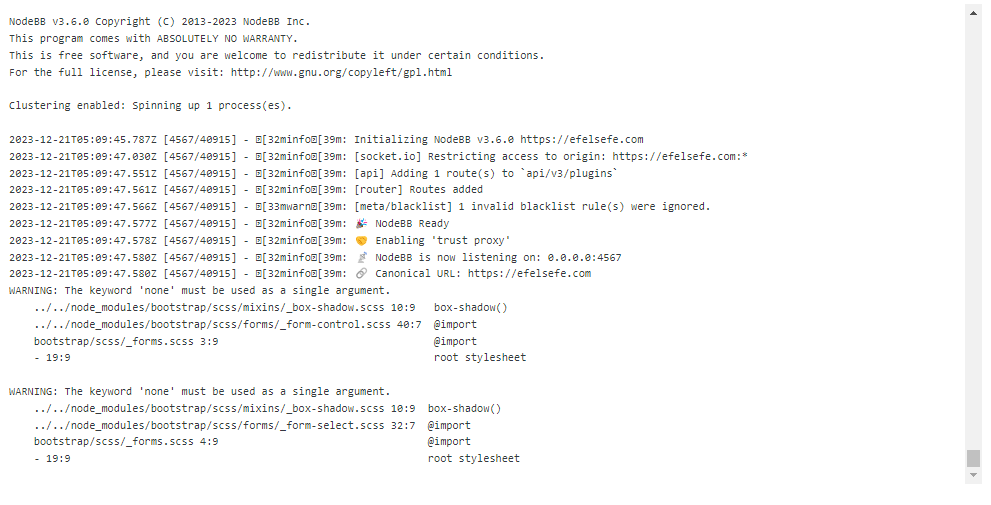
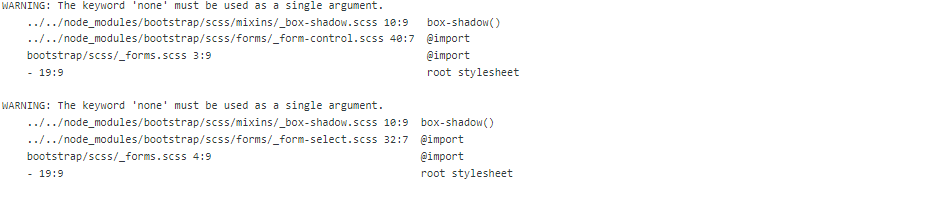
this is my nodebblog;
-
As i undestood i should upgrade my node js but i dont know how.
-
@cagatay Yes, that’s correct. You should refer to
https://www.freecodecamp.org/news/how-to-update-node-and-npm-to-the-latest-version/
-
so i do it
anything else need?
reboot nodebb or etc? -
@cagatay no. Just restart nodebb afterwards to double check.
-
i restarted but images not loaded.
-
-
@cagatay Did you restart the OGProxy service? That message in your logs has no bearing an can be ignored.
-
OGproxy service not seen when i wrote ps -x command.
but hope its working?
-
@cagatay Let me have a look at your setup.
-
-
@cagatay Yes. I’ve checked, and can see this on upload in the console

This is “entity too large” and relates to the upload being over the max size permitted in NGINX.
In addition, the
sharpmodule seems to be missingCould not load the “sharp” module using the linux-x64 runtime Possible solutions: - Ensure optional dependencies can be installed: npm install --include=optional sharp yarn add sharp --ignore-engines - Ensure your package manager supports multi-platform installation: See https://sharp.pixelplumbing.com/install#cross-platform - Add platform-specific dependencies: npm install --os=linux --cpu=x64 sharp npm install --force @img/sharp-linux-x64 - Consult the installation documentation: See https://sharp.pixelplumbing.com/install
-
-
@cagatay Nothing for the moment…
-
i m also can not change anything on my admin control panel.
same problem. -
@cagatay Fixed that too. Try now? You should reload your browser. Uploads will also work - see
-
-
@cagatay
npm installwhich will add all missing dependencies
-
-
@cagatay Did you encounter any odd issues with the upgrade?


Hello! It looks like you're interested in this conversation, but you don't have an account yet.
Getting fed up of having to scroll through the same posts each visit? When you register for an account, you'll always come back to exactly where you were before, and choose to be notified of new replies (either via email, or push notification). You'll also be able to save bookmarks and upvote posts to show your appreciation to other community members.
With your input, this post could be even better 💗
Register Login