Threaded post support for NodeBB


-
Thats work. Many thanks for resolve
Thanks for the information, I understand better.Would have a working solution other than mine for this :
@DownPW is that still an issue? I can’t replicate that on your dev site?
-
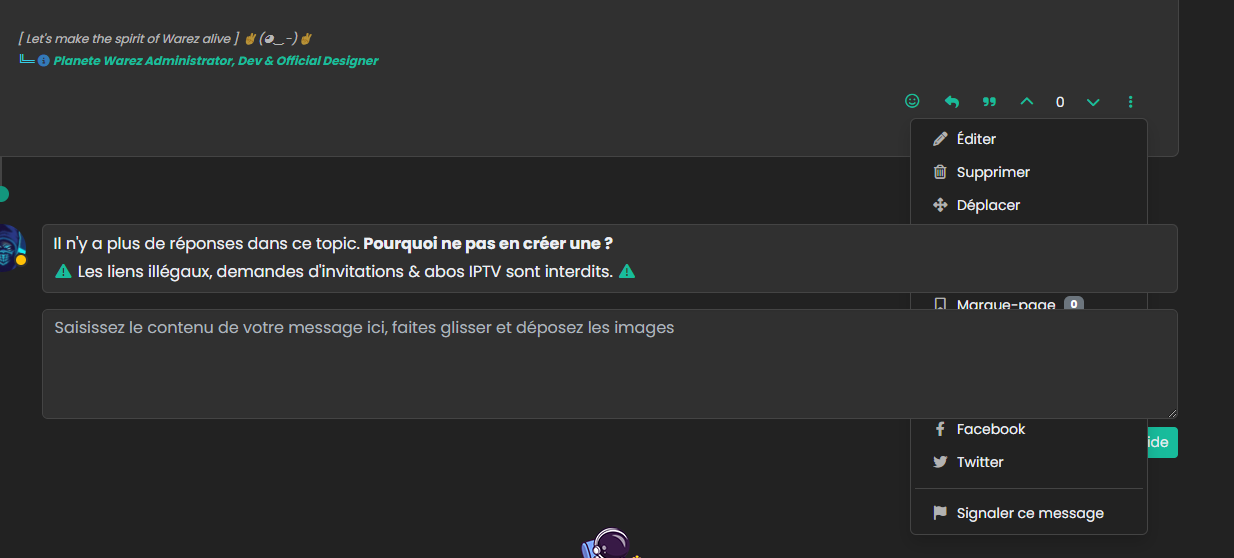
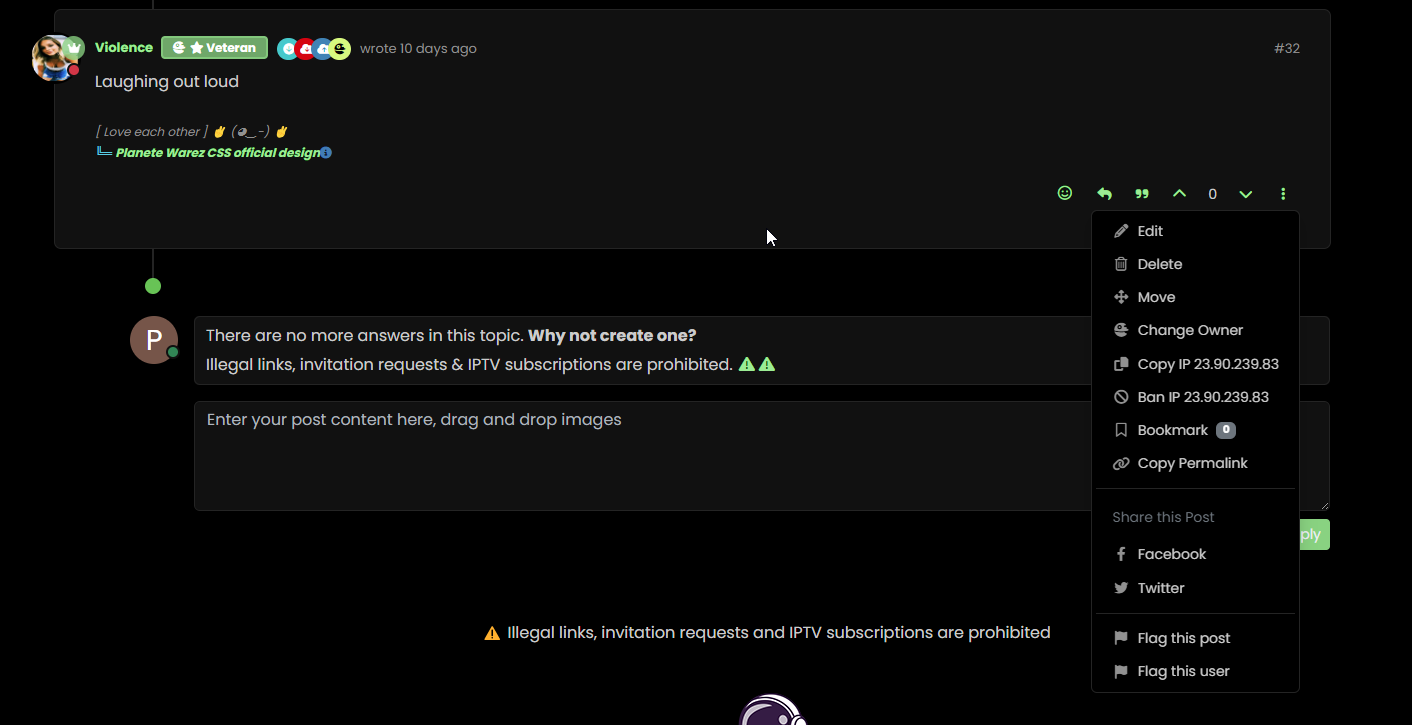
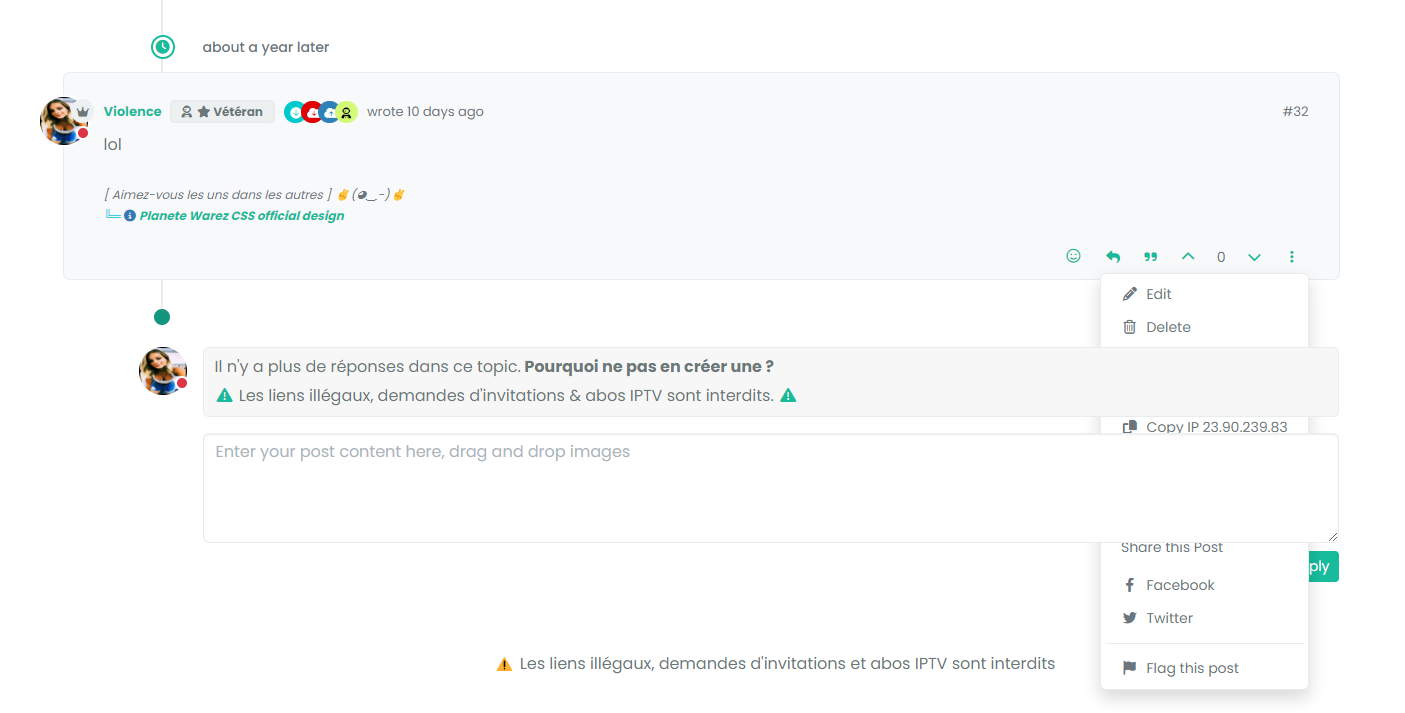
Besides, my solution above is only partial. It turns out that sometimes I can no longer click to reply to the post via quick Reply. Nothing happens when I click to enter text
cache maybe. I have delete the bugfix because not bug fix

PW and WS Spirit alive
-
Besides, my solution above is only partial. It turns out that sometimes I can no longer click to reply to the post via quick Reply. Nothing happens when I click to enter text
cache maybe. I have delete the bugfix because not bug fix
@DownPW said in Threading support for NodeBB:
cache maybe. I have delete the bugfix because not bug fix
Yes, I can’t reproduce this.
-
I mean bug is present but my bug fix don’t work properly.
test to delete my cache and tell you
-
 undefined phenomlab referenced this topic on
-
-
@phenomlab not cache

@DownPW PM me the link to the post.
-
actually, I noticed that it’s not on all the posts.
it seems that these are the posts where the last response is that of the user (selfpost)DONE
PW and WS Spirit alive
-
actually, I noticed that it’s not on all the posts.
it seems that these are the posts where the last response is that of the user (selfpost)DONE
@DownPW I’ll have a look at this later
-
no problem.
I have resolve this bug with change/replace this CSS CODE (I have just deletetransformdirective) :li.pt-4.self-post:not(.self-post .topic-owner-post).threaded { /*transform: translateX(0px) !important;*/ transition: transform 0.3s ease !important; background: var(--bs-body-bg); background: var(--bs-body-navbar)!important; padding-right: 30px; margin-left: 0rem; padding-bottom: 0rem !important; }I don’t know if is a goodfix or not.
PW and WS Spirit alive
-
no problem.
I have resolve this bug with change/replace this CSS CODE (I have just deletetransformdirective) :li.pt-4.self-post:not(.self-post .topic-owner-post).threaded { /*transform: translateX(0px) !important;*/ transition: transform 0.3s ease !important; background: var(--bs-body-bg); background: var(--bs-body-navbar)!important; padding-right: 30px; margin-left: 0rem; padding-bottom: 0rem !important; }I don’t know if is a goodfix or not.
@DownPW yes, was just typing that!
-
ha ha
-
Quick note here for anyone who is using the Threaded Posts code and has recently upgraded to
3.7.0- only to find the threaded posts is now broken
This is being caused by the HTML structure changes that
3.7.0makes in the DOM, meaning the element we used to target pre this release no longer exists. To resolve this, locate the line (within thethreadedJS function)$('.topic .sticky-tools ul.list-unstyled').append(threadView);And replace it with
$('.topic .sticky-tools .thread-tools').append(threadView);That should make it re-appear.
-
Mark hi,
I dont have this code in my js functions. -
@cagatay Yes, because you have legacy code. The line you have is this
$('.topic .sticky-tools ul [component="topic/browsing-users"]:last-of-type').append(threadView);This will work fine because you are using the
browsing usersplugin, but should you decide to remove it, thethreadedutility will cease to function. I’ve replaced that line with the below on your forum.$('.topic .sticky-tools .thread-tools').append(threadView); -
Updated git for above change


Hello! It looks like you're interested in this conversation, but you don't have an account yet.
Getting fed up of having to scroll through the same posts each visit? When you register for an account, you'll always come back to exactly where you were before, and choose to be notified of new replies (either via email, or push notification). You'll also be able to save bookmarks and upvote posts to show your appreciation to other community members.
With your input, this post could be even better 💗
Register Login