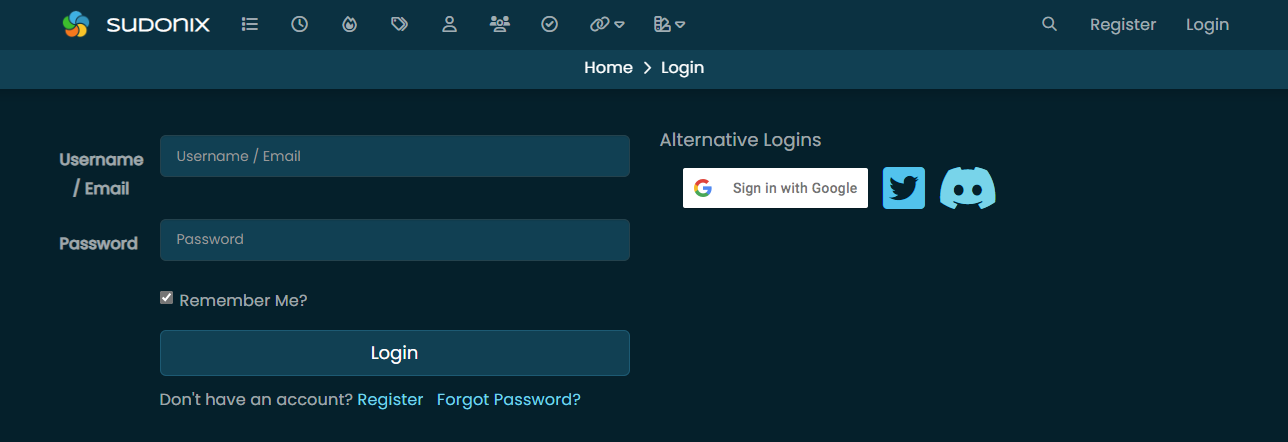
icon is missing for alternative logins

-
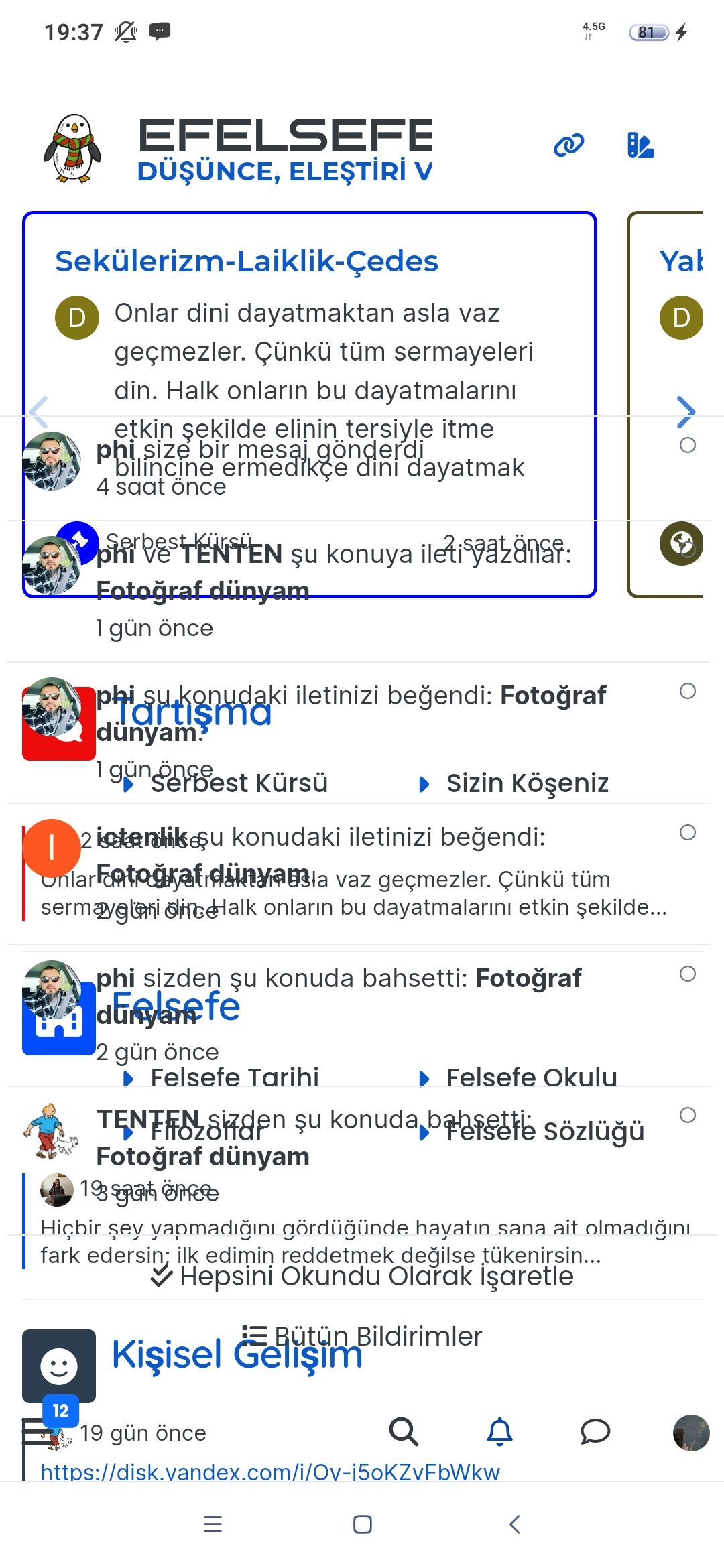
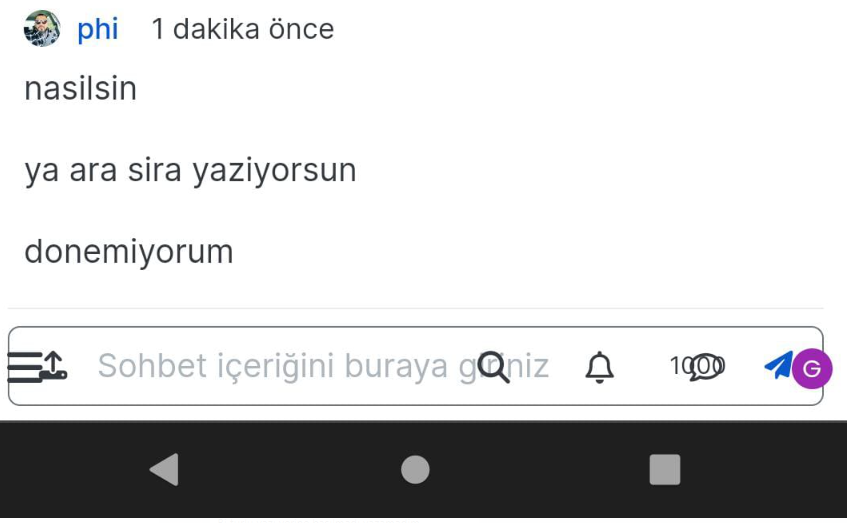
Hi @phenomlab , this is how I see the screen… FYI…

-
Hi @phenomlab , this is how I see the screen… FYI…
@crazycells thanks. I’m aware of this and will be fixing soon.
Mark Cutting also advises organisations as a Fractional CIO, Fractional CISO and Executive Advisor, helping boards improve technology governance, cyber resilience and executive decision making. Learn more at Gratmore Ltd
-
@crazycells thanks. I’m aware of this and will be fixing soon.
@crazycells fixed
-

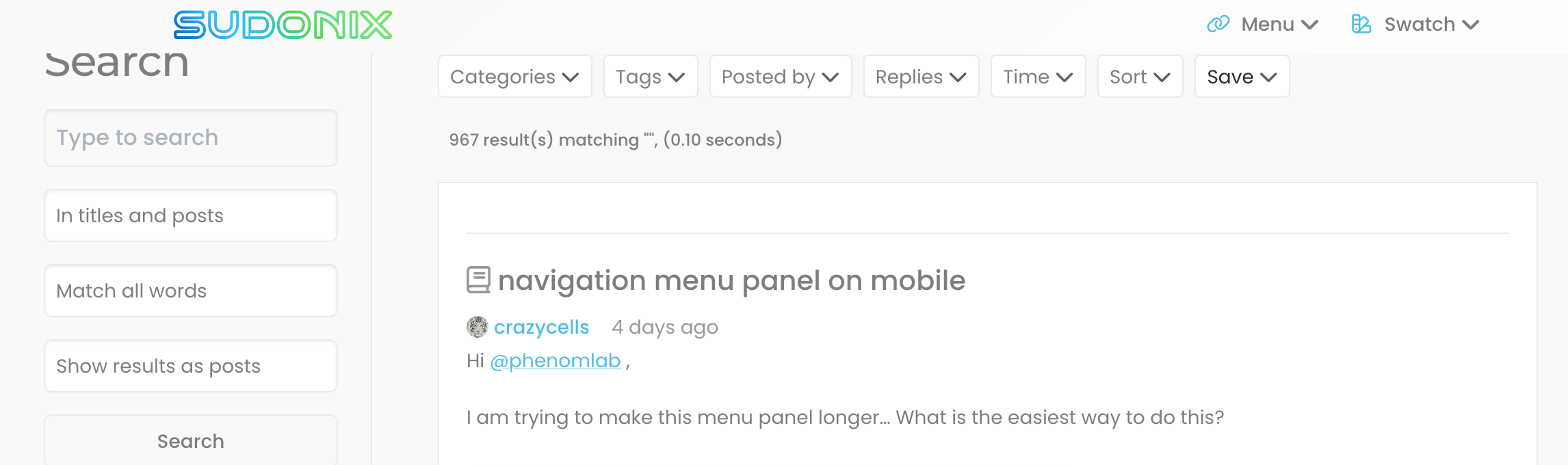
when I click “search” button, whole navigation items are overlapping with the title, FYI.
-
when I click “search” button, whole navigation items are overlapping with the title, FYI.
@crazycells What screen resolution are you running, and browser screen size ?
Mark Cutting also advises organisations as a Fractional CIO, Fractional CISO and Executive Advisor, helping boards improve technology governance, cyber resilience and executive decision making. Learn more at Gratmore Ltd
-
additionally, why “search” icon becomes “settings” icon, when I click it… isn’t this a “settings” icon? I think I do not understand the logic… is this used for “search” meaning?
-
additionally, why “search” icon becomes “settings” icon, when I click it… isn’t this a “settings” icon? I think I do not understand the logic… is this used for “search” meaning?
@crazycells Because that’s inherited from the core, and the settings icon is for further search options if you click it

Mark Cutting also advises organisations as a Fractional CIO, Fractional CISO and Executive Advisor, helping boards improve technology governance, cyber resilience and executive decision making. Learn more at Gratmore Ltd
-
@crazycells What screen resolution are you running, and browser screen size ?
@phenomlab said in icon is missing for alternative logins:
@crazycells What screen resolution are you running, and browser screen size ?
it is full-screen with firefox. total 1850 piksel from side to side…
But, the body of the forum stays at ~1150 piksel even I extend the browser more…
-
@crazycells Because that’s inherited from the core, and the settings icon is for further search options if you click it
@phenomlab said in icon is missing for alternative logins:
@crazycells Because that’s inherited from the core, and the settings icon is for further search options if you click it
oh I see… so, it is intentional… when you put those words like that, it makes sense

-
@phenomlab said in icon is missing for alternative logins:
@crazycells What screen resolution are you running, and browser screen size ?
it is full-screen with firefox. total 1850 piksel from side to side…
But, the body of the forum stays at ~1150 piksel even I extend the browser more…
@crazycells Odd - 1850 x ?
Mark Cutting also advises organisations as a Fractional CIO, Fractional CISO and Executive Advisor, helping boards improve technology governance, cyber resilience and executive decision making. Learn more at Gratmore Ltd
-
@crazycells Odd - 1850 x ?
@phenomlab said in icon is missing for alternative logins:
@crazycells Odd - 1850 x ?
Oh yes, it is an external monitor; I measured it approximately…
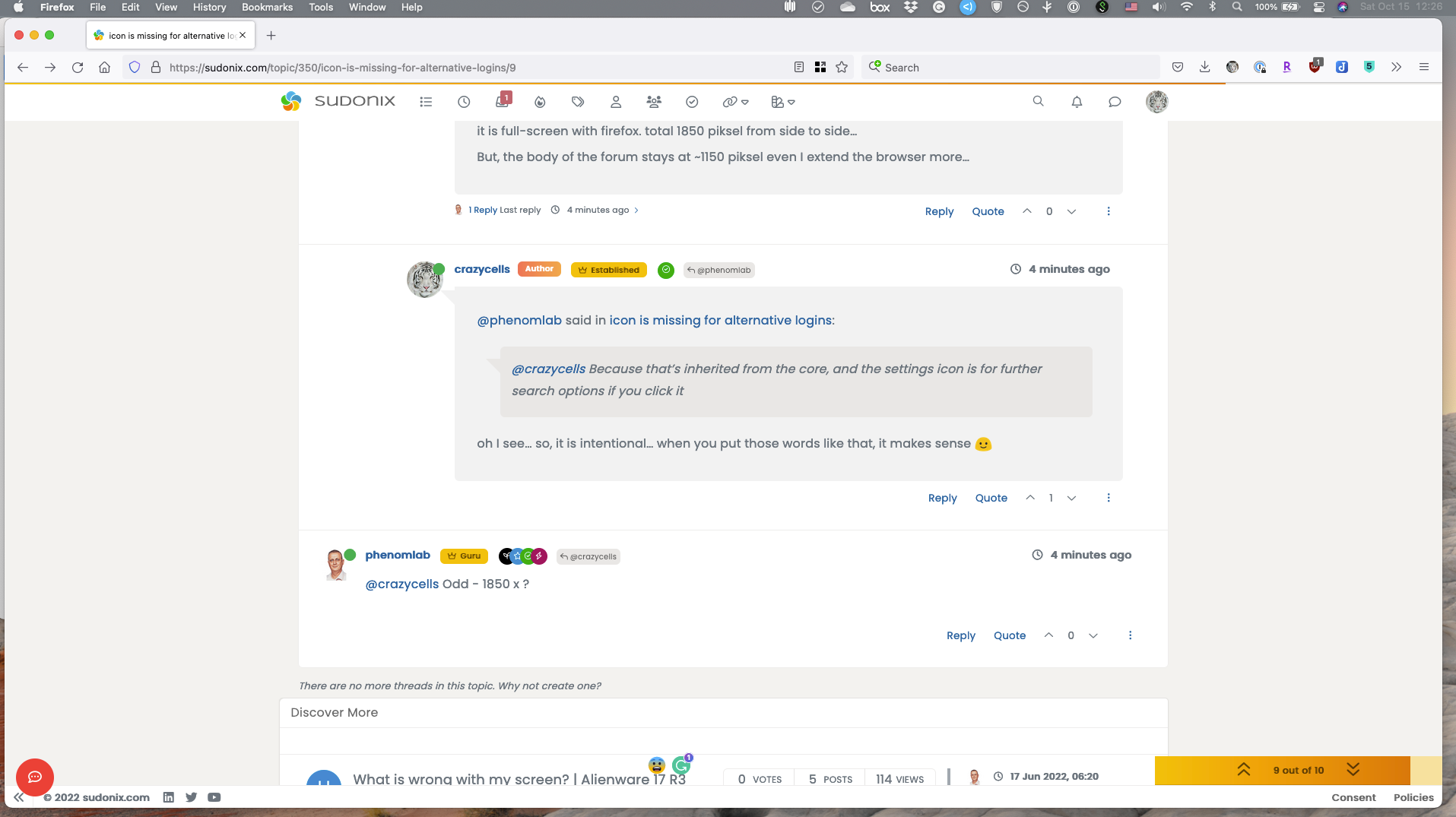
additionally, I see my replies as indented in all threads, there is dead space on the left side that bothers me a lot
 is it possible to adjust that so I can see all replies as full sized…
If I want to see the replies specifically, I can click the arrow, but without that, I would prefer to see everything full sized. I could not see any option on the settings, so any help is appreciated
-
@phenomlab said in icon is missing for alternative logins:
@crazycells Odd - 1850 x ?
Oh yes, it is an external monitor; I measured it approximately…
additionally, I see my replies as indented in all threads, there is dead space on the left side that bothers me a lot
is it possible to adjust that so I can see all replies as full sized…If I want to see the replies specifically, I can click the arrow, but without that, I would prefer to see everything full sized. I could not see any option on the settings, so any help is appreciated
@crazycells The indentation you are seeing is part of the theme. Is this what you are referring to?
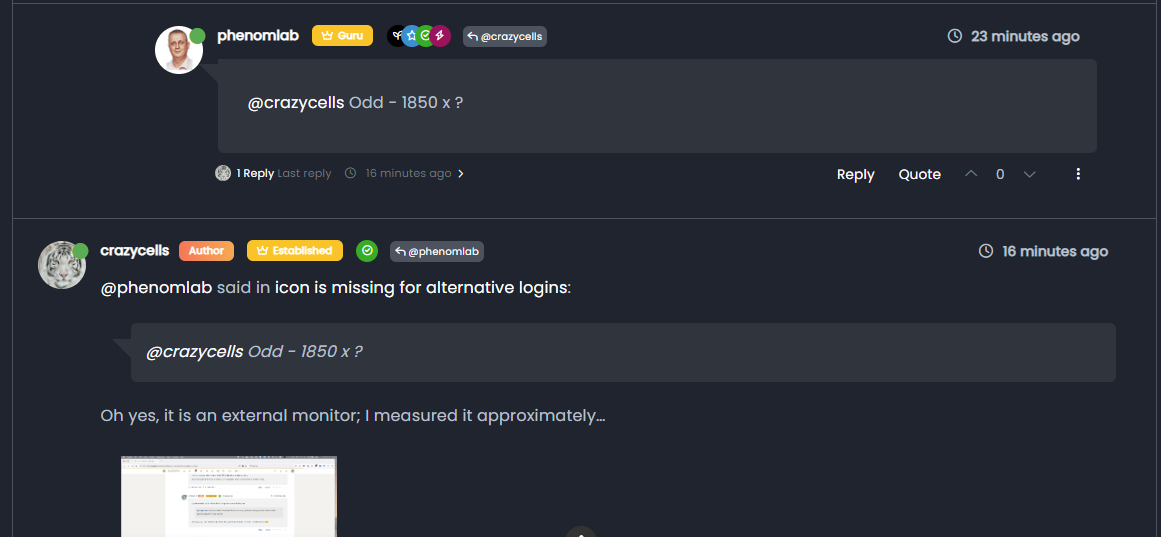
Note, the first post from me, which of course is indented. This generates a conversation flow, and I’ve no plans to change or remove this.
Mark Cutting also advises organisations as a Fractional CIO, Fractional CISO and Executive Advisor, helping boards improve technology governance, cyber resilience and executive decision making. Learn more at Gratmore Ltd
-
@crazycells The indentation you are seeing is part of the theme. Is this what you are referring to?
Note, the first post from me, which of course is indented. This generates a conversation flow, and I’ve no plans to change or remove this.
@phenomlab yes, this is what I was talking about.
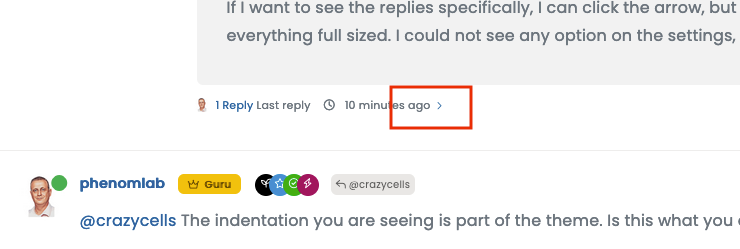
If that is intended, then no problem. But I feel, the arrow in the red box already does a very similar job, so it was different for me.
After you said this, I understand what you are trying to do, but without putting my avatar on the right side of the page, I am not sure if that is giving people a natural conversation feel. This is how we got used to it from messaging apps.
-
@phenomlab yes, this is what I was talking about.
If that is intended, then no problem. But I feel, the arrow in the red box already does a very similar job, so it was different for me.
After you said this, I understand what you are trying to do, but without putting my avatar on the right side of the page, I am not sure if that is giving people a natural conversation feel. This is how we got used to it from messaging apps.
@crazycells said in icon is missing for alternative logins:
but without putting my avatar on the right side of the page, I am not sure if that is giving people a natural conversation feel. This is how we got used to it from messaging apps.
Hmm - yes, that’s a really good point actually - and a fantastic idea which I’m highly likely to implement. Obviously, this wouldn’t be the case on mobile as the screen estate doesn’t permit this, but I really like the concept, and it would certainly make it feel more like a messaging app.
Mark Cutting also advises organisations as a Fractional CIO, Fractional CISO and Executive Advisor, helping boards improve technology governance, cyber resilience and executive decision making. Learn more at Gratmore Ltd
-
@crazycells said in icon is missing for alternative logins:
but without putting my avatar on the right side of the page, I am not sure if that is giving people a natural conversation feel. This is how we got used to it from messaging apps.
Hmm - yes, that’s a really good point actually - and a fantastic idea which I’m highly likely to implement. Obviously, this wouldn’t be the case on mobile as the screen estate doesn’t permit this, but I really like the concept, and it would certainly make it feel more like a messaging app.
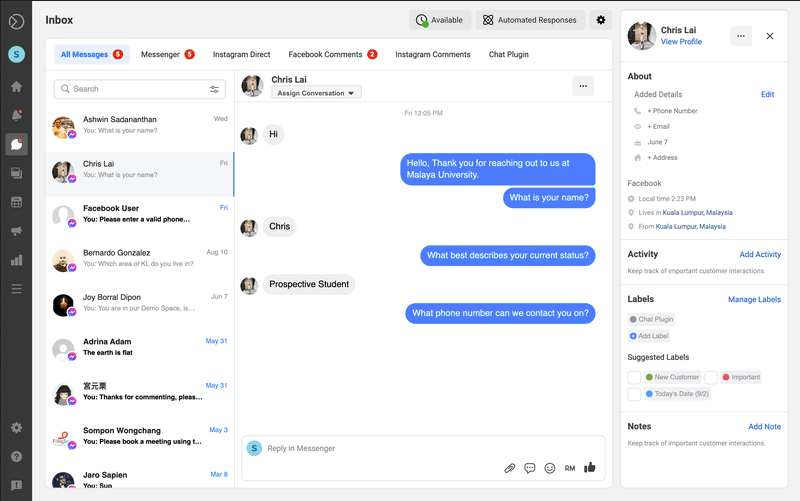
maybe, you can also lean the full-sized posts to the left side (by creating a dead space on the right side of the post?)… these zigzag conversation bubbles are what we are seeing in all messaging apps these days…
-
@crazycells I’ve been playing with some concepts, which are enclosed below. I think you’re right - this does look much better
Example 1 - fixed width content
Mark Cutting also advises organisations as a Fractional CIO, Fractional CISO and Executive Advisor, helping boards improve technology governance, cyber resilience and executive decision making. Learn more at Gratmore Ltd
-
@crazycells I’ve been playing with some concepts, which are enclosed below. I think you’re right - this does look much better
Example 1 - fixed width content
-
@crazycells hmm. That’s odd - works for me. Are you able to right click and save as ?
They are
webmformat so should work natively. I can makegifversions but these will be much larger in size.Mark Cutting also advises organisations as a Fractional CIO, Fractional CISO and Executive Advisor, helping boards improve technology governance, cyber resilience and executive decision making. Learn more at Gratmore Ltd
-
@crazycells I went ahead and added the custom CSS. I think you’ll like it, but you probably need to reload the browser to pick up the new code.
Mark Cutting also advises organisations as a Fractional CIO, Fractional CISO and Executive Advisor, helping boards improve technology governance, cyber resilience and executive decision making. Learn more at Gratmore Ltd
-
@crazycells hmm. That’s odd - works for me. Are you able to right click and save as ?
They are
webmformat so should work natively. I can makegifversions but these will be much larger in size.@phenomlab said in icon is missing for alternative logins:
@crazycells hmm. That’s odd - works for me. Are you able to right click and save as ?
They are
webmformat so should work natively. I can makegifversions but these will be much larger in size.I cannot see them on Firefox or Safari… Fyi…
I tried to save it as a video, but nothing happens when I click it.


Hello! It looks like you're interested in this conversation, but you don't have an account yet.
Getting fed up of having to scroll through the same posts each visit? When you register for an account, you'll always come back to exactly where you were before, and choose to be notified of new replies (either via email, or push notification). You'll also be able to save bookmarks and upvote posts to show your appreciation to other community members.
With your input, this post could be even better 💗
Register LoginRelated Topics
-
-
-
-
-
-
-
-
Debian 11 root Login
Solved Linux