Node Version
-
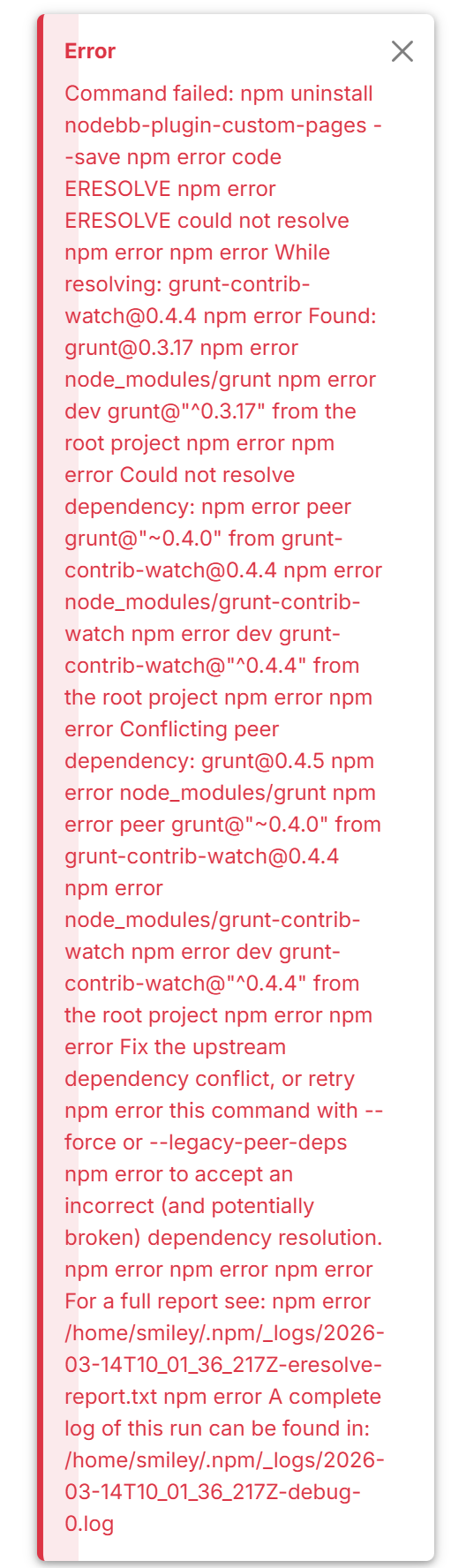
I was curious as to which Nodebb version you were using. I saw that v2.0.x is released. I installed that version but it seems as though plugins don’t want to load when I click on them. Should I install v1.19 or earlier instead?
-
I was curious as to which Nodebb version you were using. I saw that v2.0.x is released. I installed that version but it seems as though plugins don’t want to load when I click on them. Should I install v1.19 or earlier instead?
@Madchatthew yes. Go for
1.19.7for the time being. Version 2 is a bit on the “bleeding edge” side currently.Mark Cutting also advises organisations as a Fractional CIO, Fractional CISO and Executive Advisor, helping boards improve technology governance, cyber resilience and executive decision making. Learn more at Gratmore Ltd
-
@Madchatthew yes. Go for
1.19.7for the time being. Version 2 is a bit on the “bleeding edge” side currently.@phenomlab sounds good thank you. I installed that version and everything seems to be working pretty good so far. I am getting the adding a page figured out and see how i can customize. I have some more questions but will make new posts so I can keep track of each one better.
-
 undefined Madchatthew has marked this topic as solved on
-
undefined Madchatthew marked this topic as a regular topic on
-
@phenomlab sounds good thank you. I installed that version and everything seems to be working pretty good so far. I am getting the adding a page figured out and see how i can customize. I have some more questions but will make new posts so I can keep track of each one better.
@Madchatthew No issues. Thanks

Hello! It looks like you're interested in this conversation, but you don't have an account yet.
Getting fed up of having to scroll through the same posts each visit? When you register for an account, you'll always come back to exactly where you were before, and choose to be notified of new replies (either via email, or push notification). You'll also be able to save bookmarks and upvote posts to show your appreciation to other community members.
With your input, this post could be even better 💗
Register LoginRelated Topics
-
-
-
navbar
Solved Customisation -
-
-
-
-